Users management
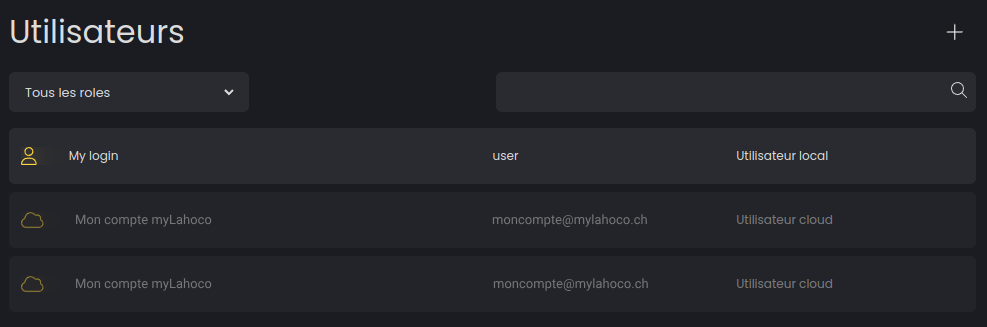
In the user settings, you can configure which local users can access LAHOCO HOME and view the myLAHOCO accounts that have access.
Invite a myLAHOCO user
To invite a myLAHOCO user, you must use the mobile app. See Mobile App.
Add a new local user
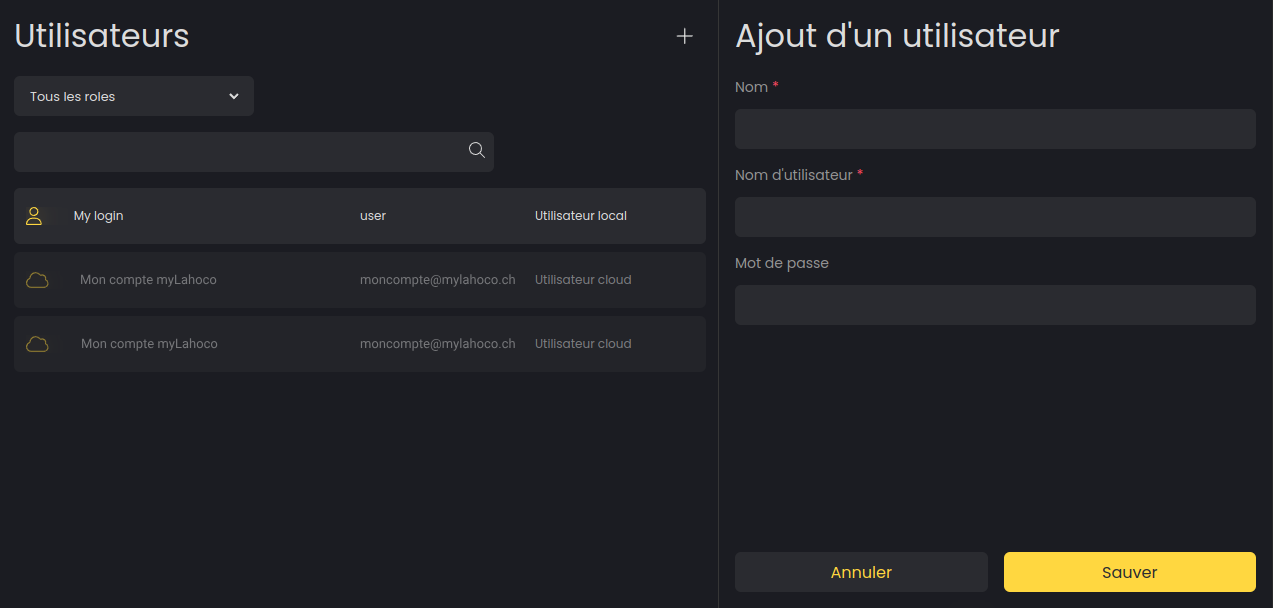
Click on the “+” icon at the top right to create a new local user.
Modify or delete a local user
You can modify your local users by selection the one you want to modify from the list.