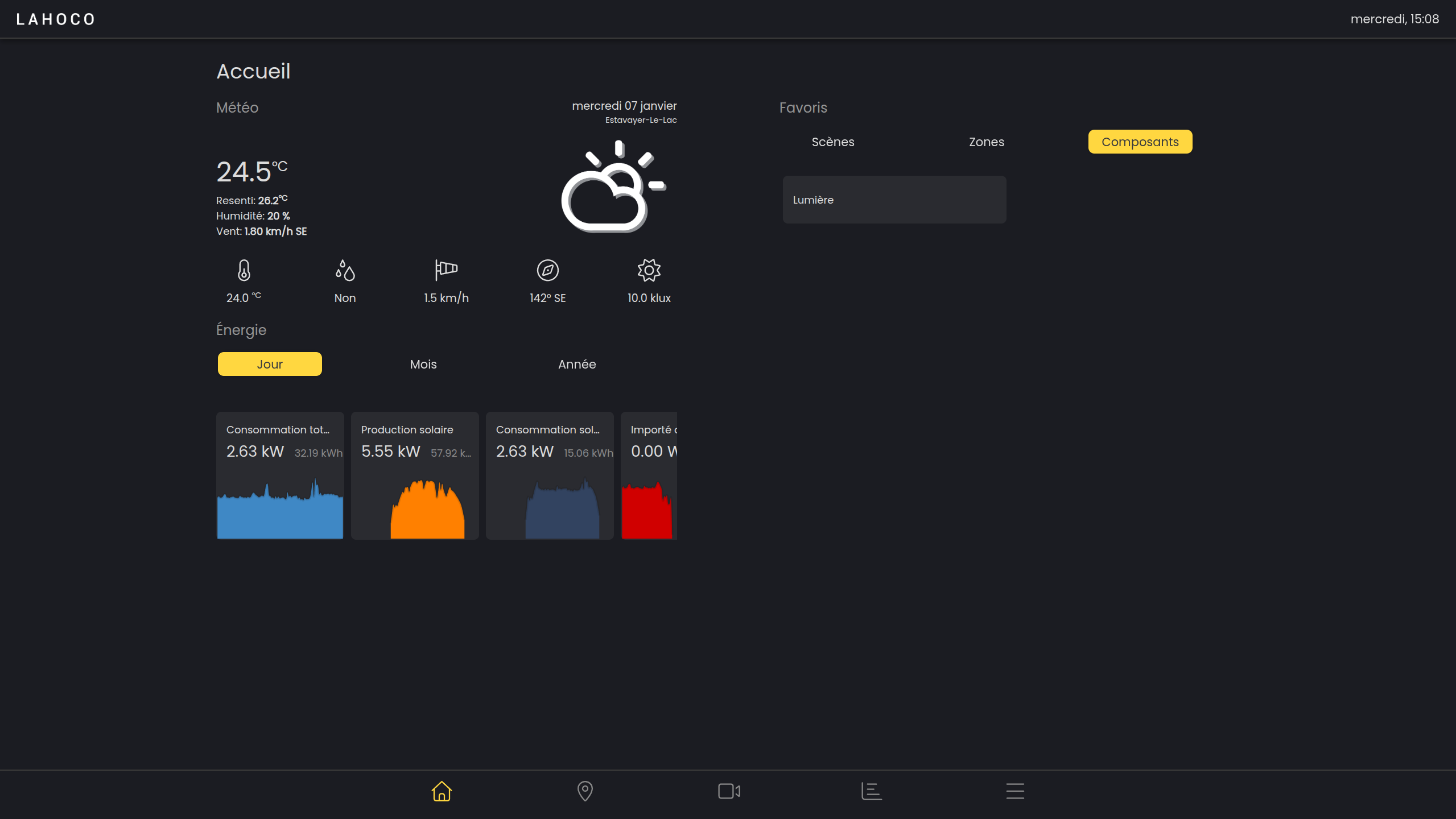

The home page is the first page that appears when you open LAHOCO HOME. It provides direct access to your favorite scenes, rooms, and components, as well as weather forecasts and the weather station (if available).
Favorites
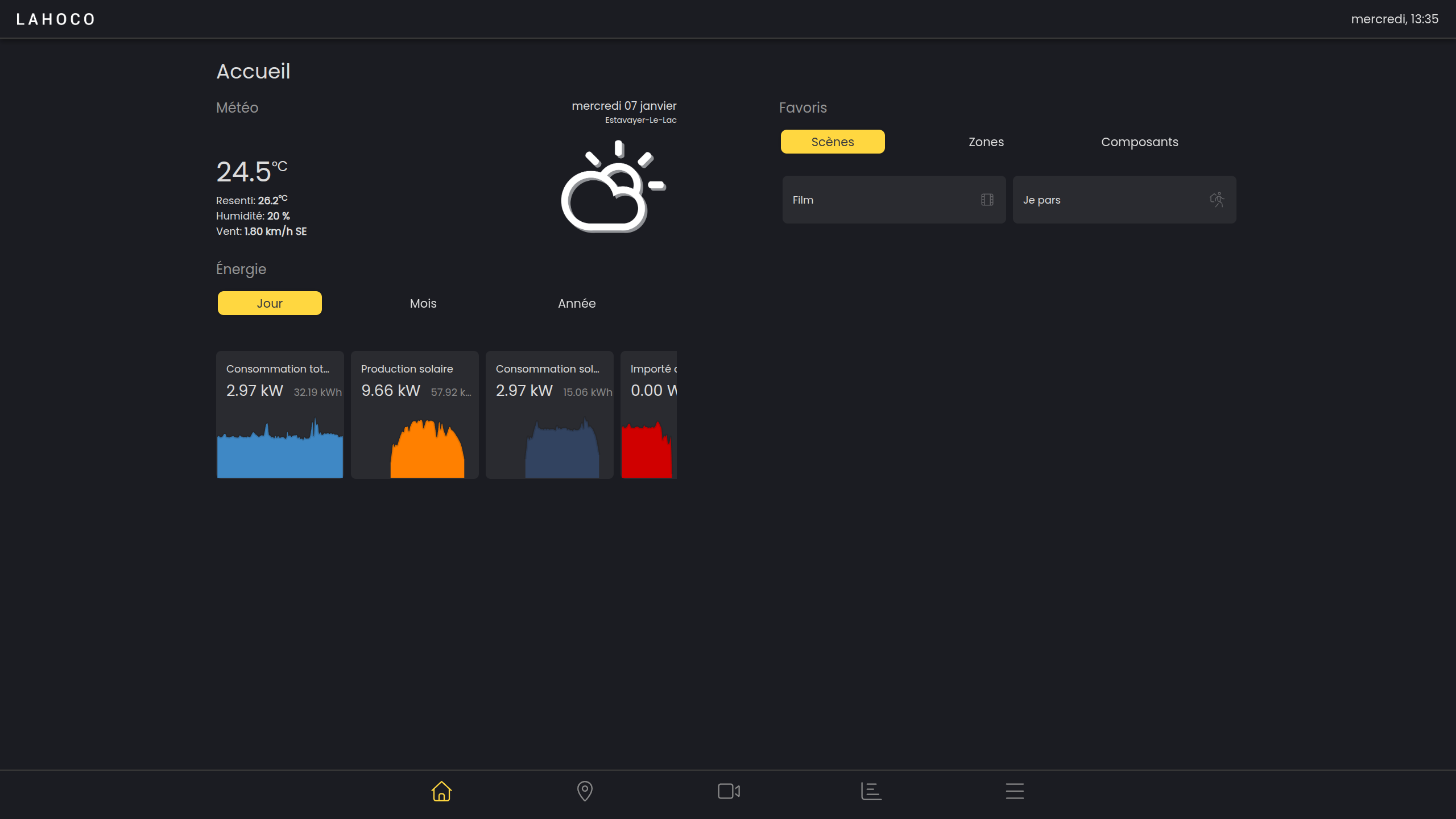
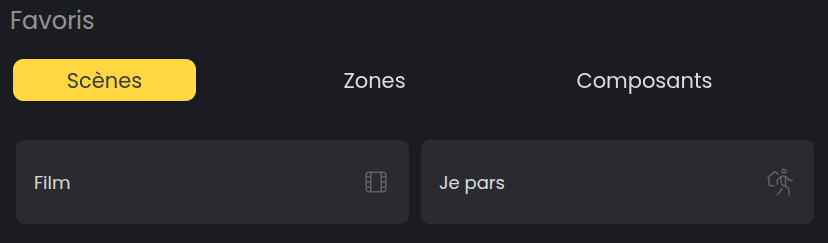
The favorites features allows quick access to scenes, rooms, and components from the home page.
Here is an example of a scene that can be activated in favorites : scenes such as “I am leaving” or “I am arriving” turn the lights on or off.
Add to favorites
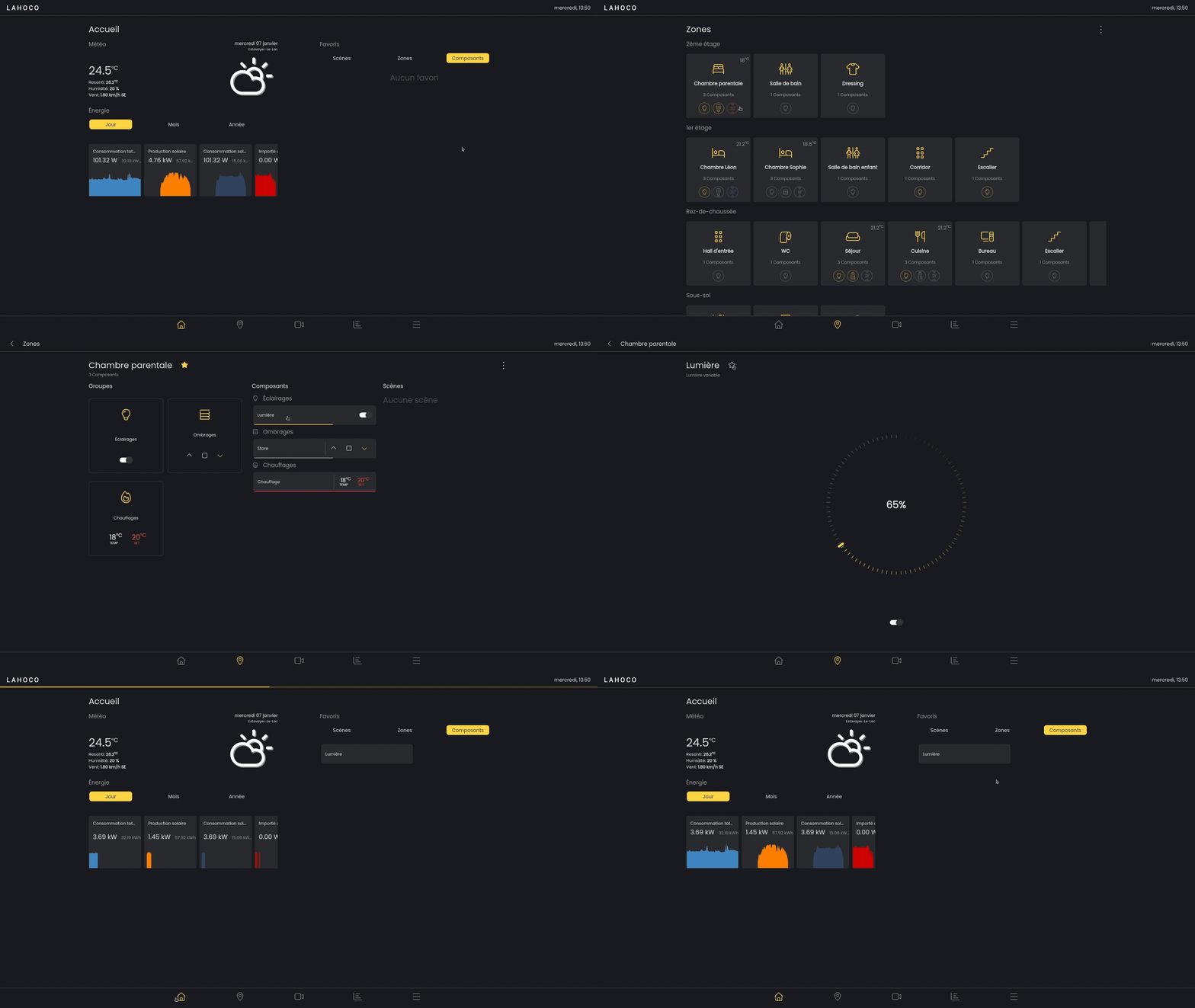
To add a scene, room or component to your favorites, go to the desired item. Then click on the star to the right of the name to add it to your favorites.
Here is an example of how to add a room to your favorites :
Weather station
If a weather station is configured, its data is accessible on the left side of the home page. The data is updated in real time.