What is Node-RED ?
Node-RED is a graphical flow development tool originally developed by IBM.
Node-RED allows you to go further in managing your components, automation, and even interaction between your home automation system and external services.
Thanks to node systems, you can develop small programs very quickly
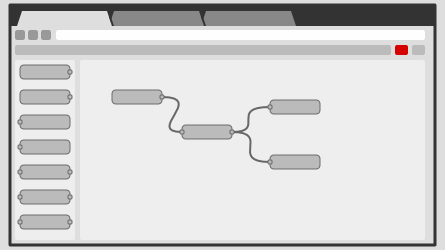
Here is an introductory video to Node-RED https://www.youtube.com/watch?v=ksGeUD26Mw0
Accessing Node-RED
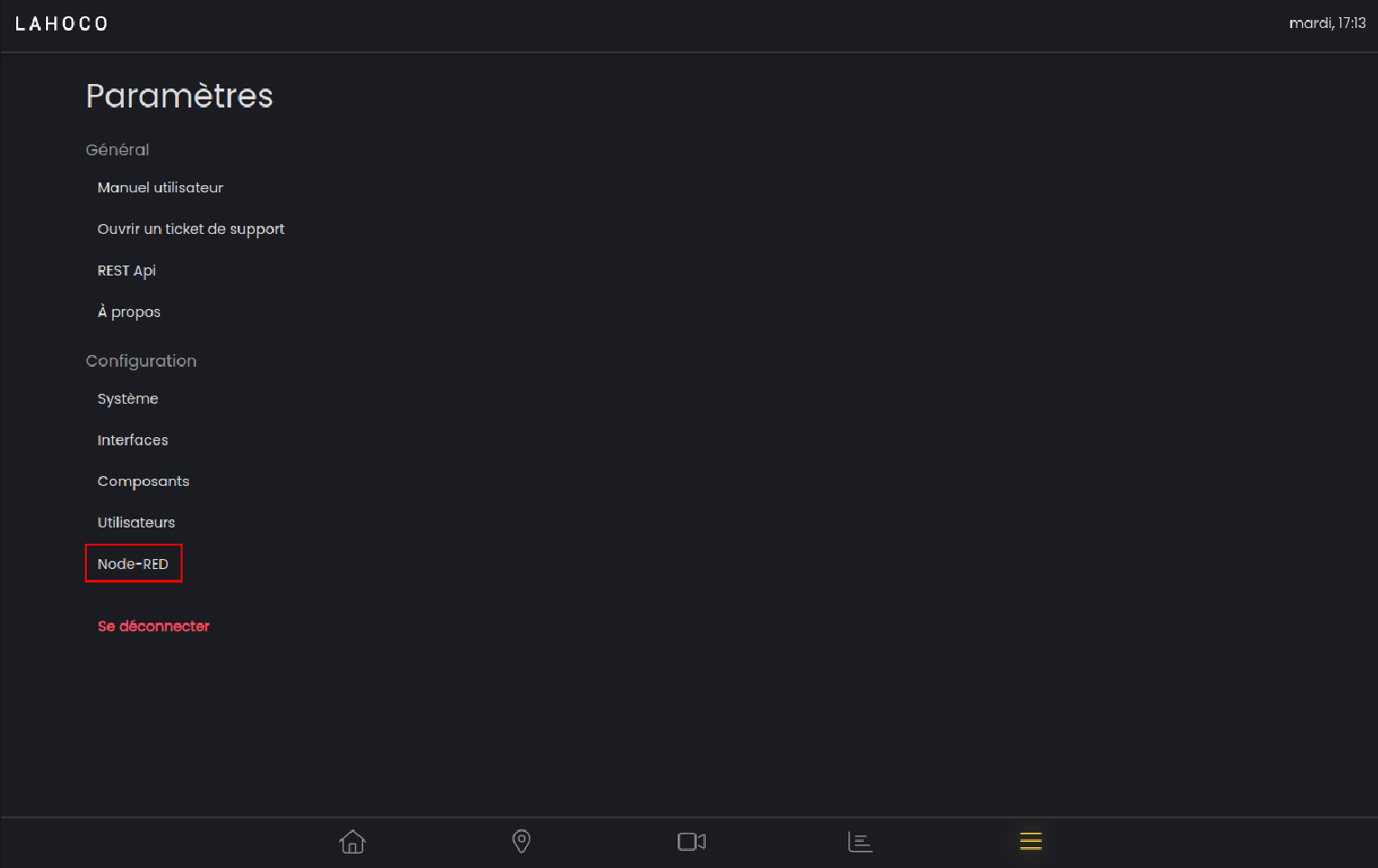
To access Node-RED already installed on your LAHOCO HOME installation, go to the settings tab, then click on “Access Node-RED”.
Documentation
Various documentation can be found directly on the Node-RED website :https://nodered.org/docs/
Documentation related to LAHOCO HOME nodes for Node-RED can be found on the following page : https://flows.nodered.org/node/@lahoco/node-red-contrib-lahoco-core.
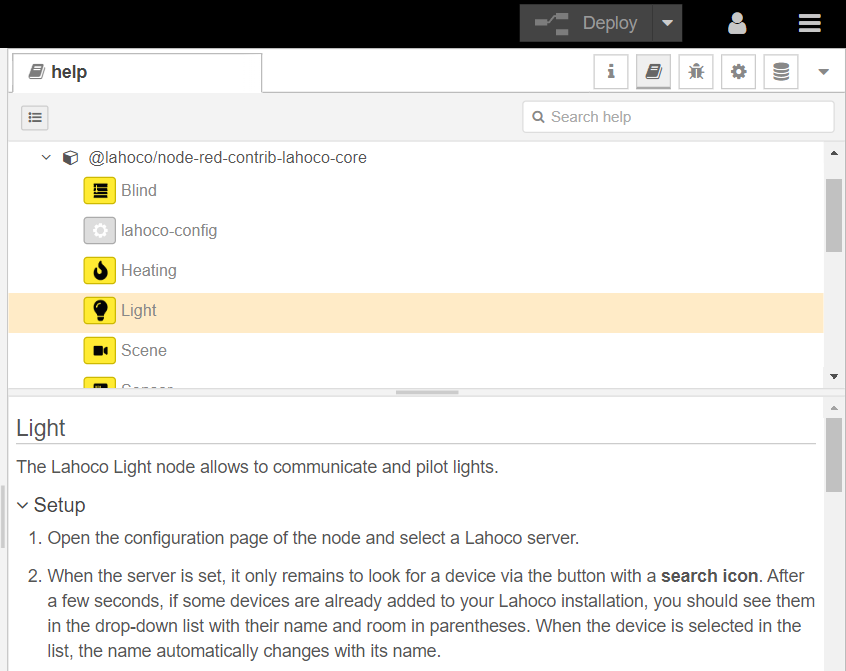
You can also access the documentation for each node directly in Node-RED in the help tab, as shown in the following illustration :
LAHOCO nodes
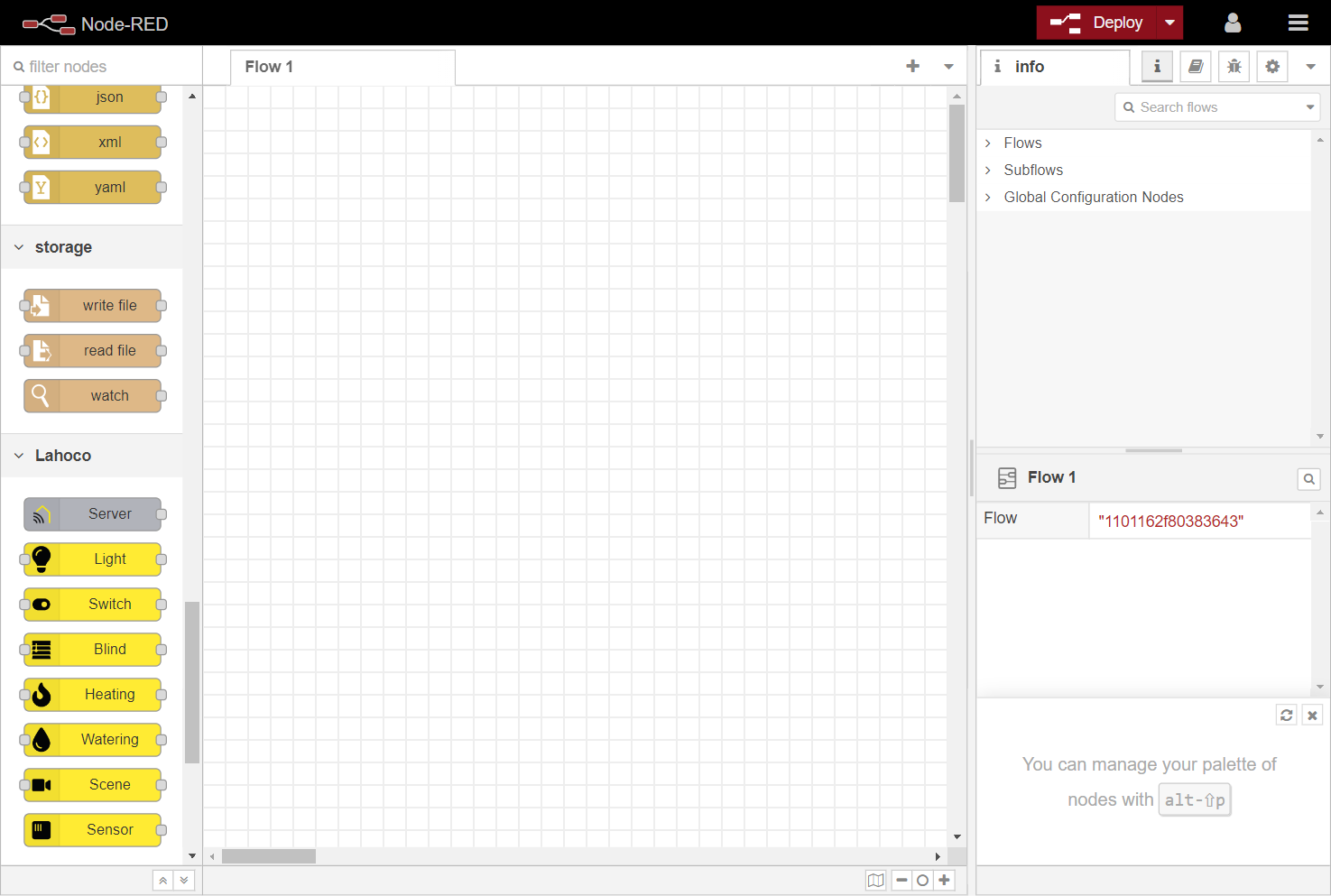
You will find the nodes corresponding to the LAHOCO HOME system in the “LAHOCO” category.
Example flows
There are various example that can be imported to get started with Node-RED and LAHOCO HOME nodes.
To do this, click on the menu button at the top right, then click on “Import”:
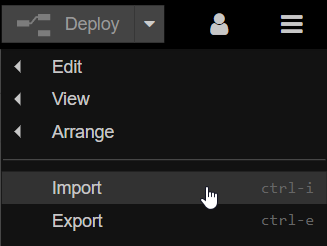
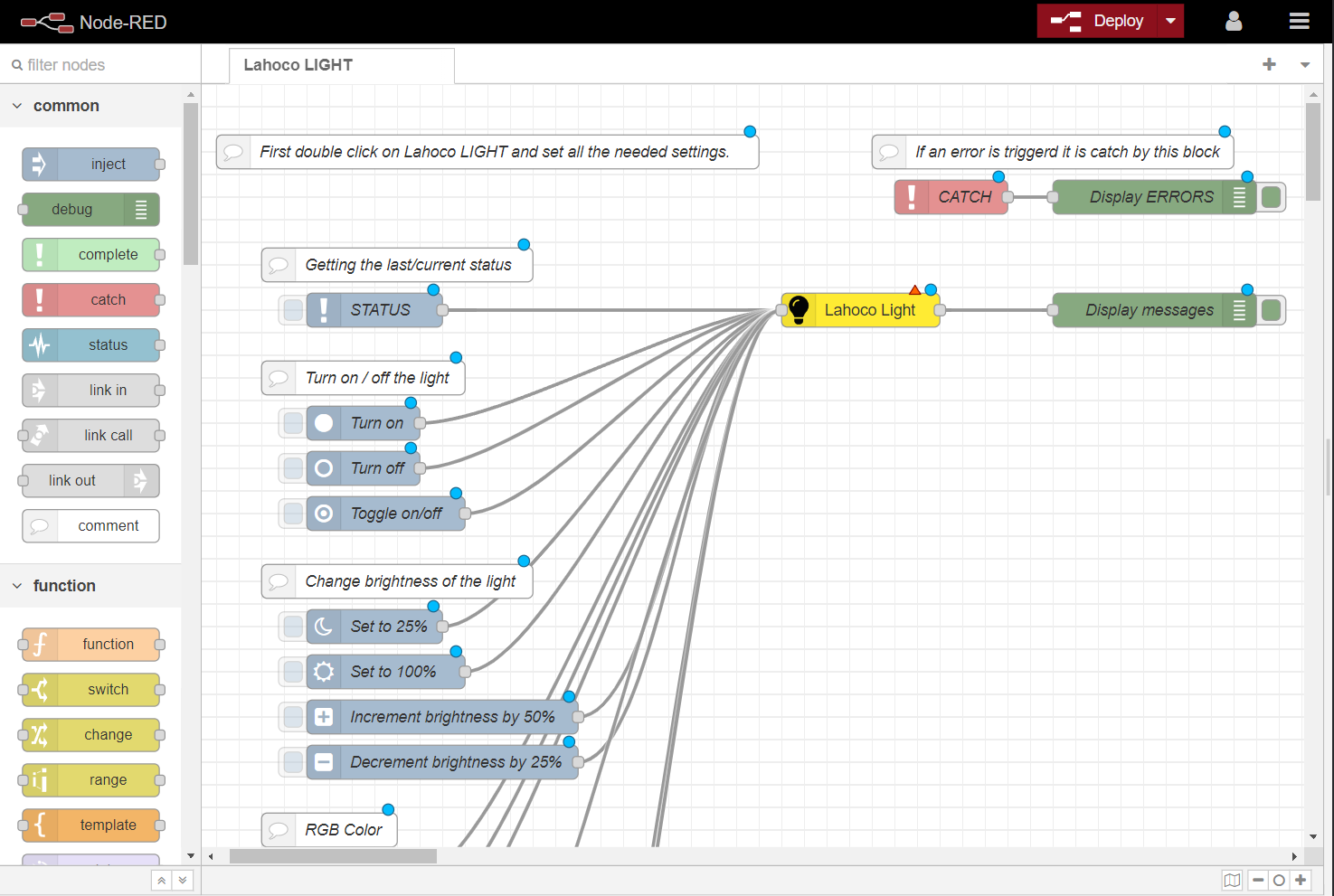
Then select the “Examples” tab, then the @lahoco/node-red-contrib-lahoco-core folder, choose the desired example, and finish by clicking “Import”.
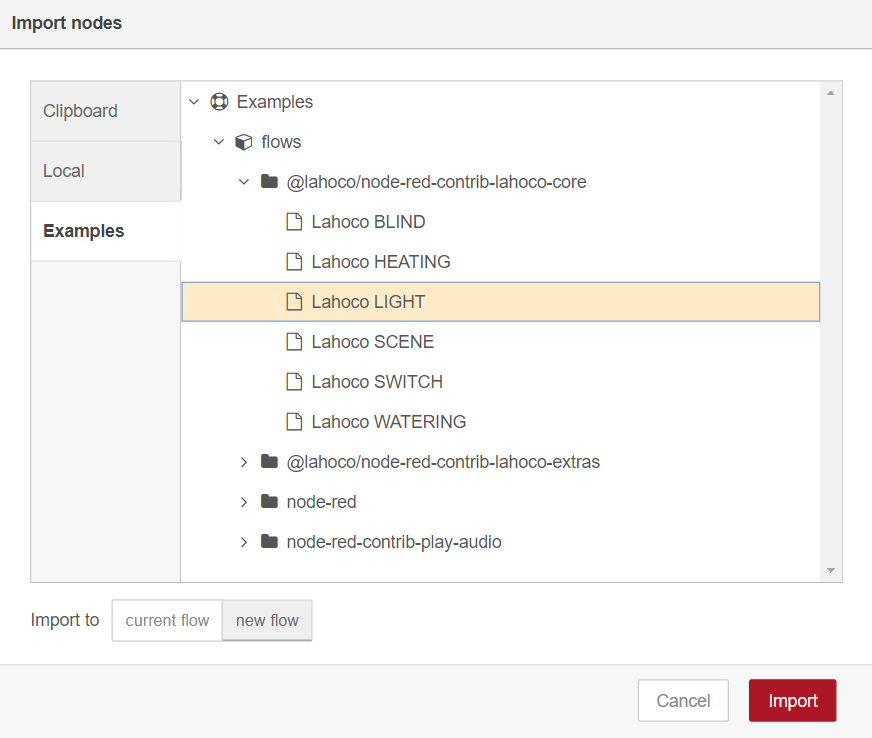
You will then see a new tab with the imported example :