Components management
In the components settings, you can configure the components you own and wish to connect to LAHOCO HOME.
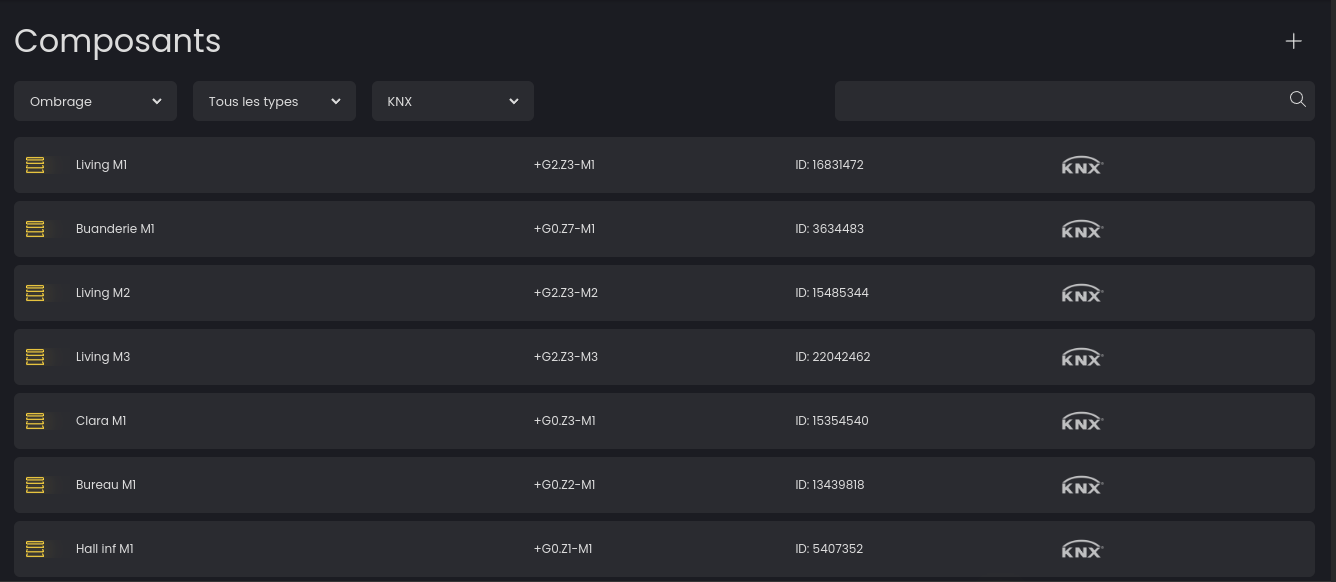
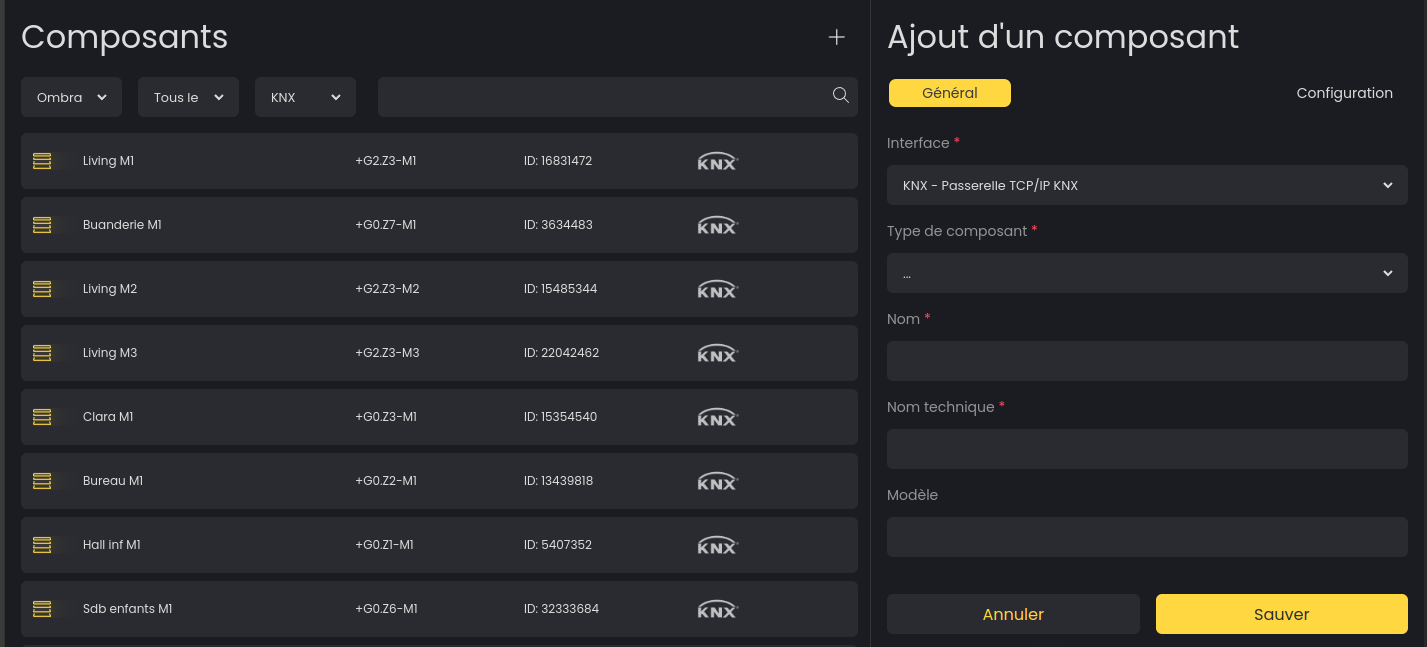
Add a component
Please add a gateway before you can add components.
Click on the icon at the top right to add a new component. You can then configure the gateway, the component type and its settings.
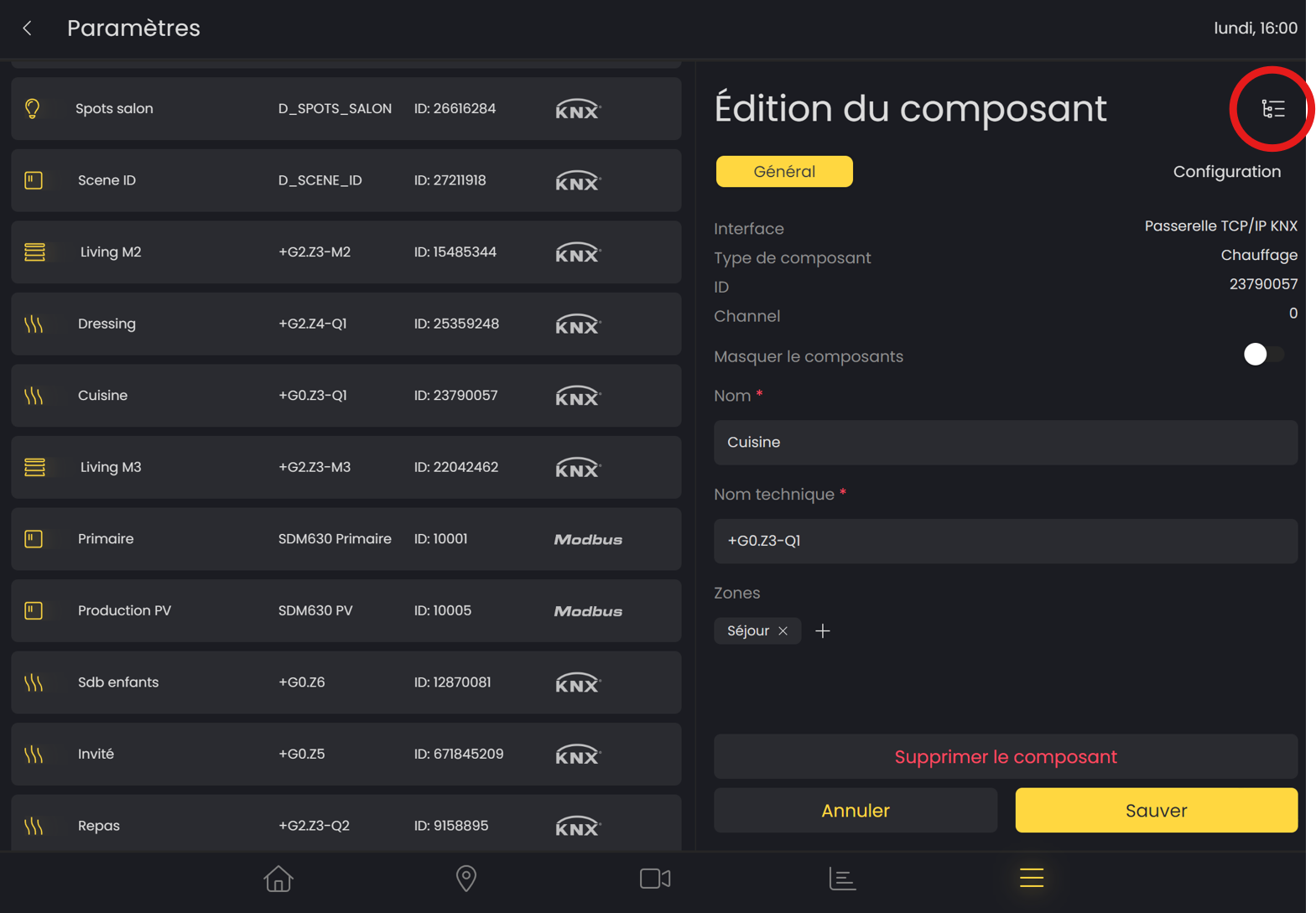
Configure or delete a component
You can modify the configuration of your components by selecting the one you want to modify from the list.
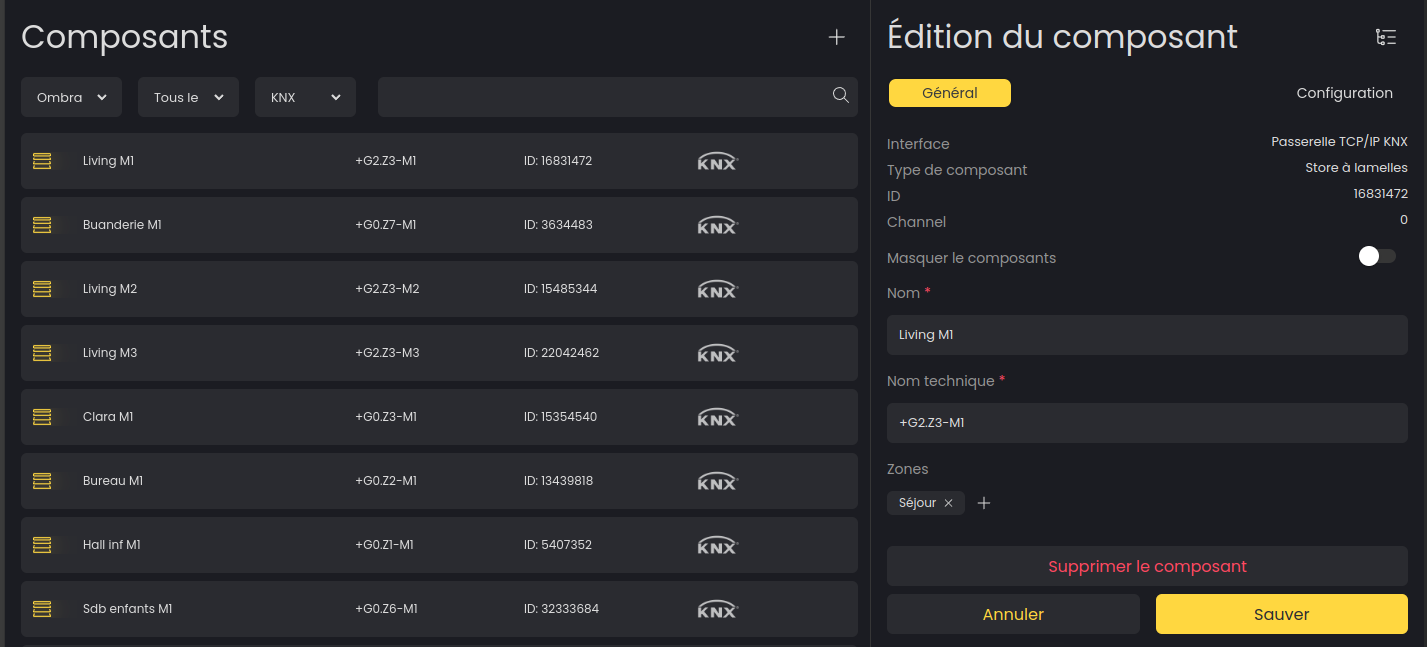
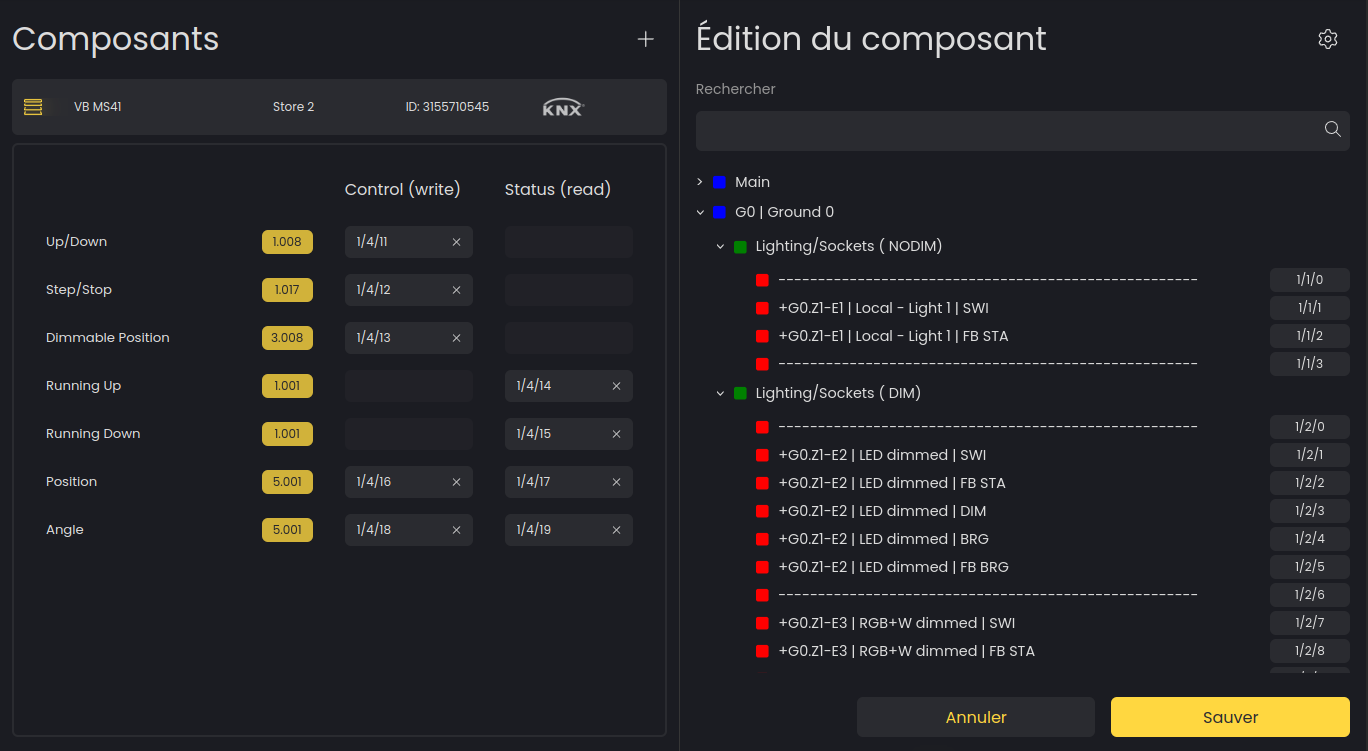
Mapping a KNX component
You can access the advanced KNX panel by clicking on the “Group“ button located at the top right when you are in edit mode for a KNX component.