User management
In the user settings, you can configure the local users who can access LAHOCO HOME and view the myLAHOCO accounts that have access.
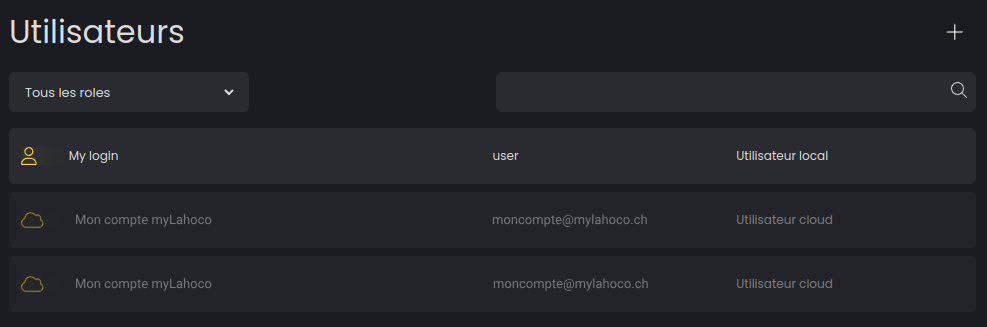
Invite a myLAHOCO user
To invite a myLAHOCO user, you must use the mobile application. See Mobile Application.
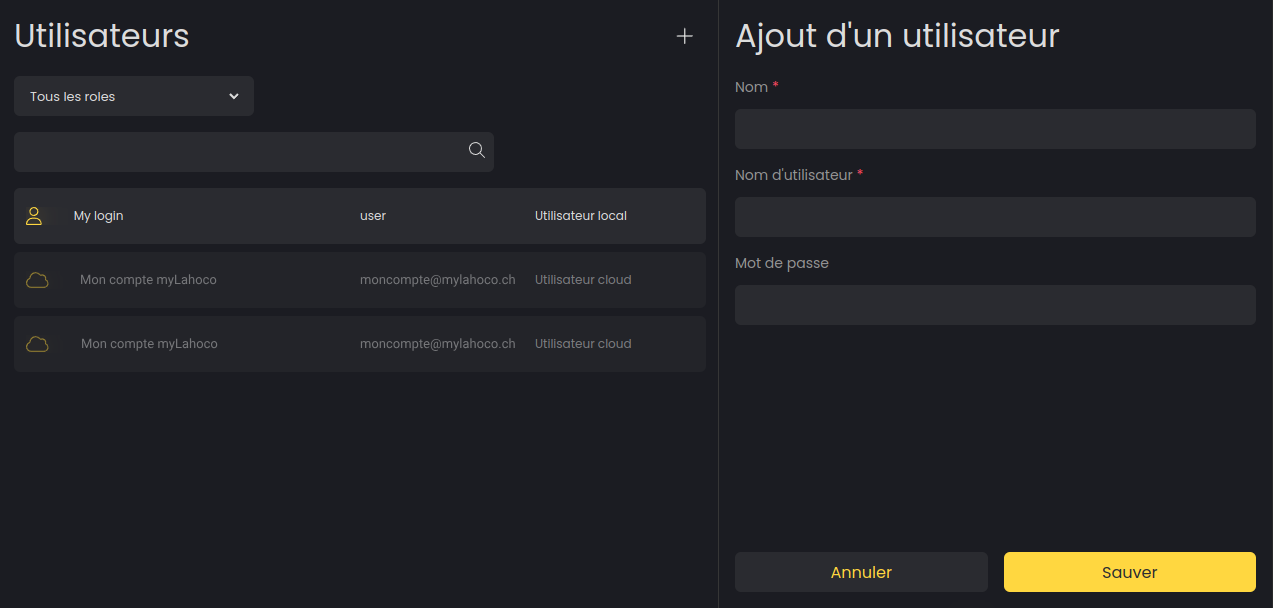
Add a new local user
Click the '+' icon located at the top right to create a new local user.
Edit or delete a local user
You can edit your local users by selecting the one you wish to edit from the list.