What is Node-RED?
Node-RED is a graphical flow development tool originally developed by IBM.
Node-RED lets you go even further in managing your components, automation, and even the interaction between your home automation system and external services.
Thanks to node-based systems, you can develop small programs very quickly.
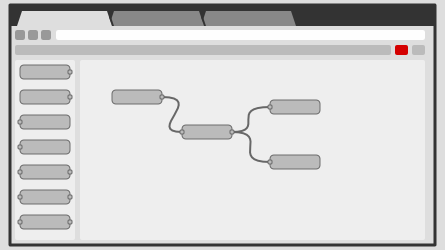
Here is an introductory video for Node-RED: https://www.youtube.com/watch?v=ksGeUD26Mw0
Access to Node-RED
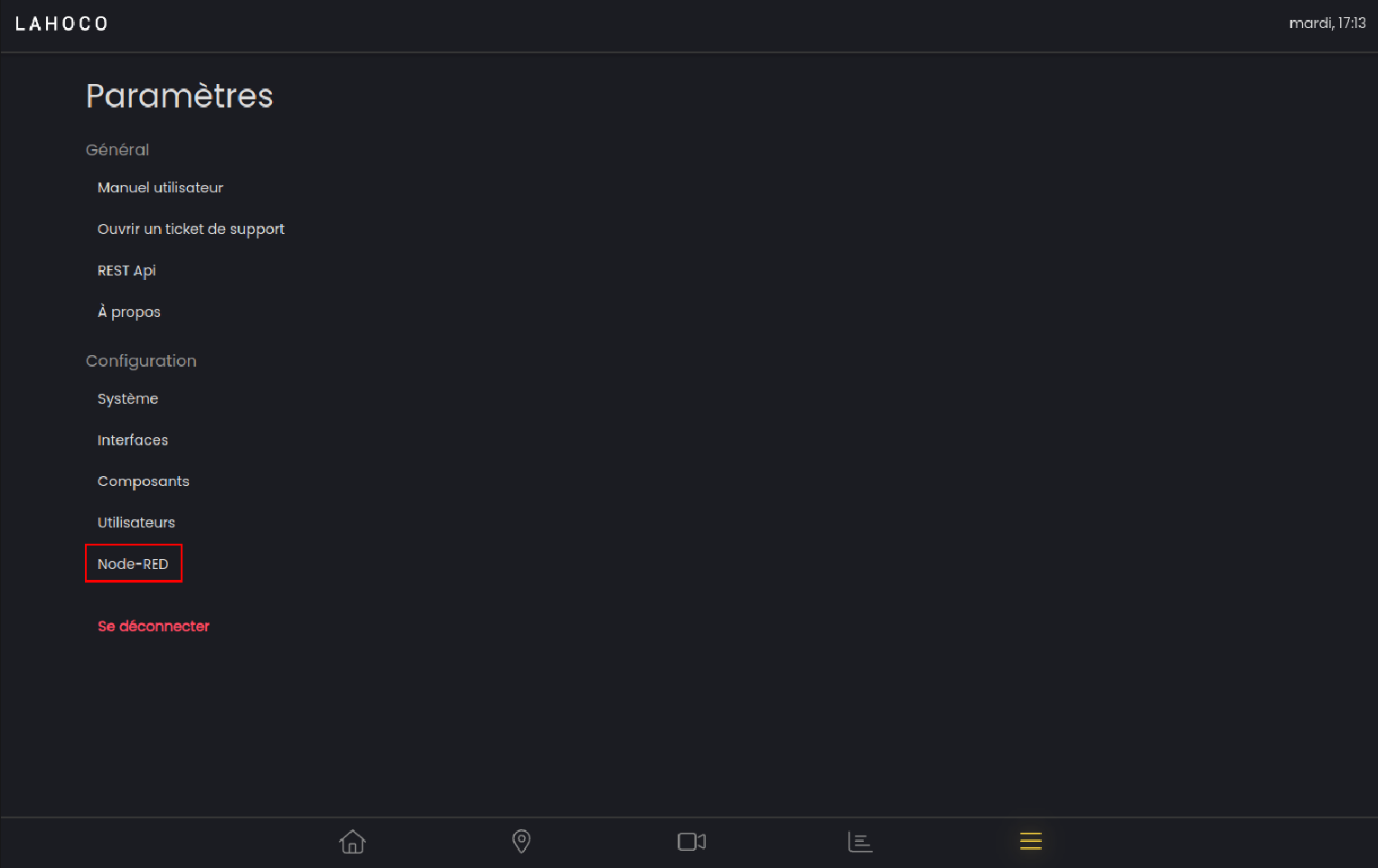
To access the Node-RED already installed on your LAHOCO HOME installation, go to the settings tab, then click “Access Node-RED”.
Documentation
Various documentation can be found directly on the Node-RED website: https://nodered.org/docs/
Documentation related to the LAHOCO HOME nodes for Node-RED can be found on the following page: https://flows.nodered.org/node/@lahoco/node-red-contrib-lahoco-core.
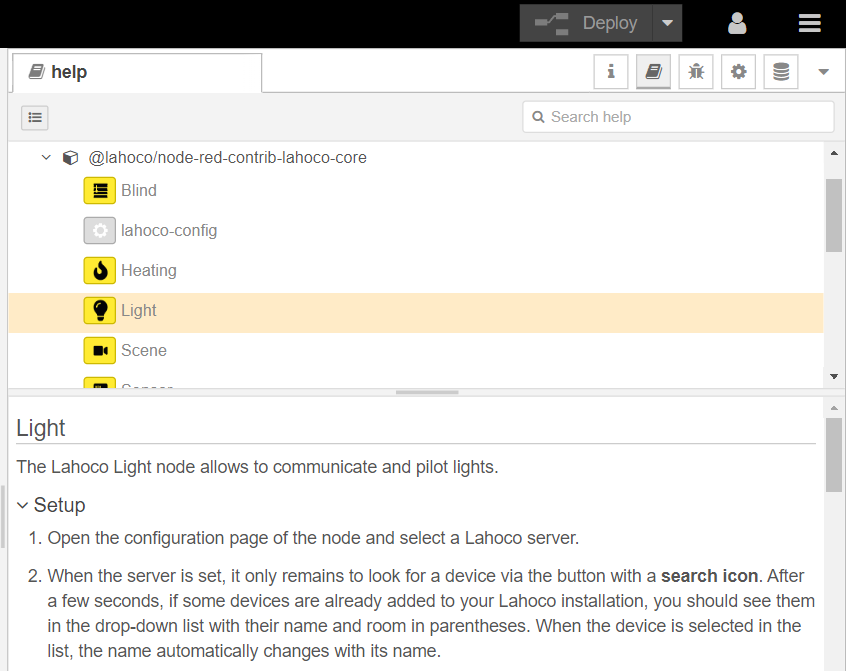
You can also access the documentation for each node directly in Node-RED, in the help tab, as shown in the following illustration:
LAHOCO Nodes
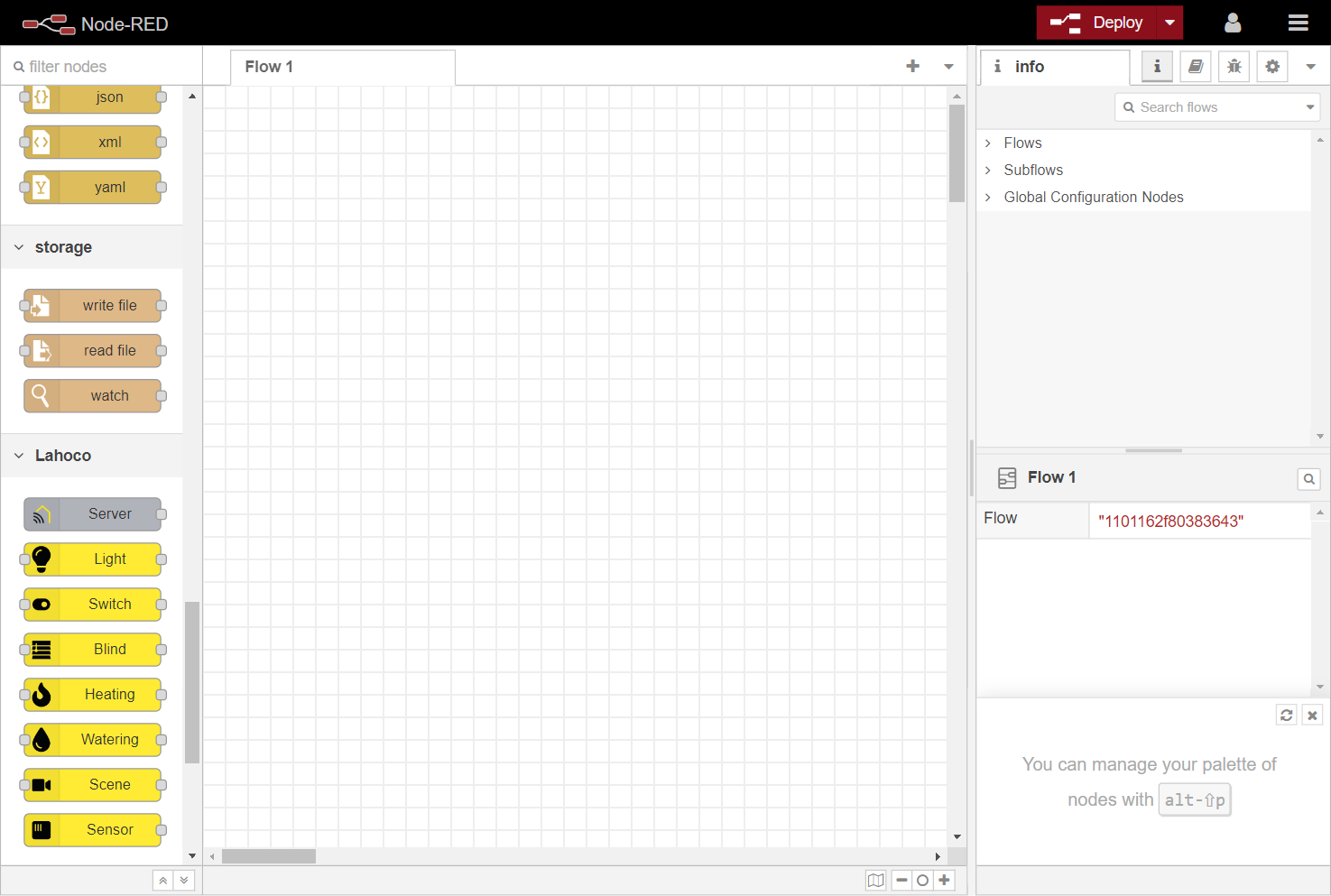
You will find the nodes corresponding to the LAHOCO HOME system in the “LAHOCO” category.
Example flows
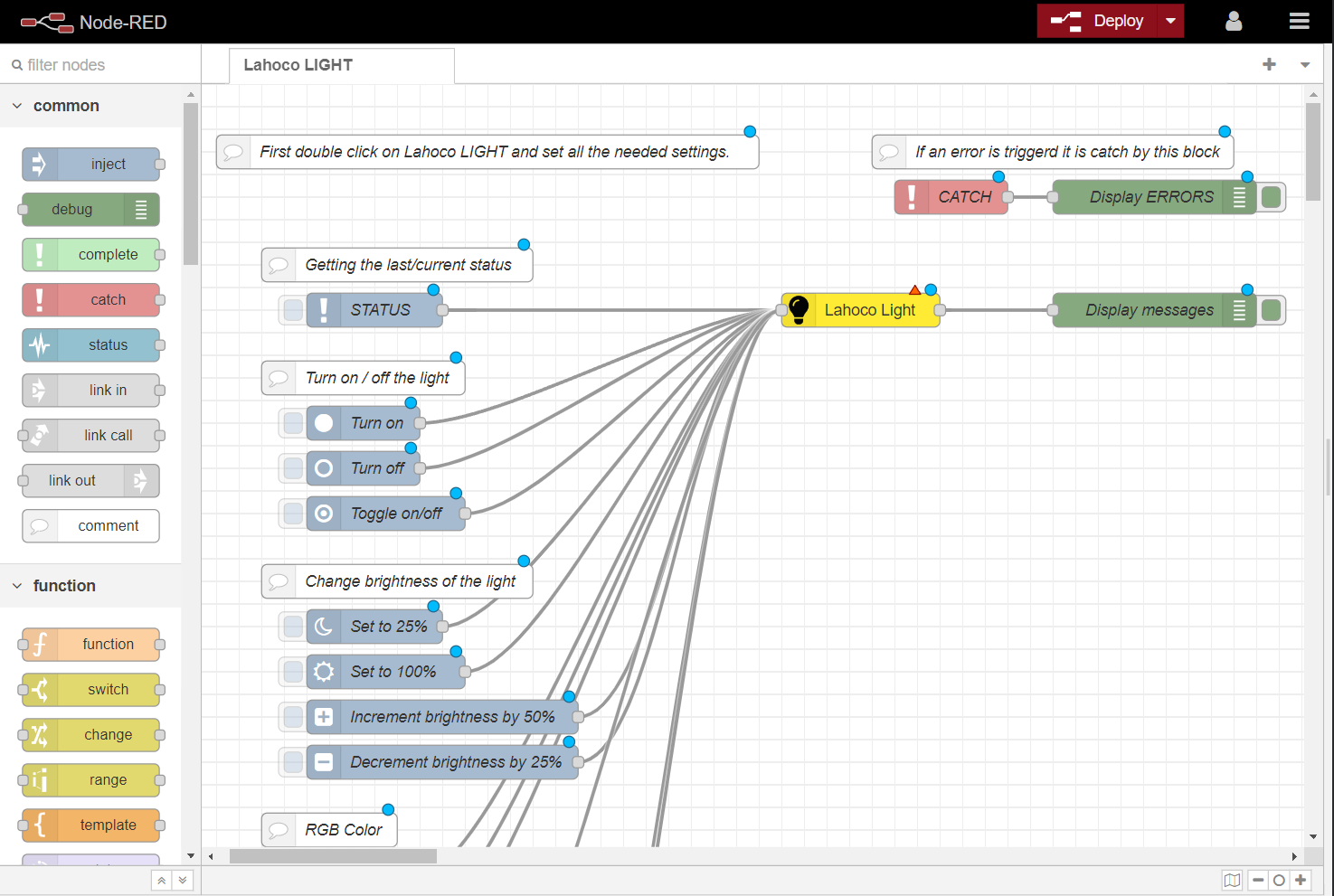
There are various examples that can be imported to get a first hands-on interaction with Node-RED, as well as with the LAHOCO HOME nodes.
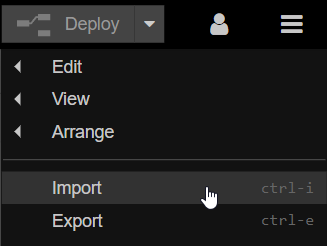
To do this, click the menu button at the top right, then click “Import”:
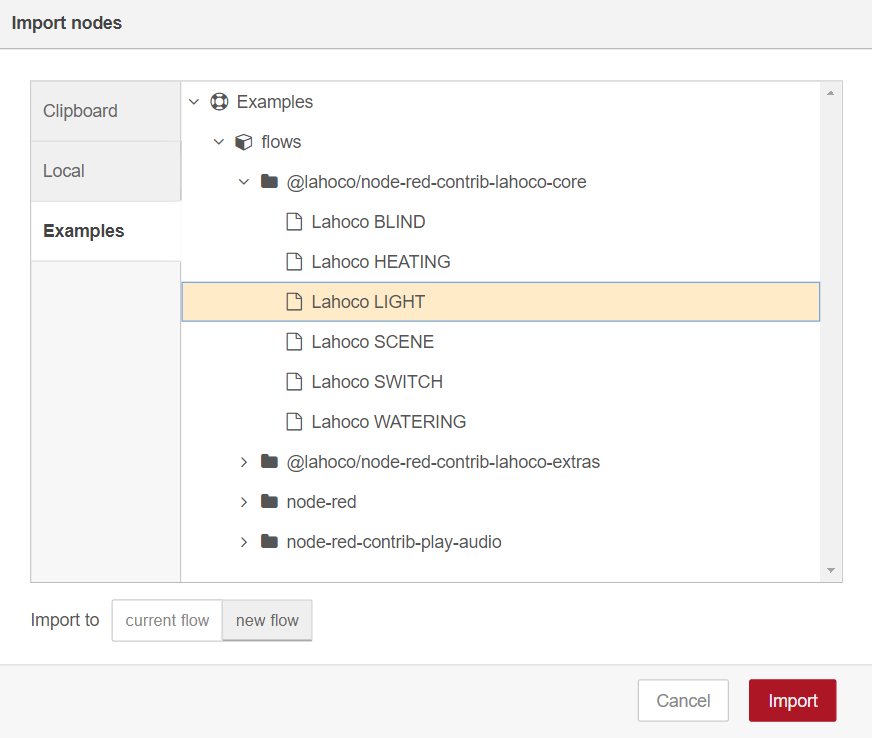
Then select the “Examples” tab, then the @lahoco/node-red-contrib-lahoco-core folder, choose the desired example, and finish by clicking “Import”.
You will then find a new tab with the imported example: