Component management
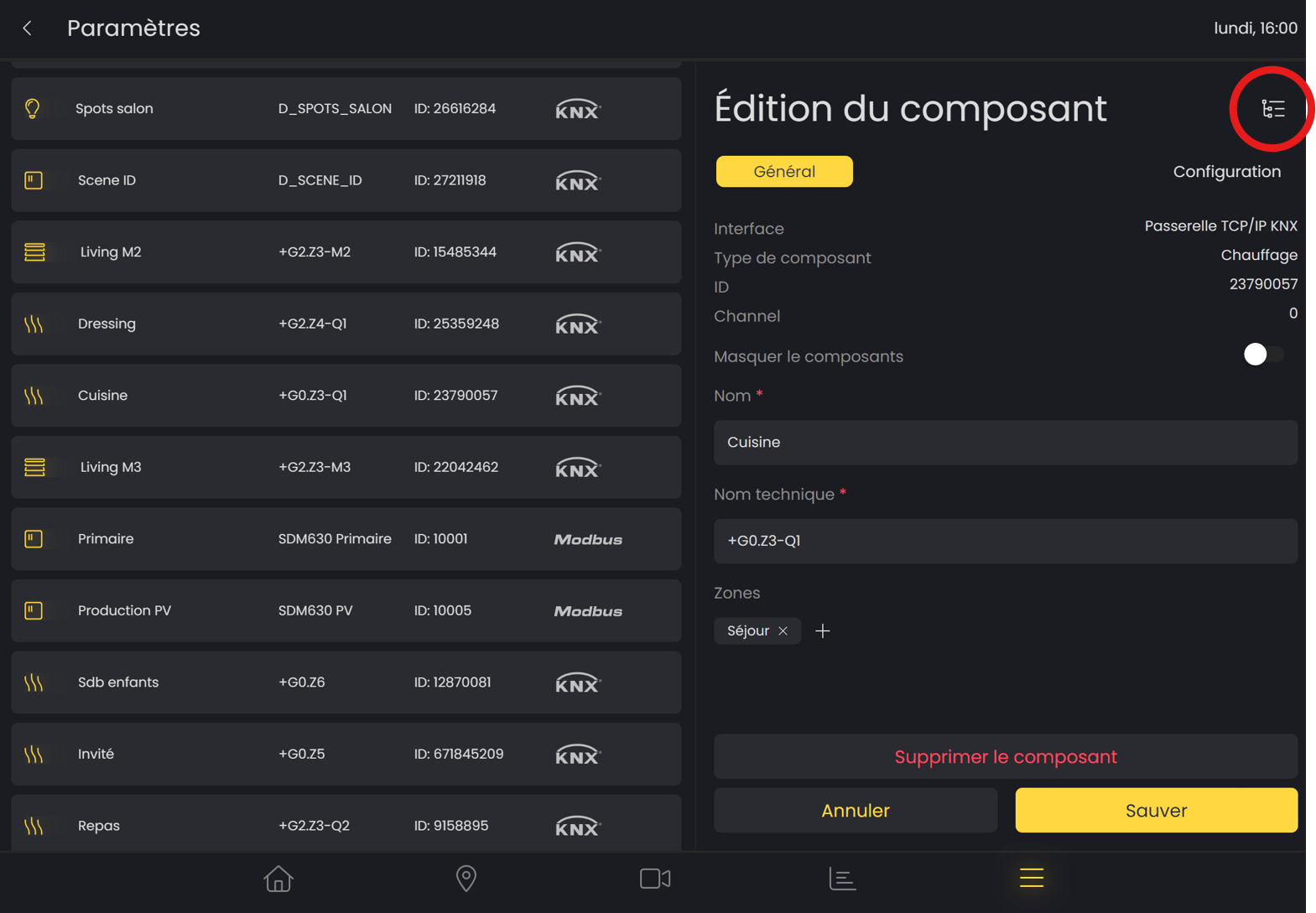
In the component settings, you can configure the components you own and want to connect to LAHOCO HOME.
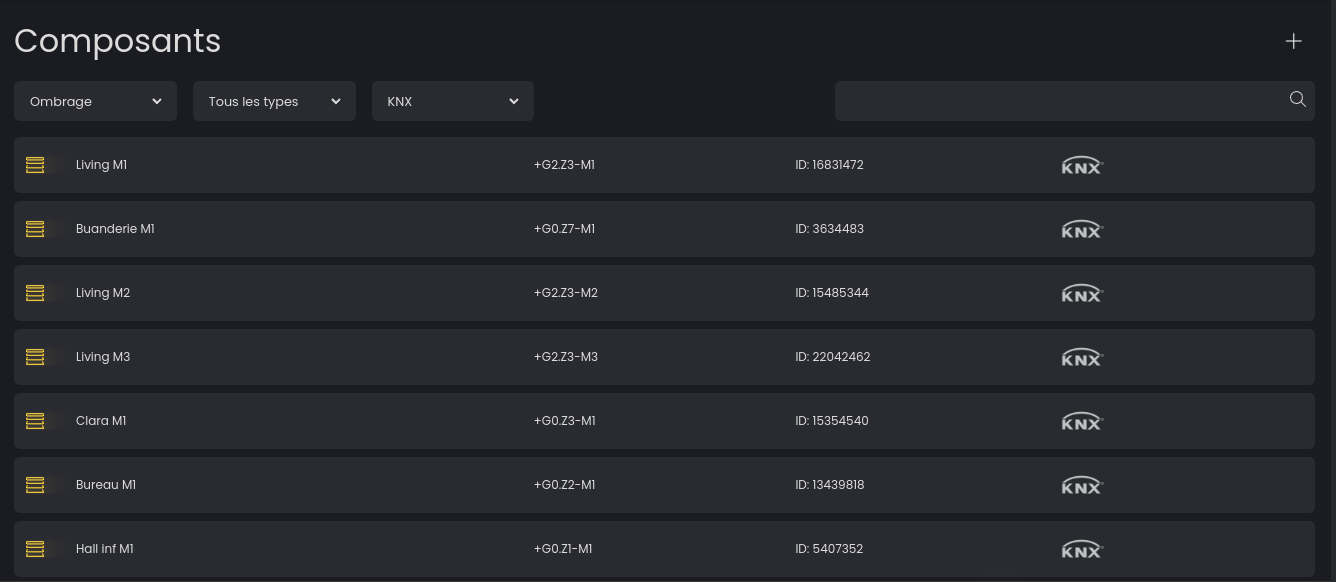
Add a component
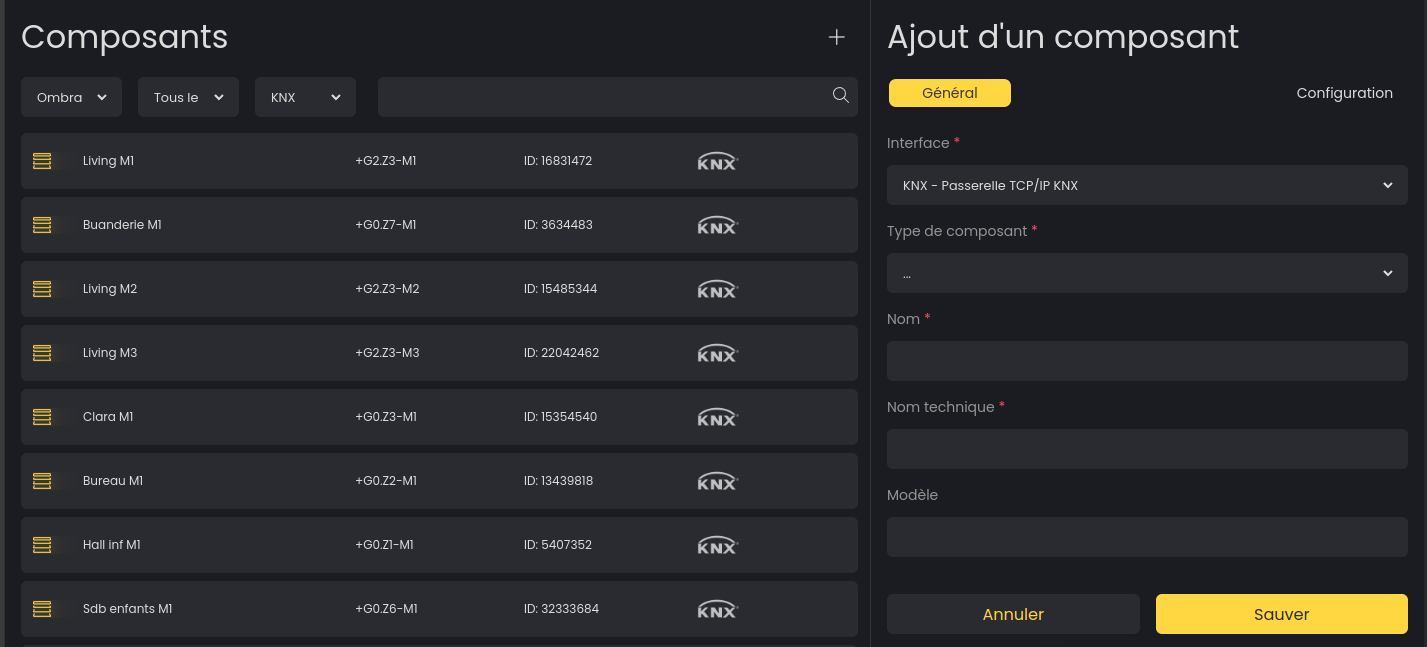
Please add an interface before you can add components.
Click the icon located at the top right to add a new component. You can then configure the interface, the component type, and its settings.
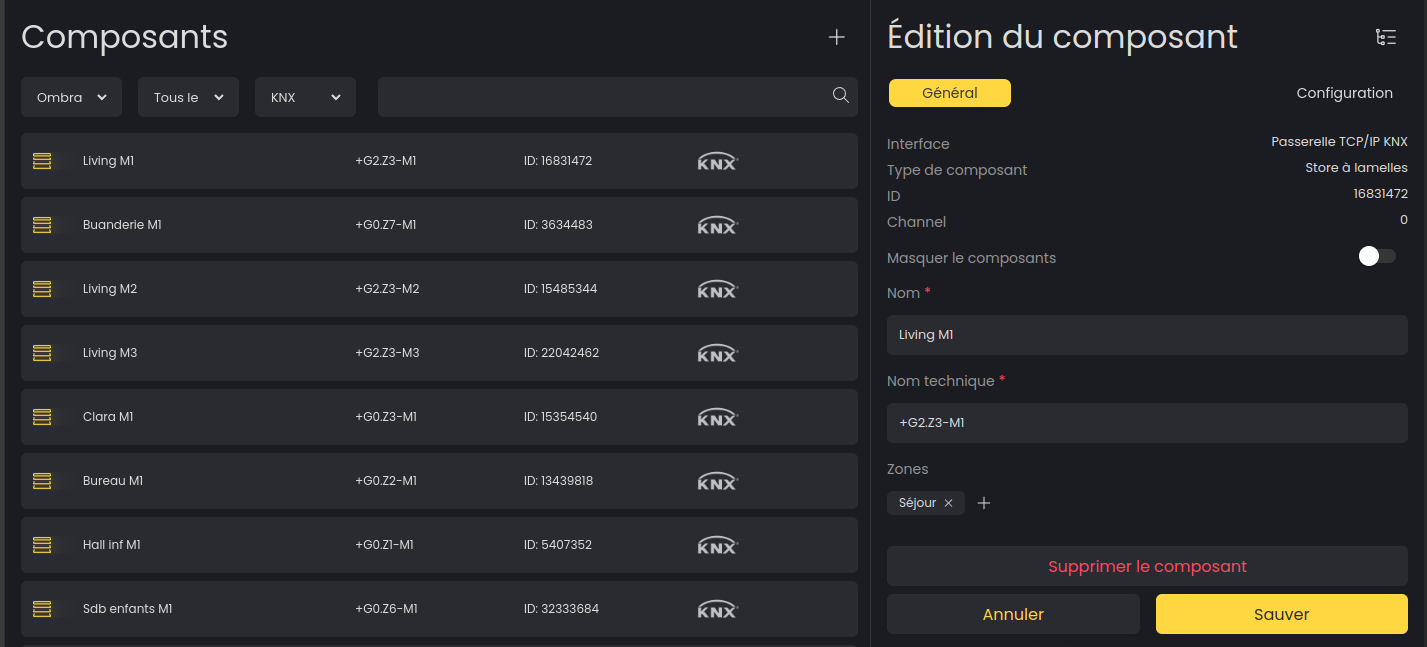
Configure or delete a component
You can edit the configuration of your components by selecting the one you want to edit from the list.
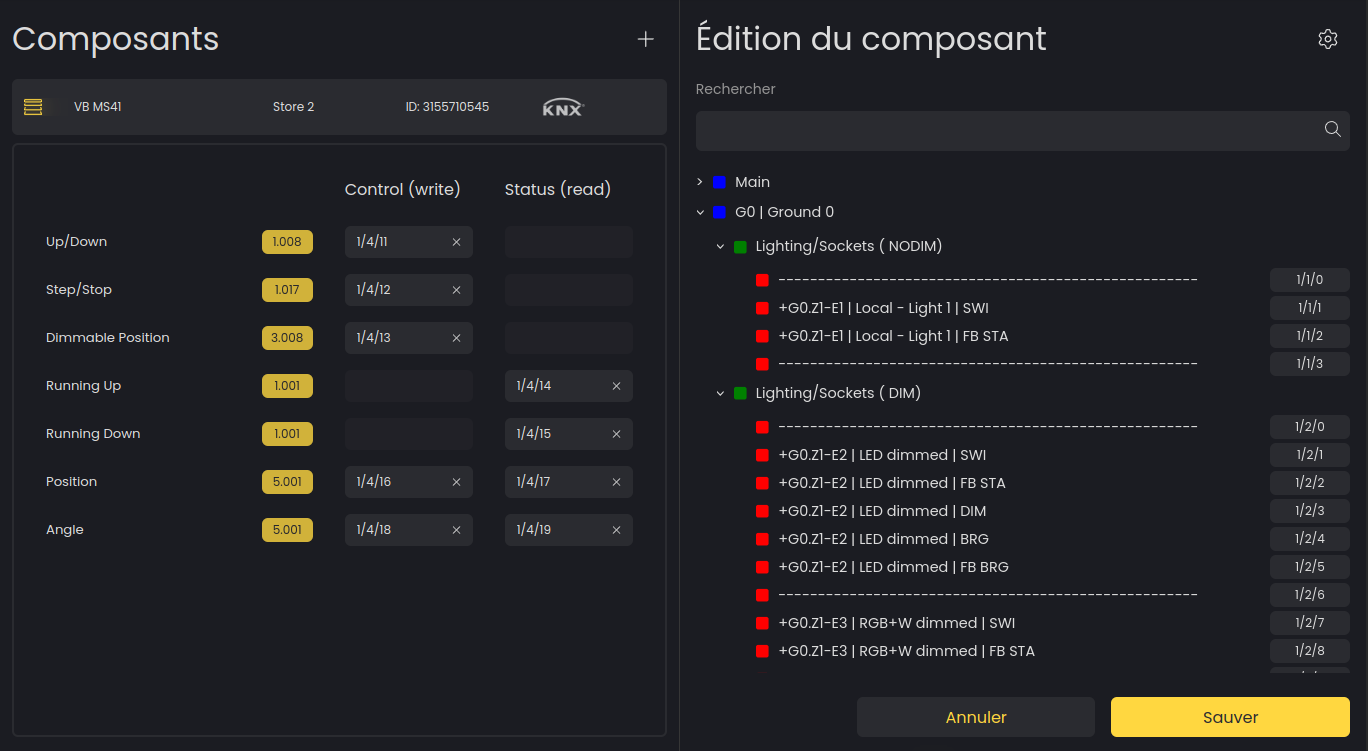
Mapping a KNX component
You can access the advanced KNX panel by clicking the “Group” button located at the top right when you are in edit mode for a KNX component.