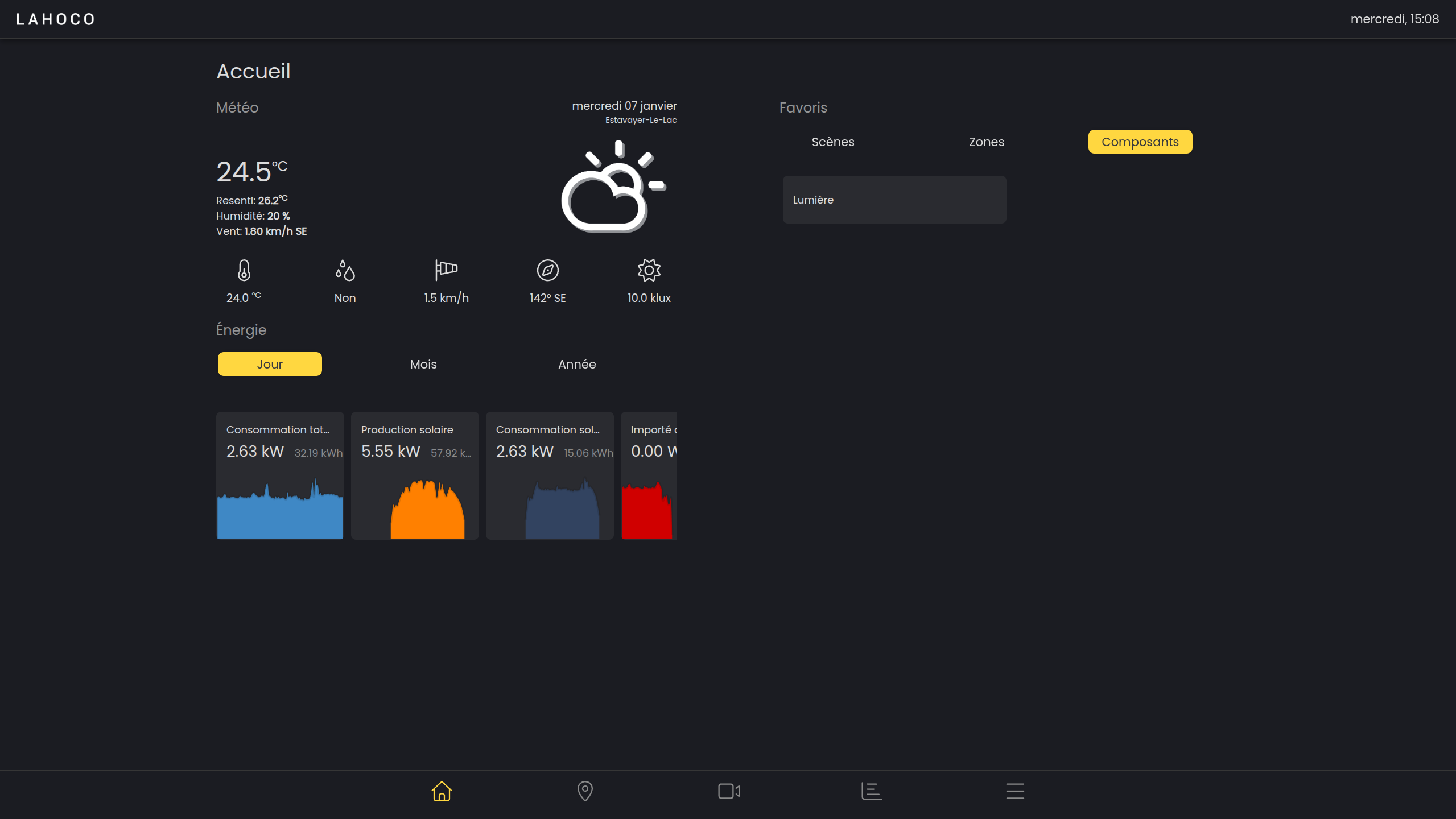

The home page is the first page launched when opening LAHOCO HOME. It provides direct access to favorite scenes, rooms and components, weather forecasts, and the weather station (if available).
Favorites
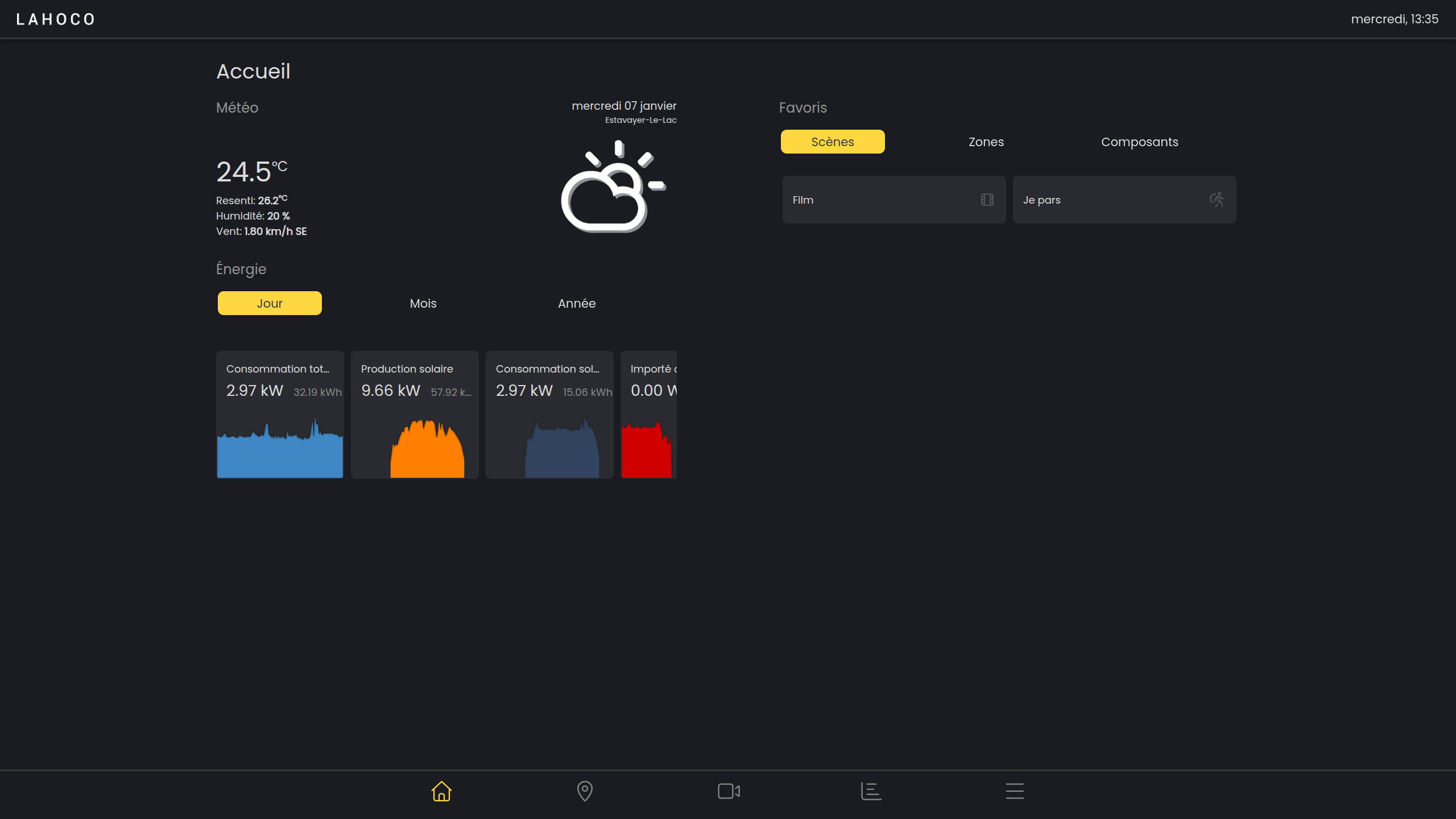
The favorites feature provides quick access to scenes, rooms and components from the home page.
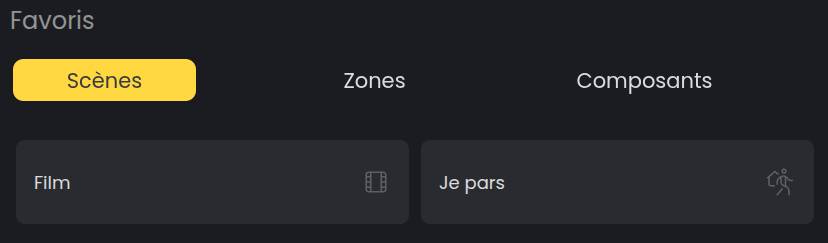
Here is an example of a scene that can be activated from favorites: scenes such as “I’m leaving” or “I’m arriving” turn the lights on or off.
Sorting your favorites
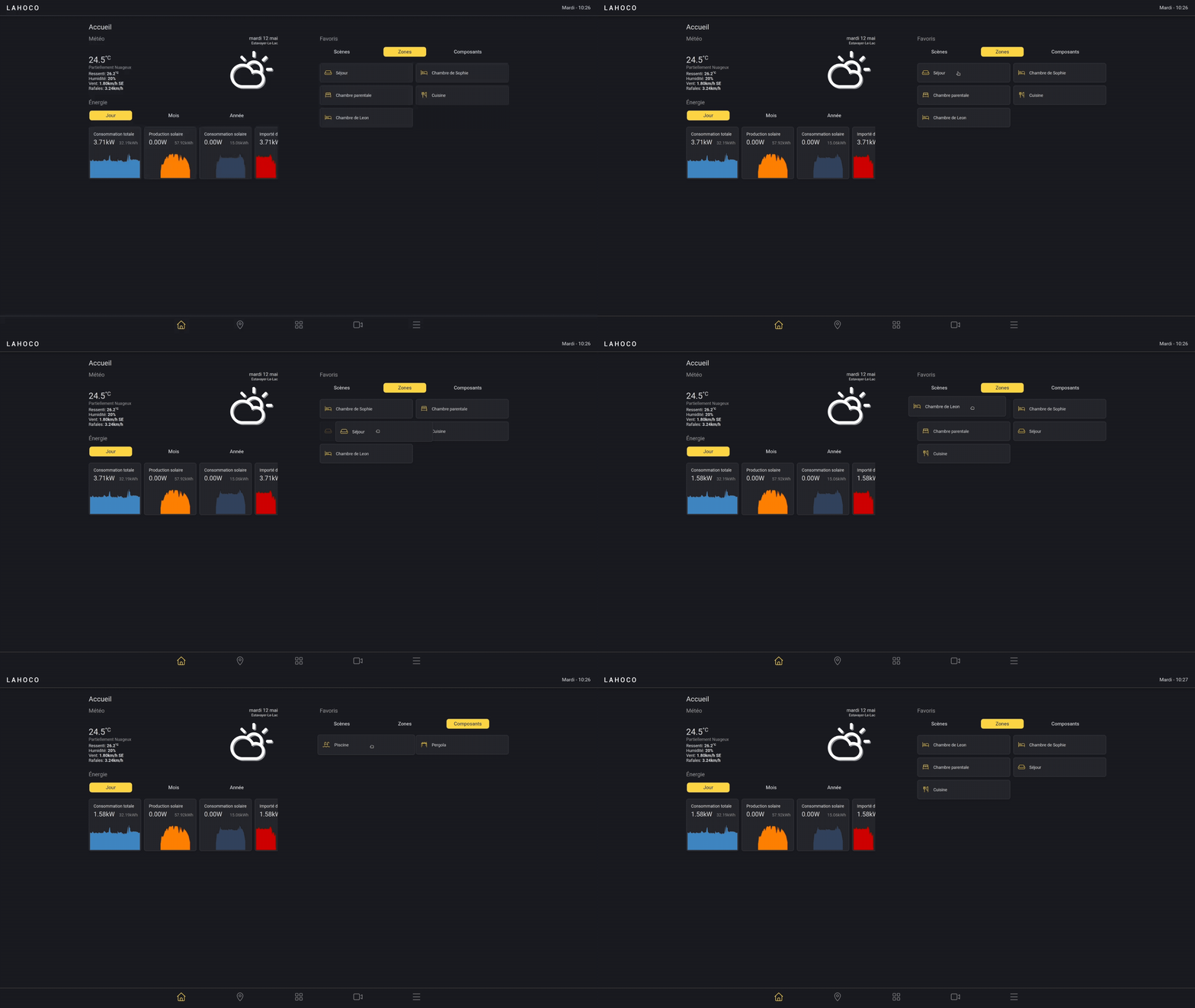
You can arrange your favorites in the desired order by pressing and holding one, then dragging it.
By default, favorites are sorted in alphabetical order.
Adding a favorite
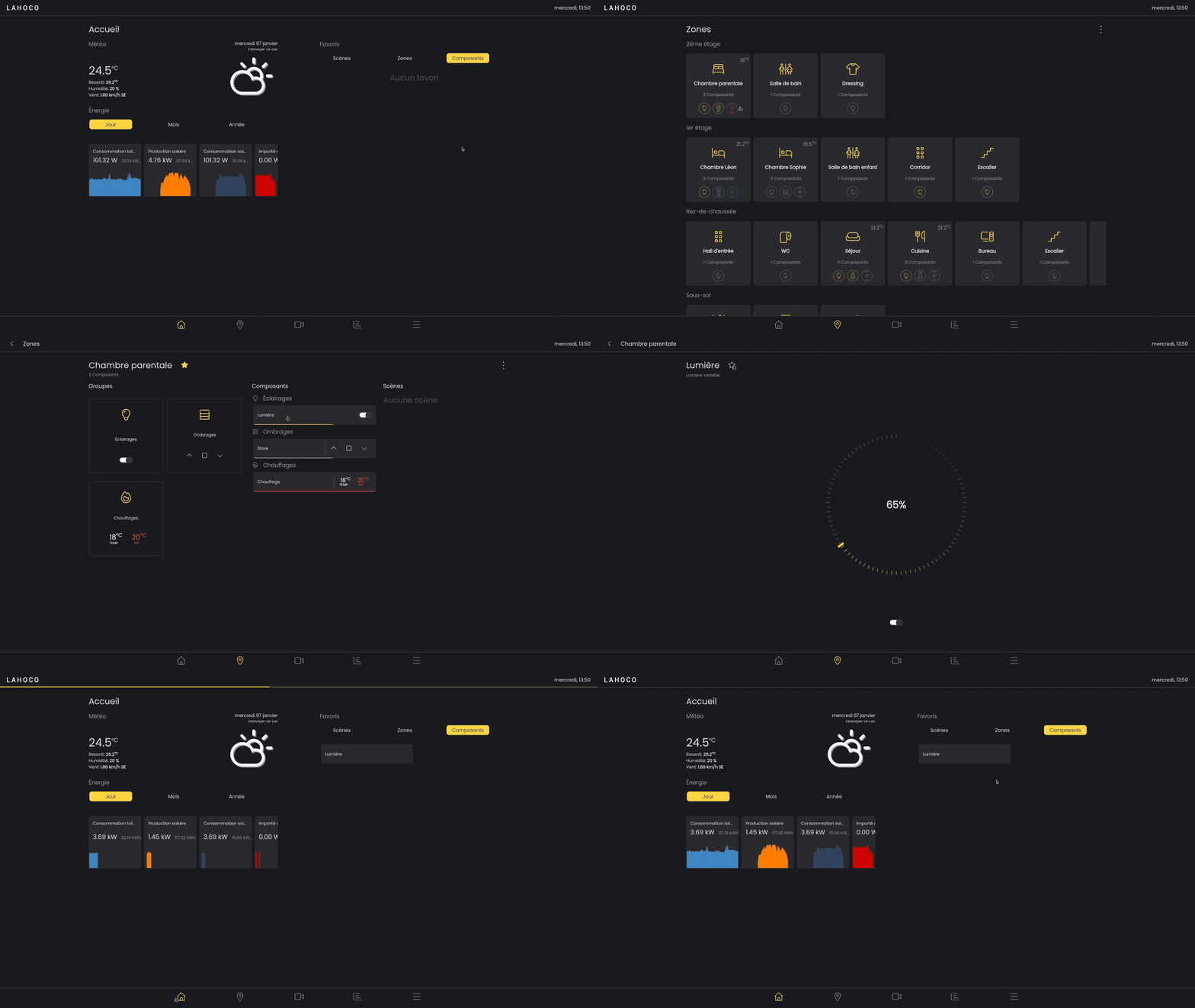
To add a scene, room or component as a favorite, go to the desired item. Then click the star located to the right of the name to add it to favorites.
Here is an example of how to add a room to favorites:
Weather station
If a weather station is configured, its data is accessible on the left side of the home page. The data is updated in real time.