Overview
The LAHOCO mobile application allows you to connect remotely to your home automation system seamlessly, thanks to LAHOCO SMART CONNECT. Users can manage and control various aspects of their home, such as lighting, heating, and connected devices, directly from their iOS or Android smartphone or tablet.
The main features of the application include:
-
Remote connection: Access your smart home automation system from anywhere
-
Device management: Control and configure your connected devices
-
Intuitive user interface: Enjoy simple and smooth navigation for easy management of your connected home
Downloading the Application
The application is available free of charge on iOS and Android systems.
Logging in to the Application
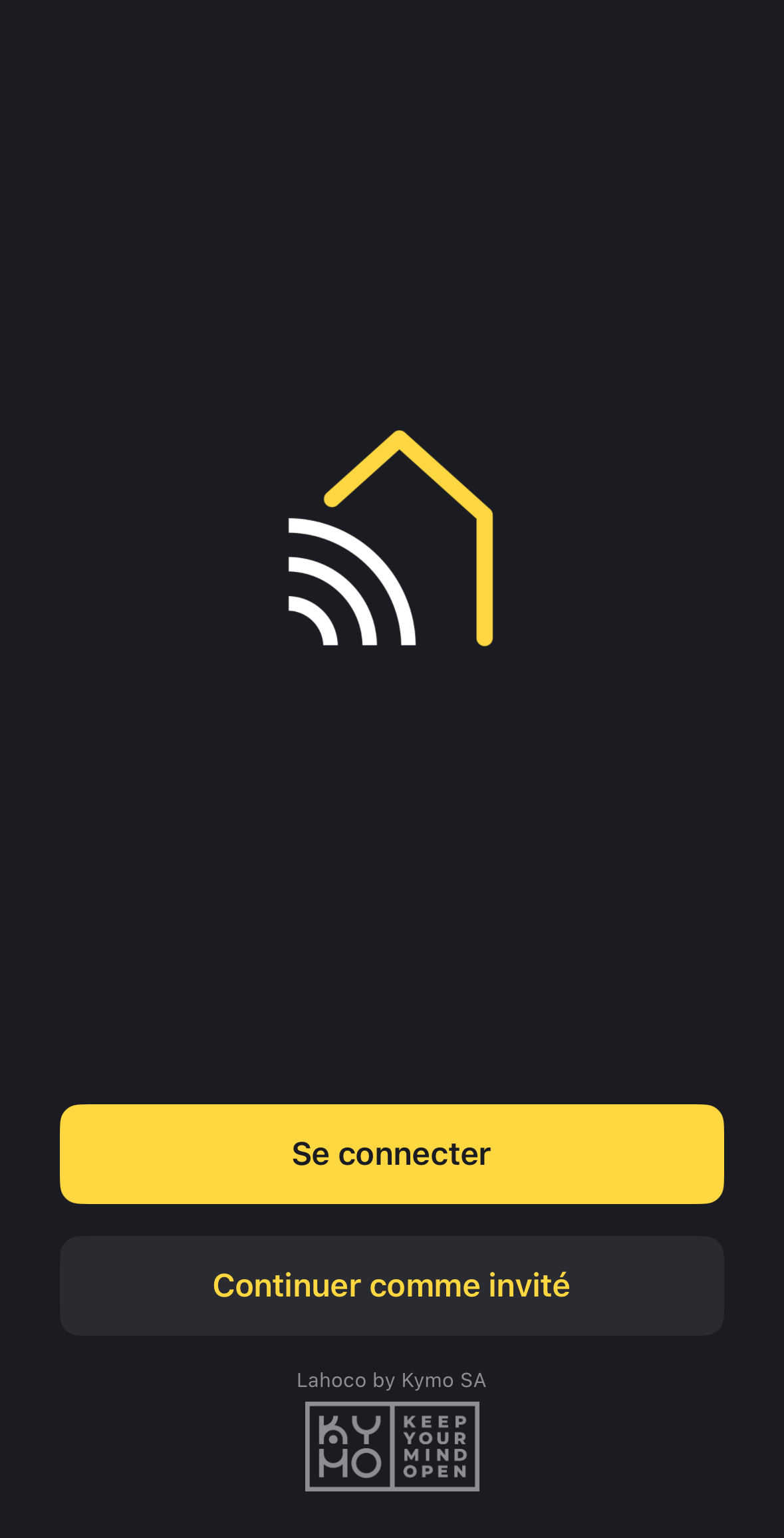
Logging in to the application requires a myLAHOCO account. If you do not yet have an account, please see the Create a myLAHOCO Account page.
It is also possible to continue as a guest. (see section below)
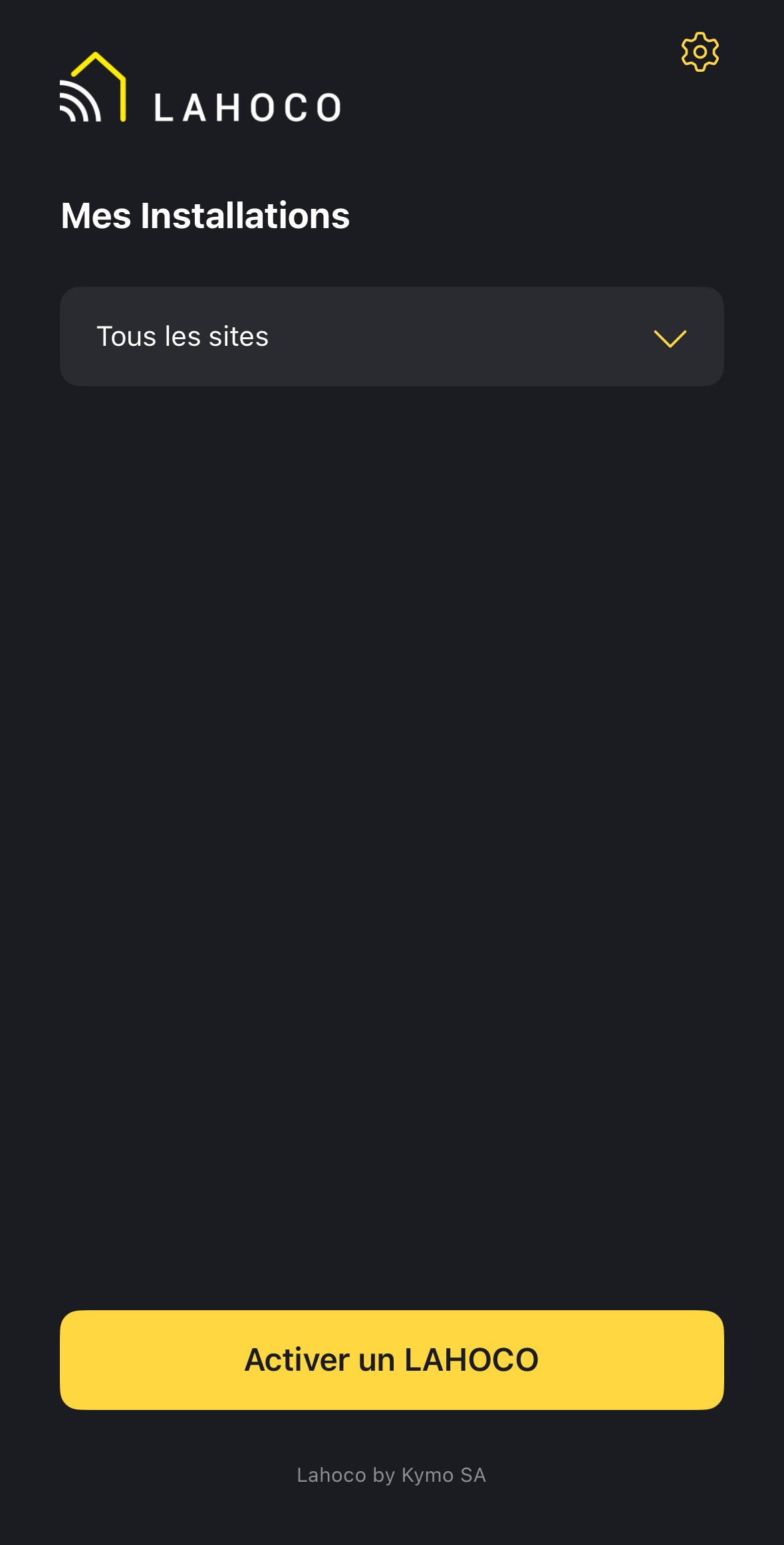
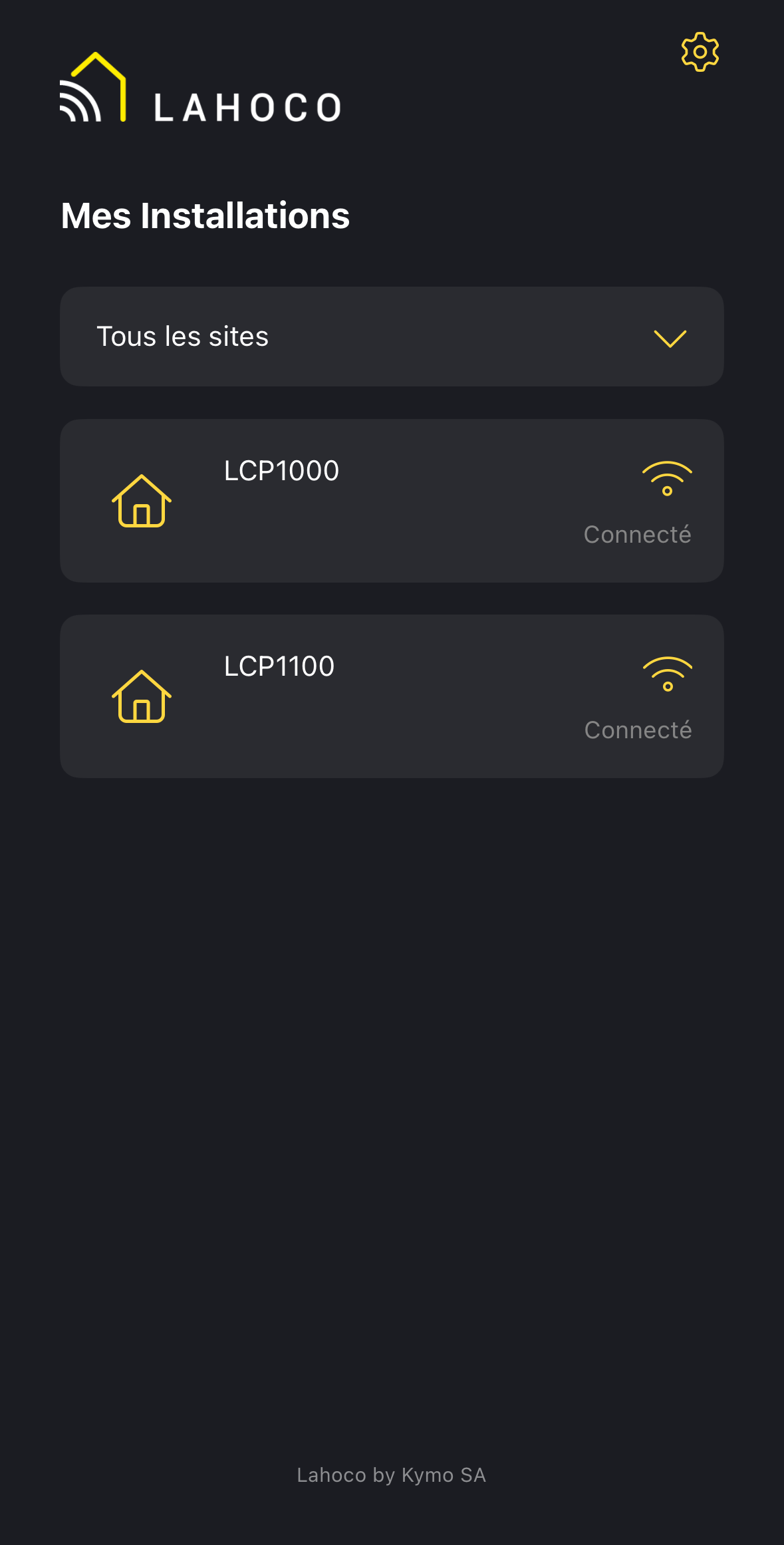
My Installations
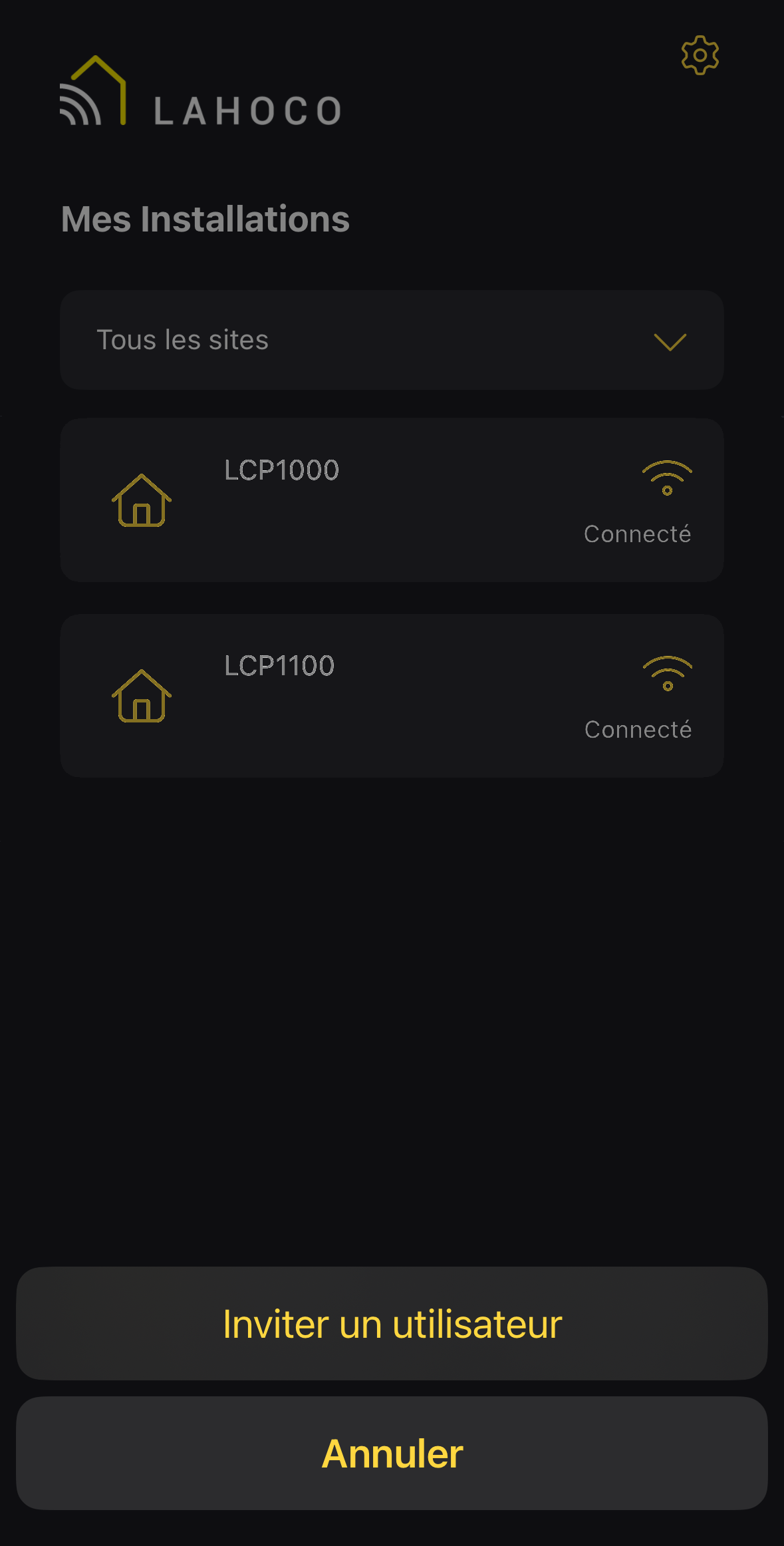
Once logged in, the home page provides access to the LAHOCO CORE installations available for this account. If no installation is displayed, it is possible to activate a new one (see the Activation page).
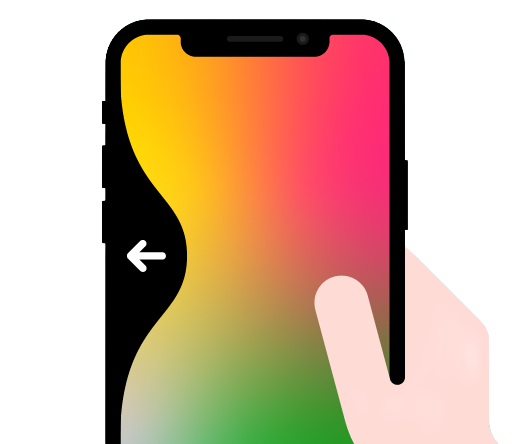
Once a LAHOCO installation is open, you can return to the application's home screen at any time by performing a “swipe back”.
Connection Types
There are two connection types, indicated by the icon located on the right.
The connection automatically prioritized as soon as the phone is on the same network as the LAHOCO CORE.
The connection used for remote access, when the phone is not on the same network as the LAHOCO CORE.
The LAHOCO CORE must have Internet access in order to communicate with the outside.
The application automatically adjusts the connection type according to the environment, prioritizing a local connection.
Logging in as a Guest
Guest login allows access to installations located on the same Wi-Fi network as the phone. This type of connection is useful for guests, or for devices that always remain on the same IP network as the LAHOCO CORE, such as wall-mounted tablets.
No myLAHOCO account is required for this type of connection. However, the owner will still need to create a local account for their installation. See the relevant section on User Settings
Mobile Application Settings
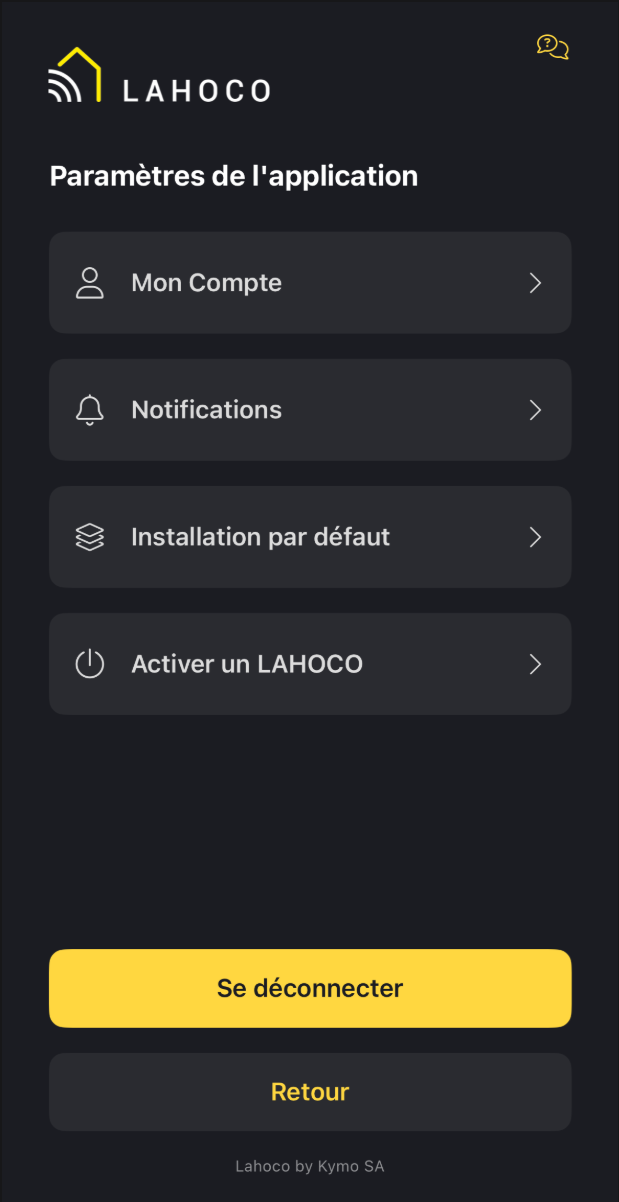
The application settings are accessible via the gear icon at the top right. ⚙️
The following settings are available:
-
Account settings (last name, first name, language)
-
Notification preferences
-
Default installation preference on application launch
-
Activation of a new LAHOCO installation
The LAHOCO support is available via the yellow icon located at the top right.
Inviting a User from the Mobile Application
As the owner of a LAHOCO installation, it is possible to invite new users to the installation.
To do this, simply press and hold an installation, then click on Invite a User.
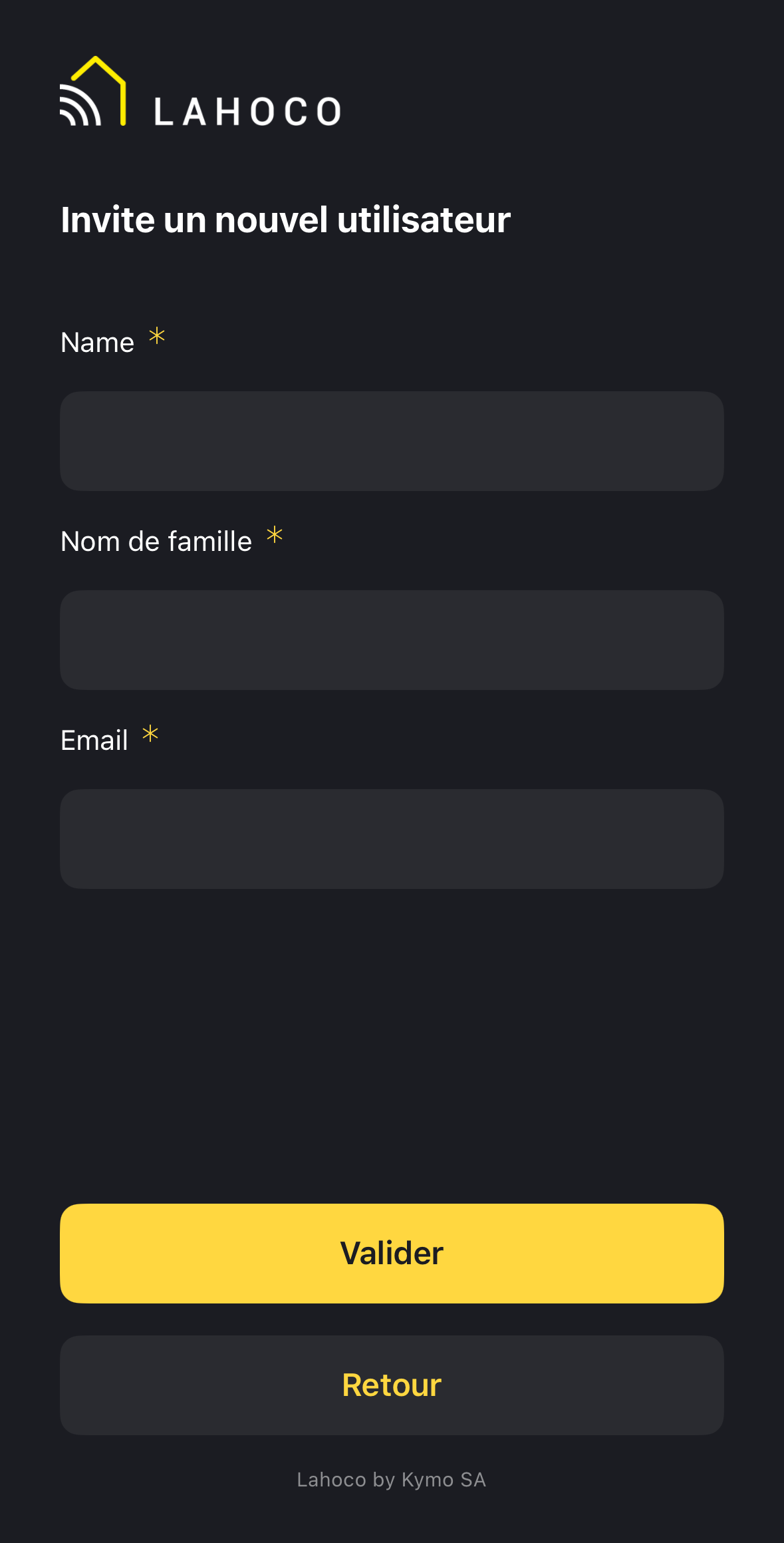
Then enter the new user's contact details. The new user will receive an invitation by email. Once accepted, they will have access to the installation.
If the new user does not yet have a myLAHOCO account with the specified email address, they will receive an invitation to create an account.