This page presents the different types of components supported by LAHOCO HOME.
Light
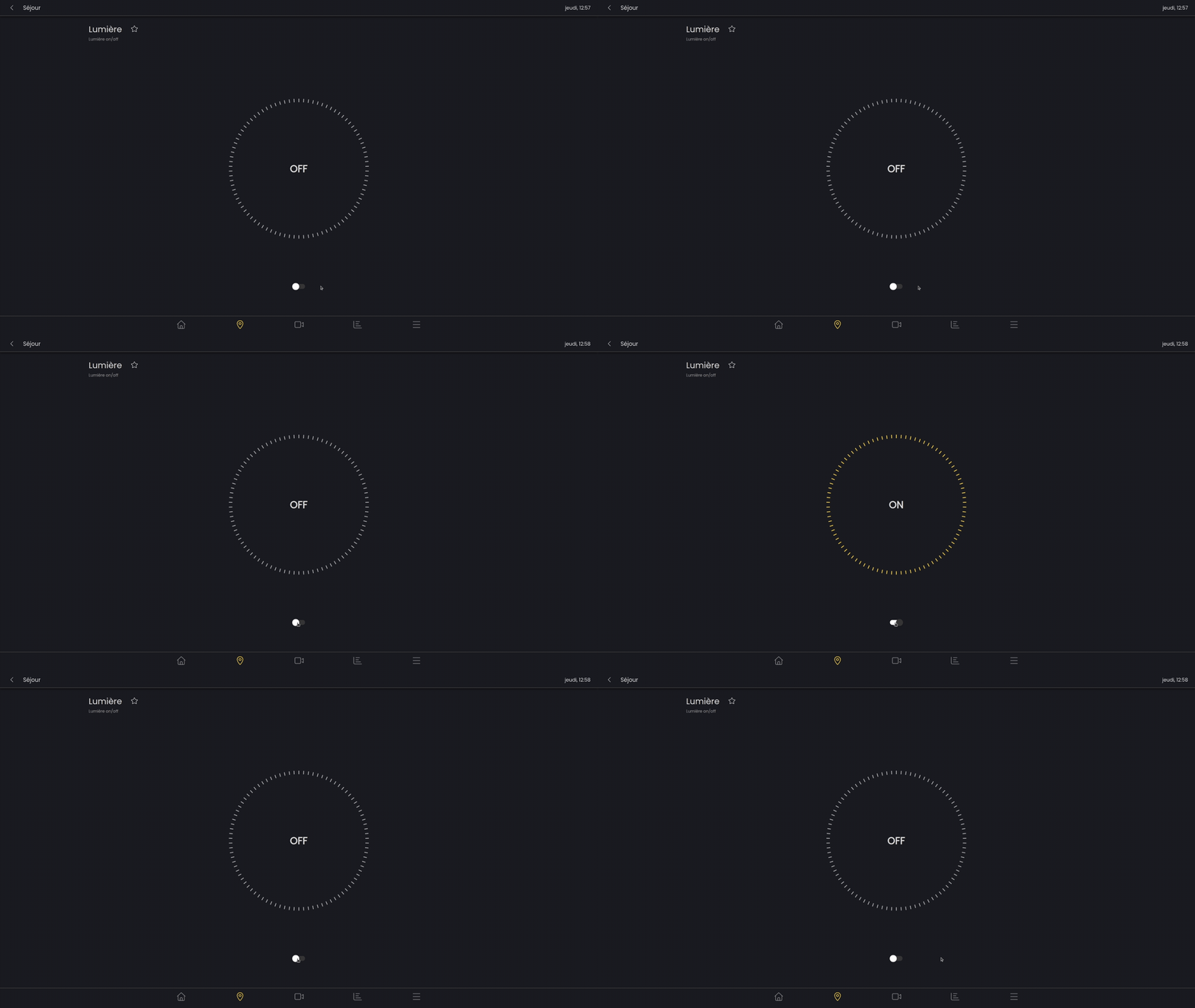
Simple light
A simple light can be turned on or off.
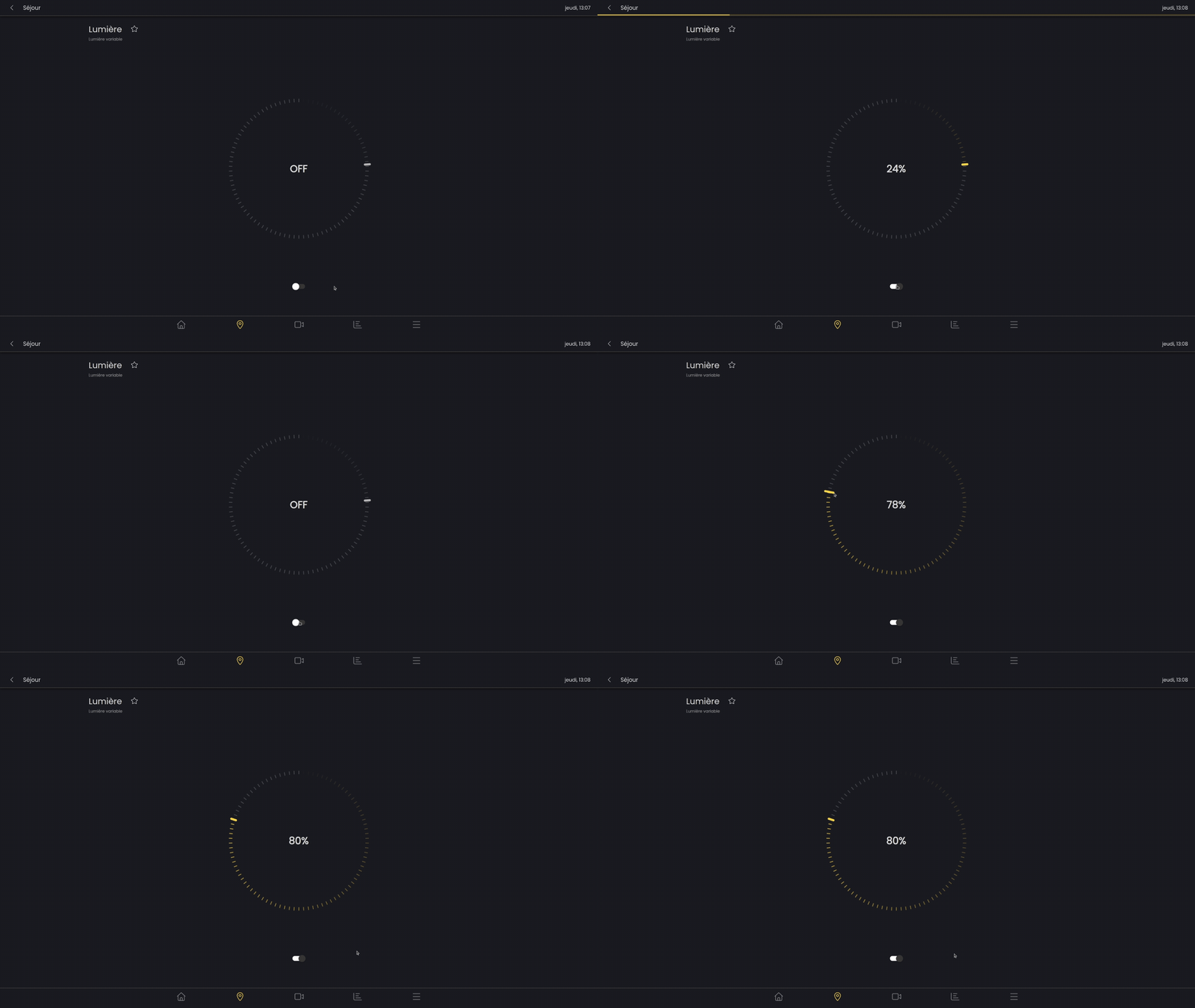
Variable light
A variable light can be adjusted in intensity and, like a simple light, can be turned on or off..
RGB light
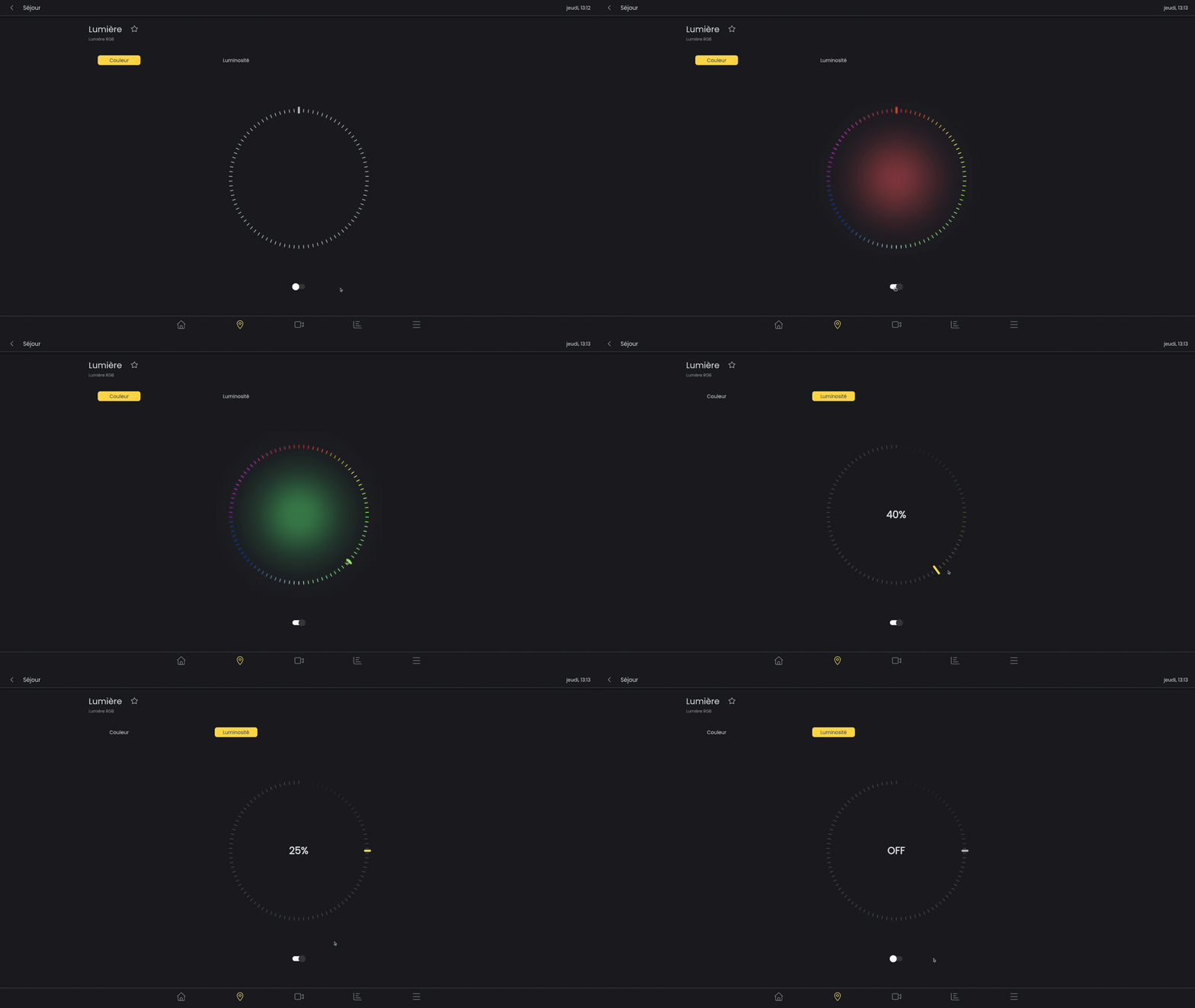
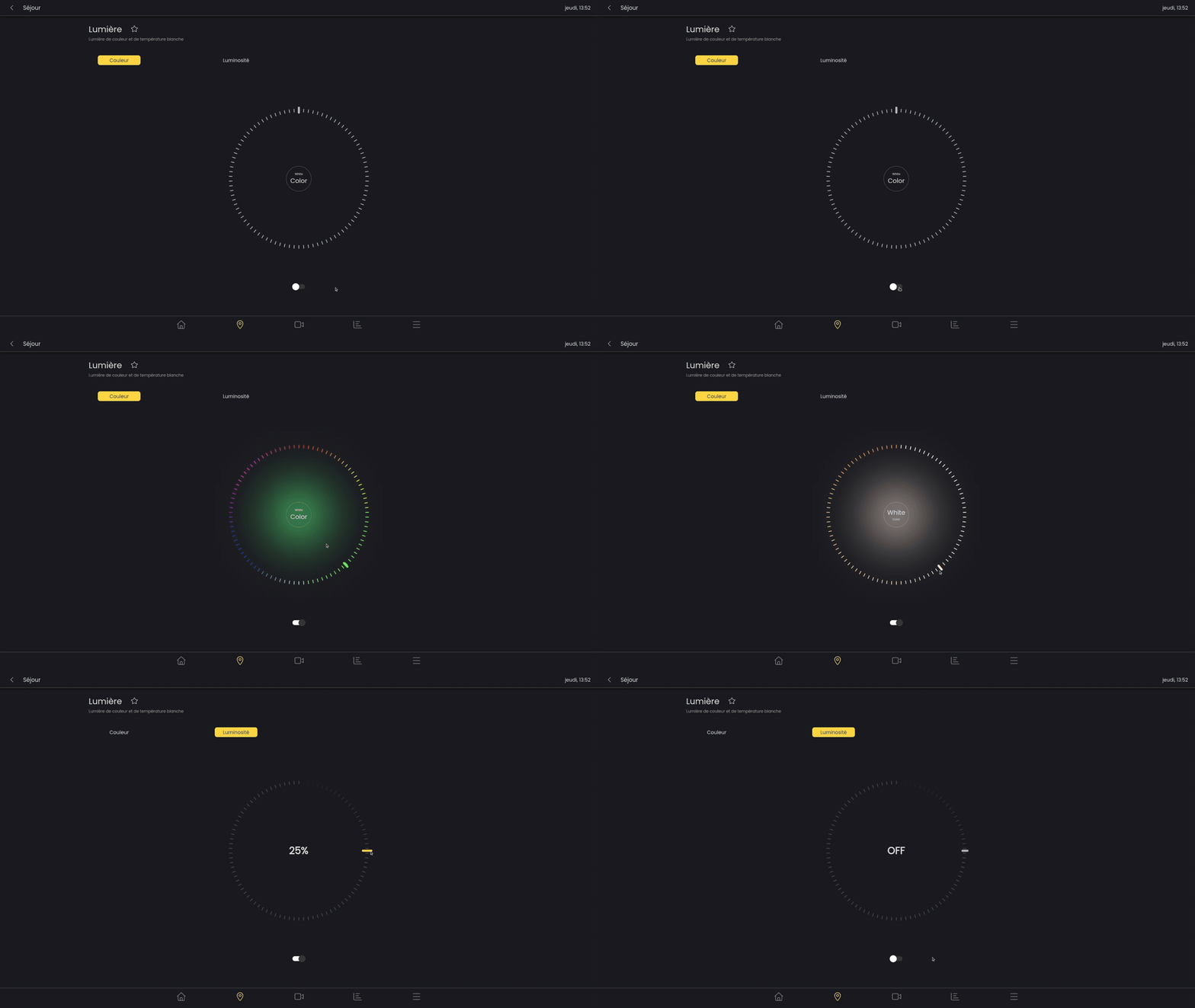
An RGB light allows you to vary the color in addition to the brightness and on/off status.
Two tabs are used to control this light. The first allows you to select the desired color using the wheel. In the second tab, you can select the intensity.
RGB and white light
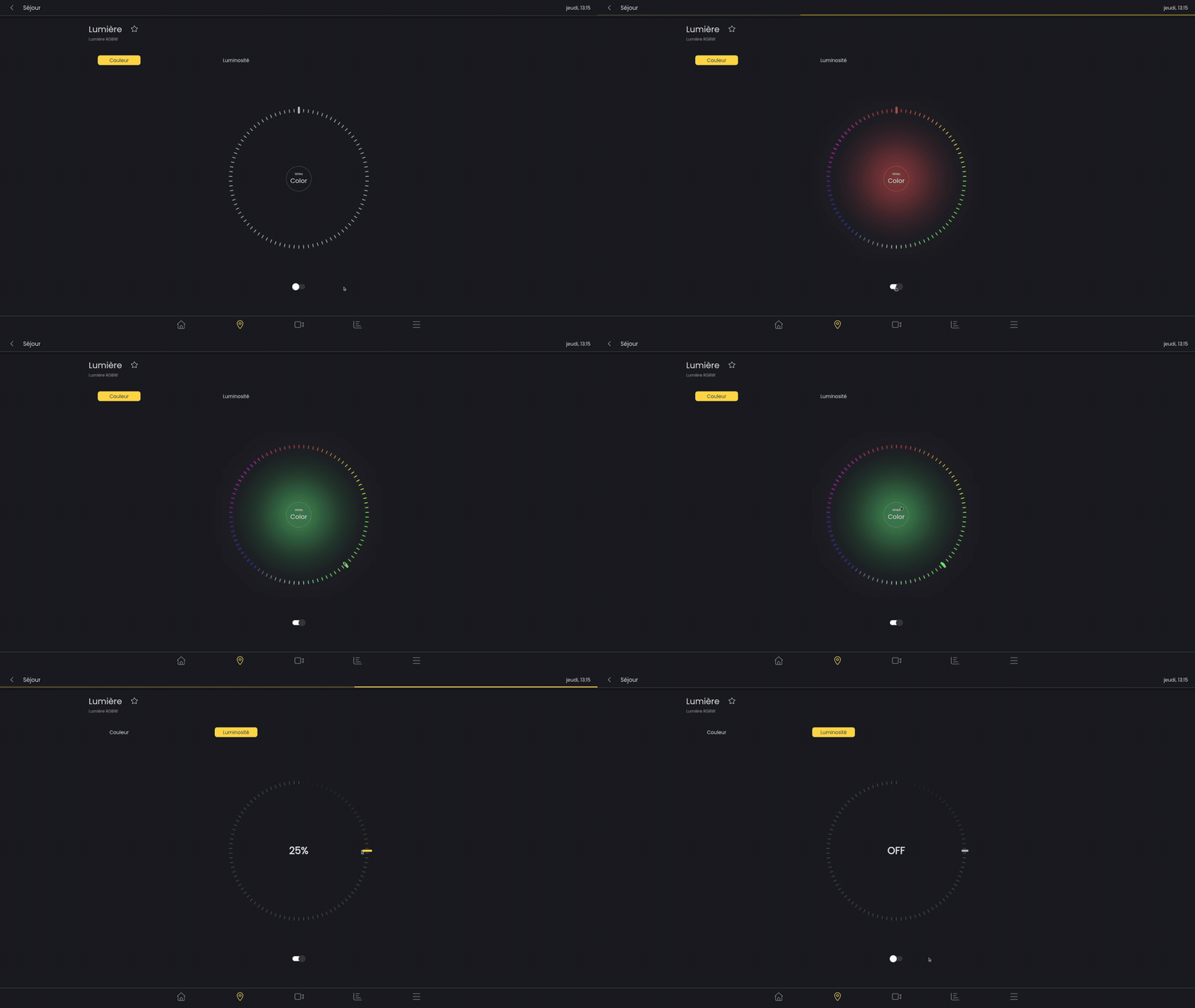
In addition to RGB light, RGBW light allows you to activate lamp’s white light.
To activate or deactivate white light mode, simply click on the round button in the center of the color wheel.
Light with white temperature
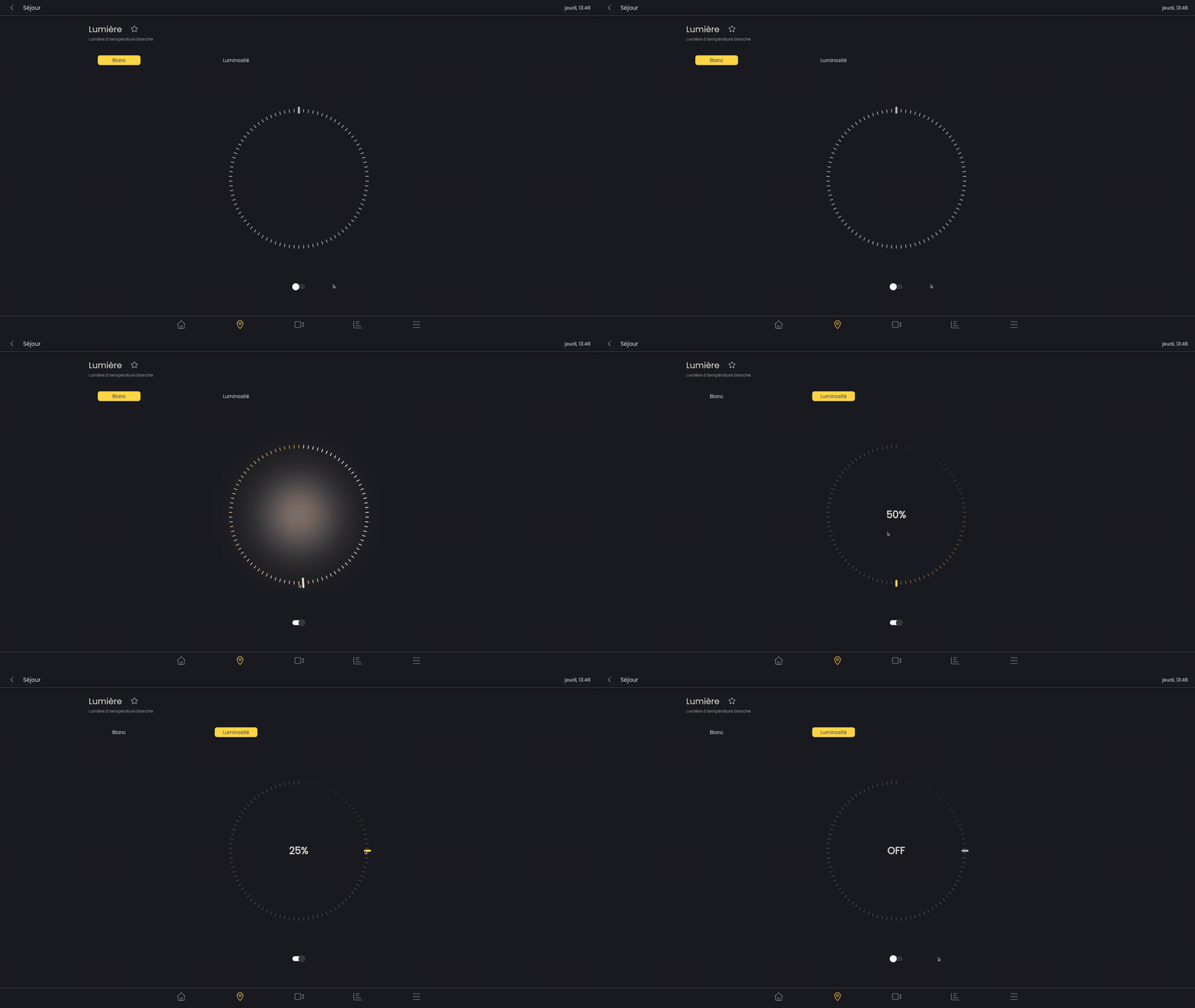
This light is adjustable in intensity and temperature (warm white or cool white).
RGB light with white temperature
This light has all the feature (on/off, variable intensity, color, white temperature)
Slatted blind
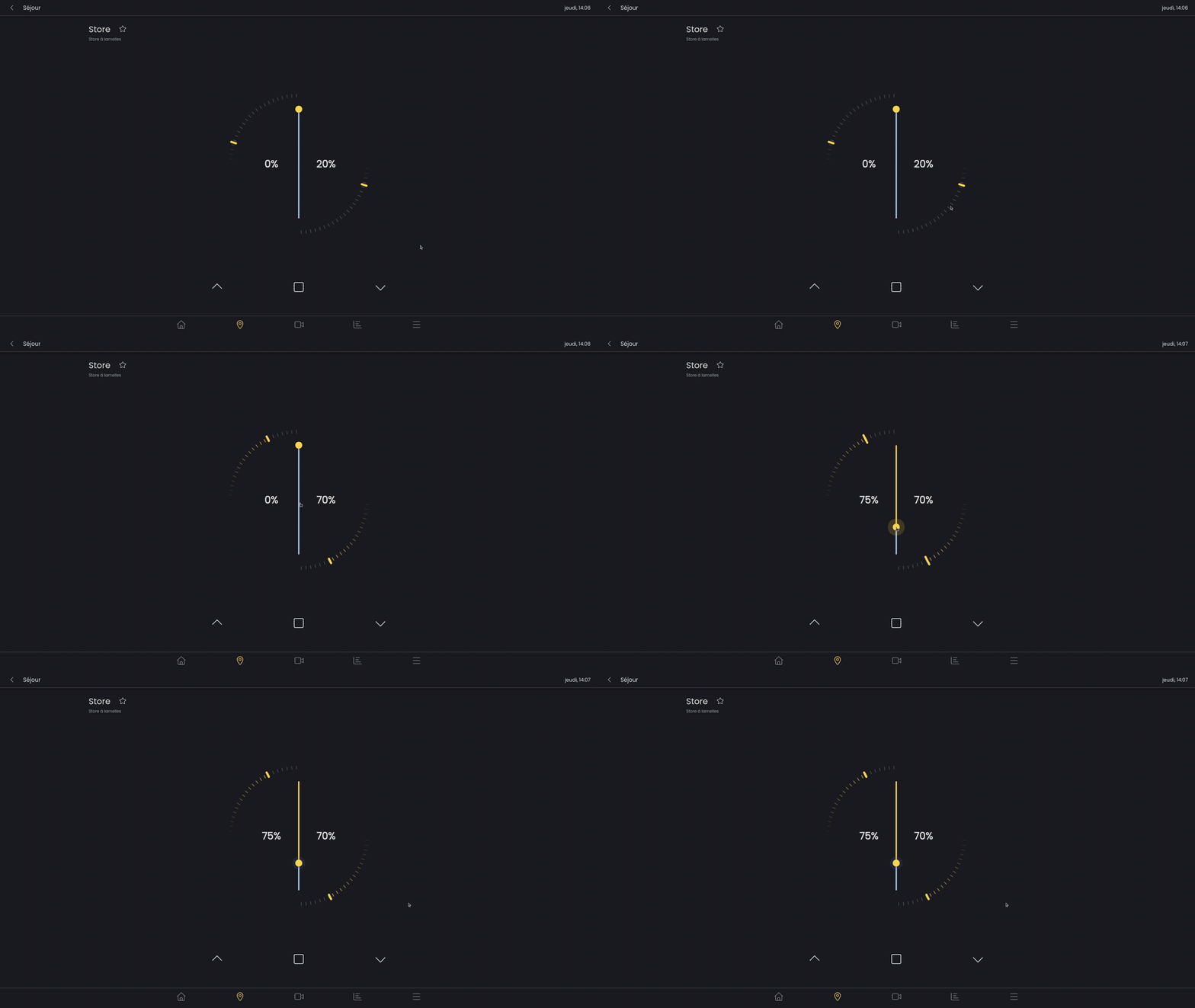
A slatted blind can be controlled using two parameters, the position (height) and the angle of the slats.
The chevrons at the bottom of the screen allow you to raise/lower the blind as you would with a physical button.
In addition to the circular slider, you can vary the angle of the slats by long-pressing the chevron-shaped buttons.
The square button stops the blind from rising or falling.
Rolling shutter
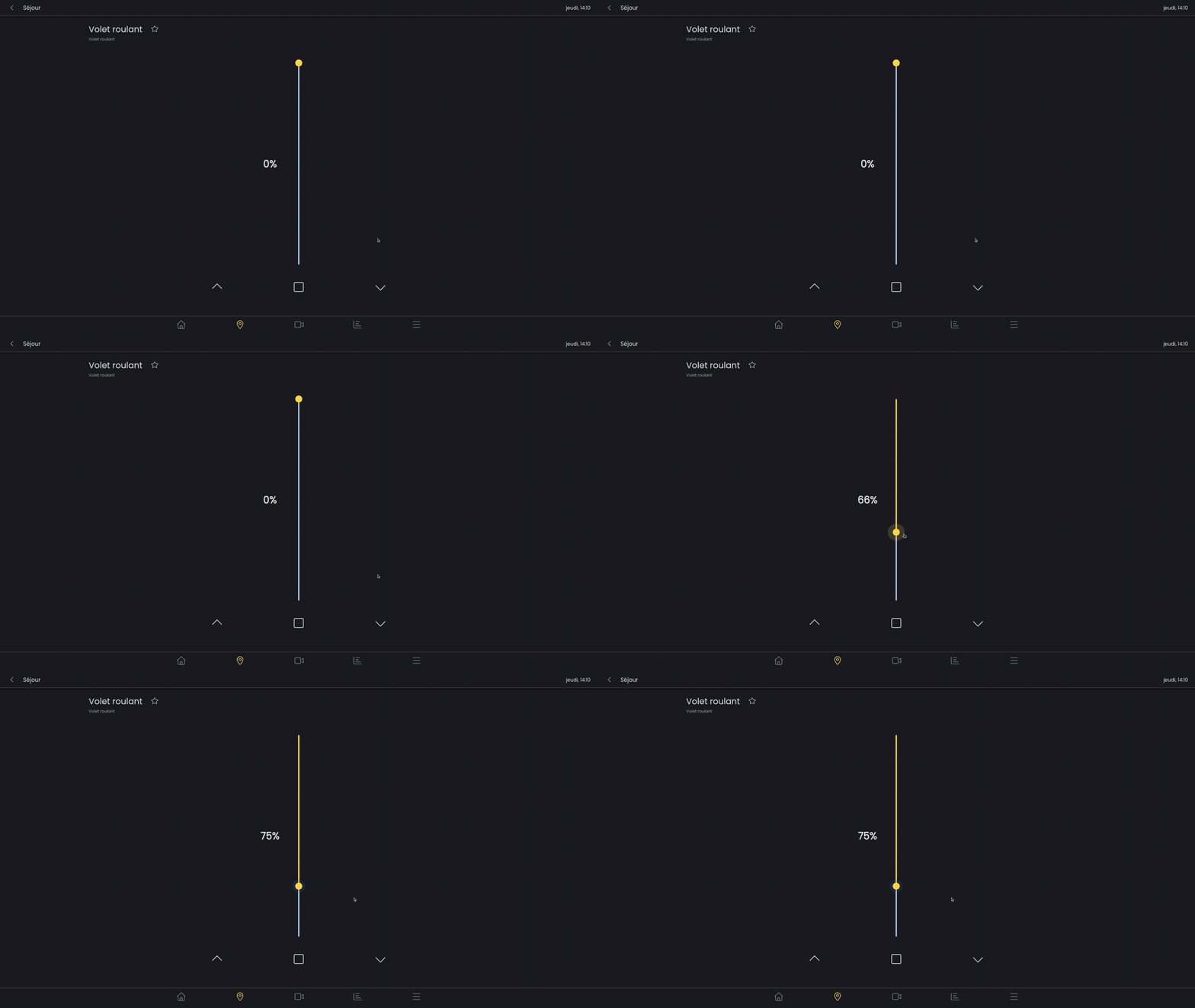
A rolling shutter (RS) can be controlled according to its position (height) using the slider.
The chevrons at the bottom of the screen allow you to raise/lower the blind as you would with a physical button.
If you press and hold the chevron buttons, you can vary its position
Two-part fabric blind
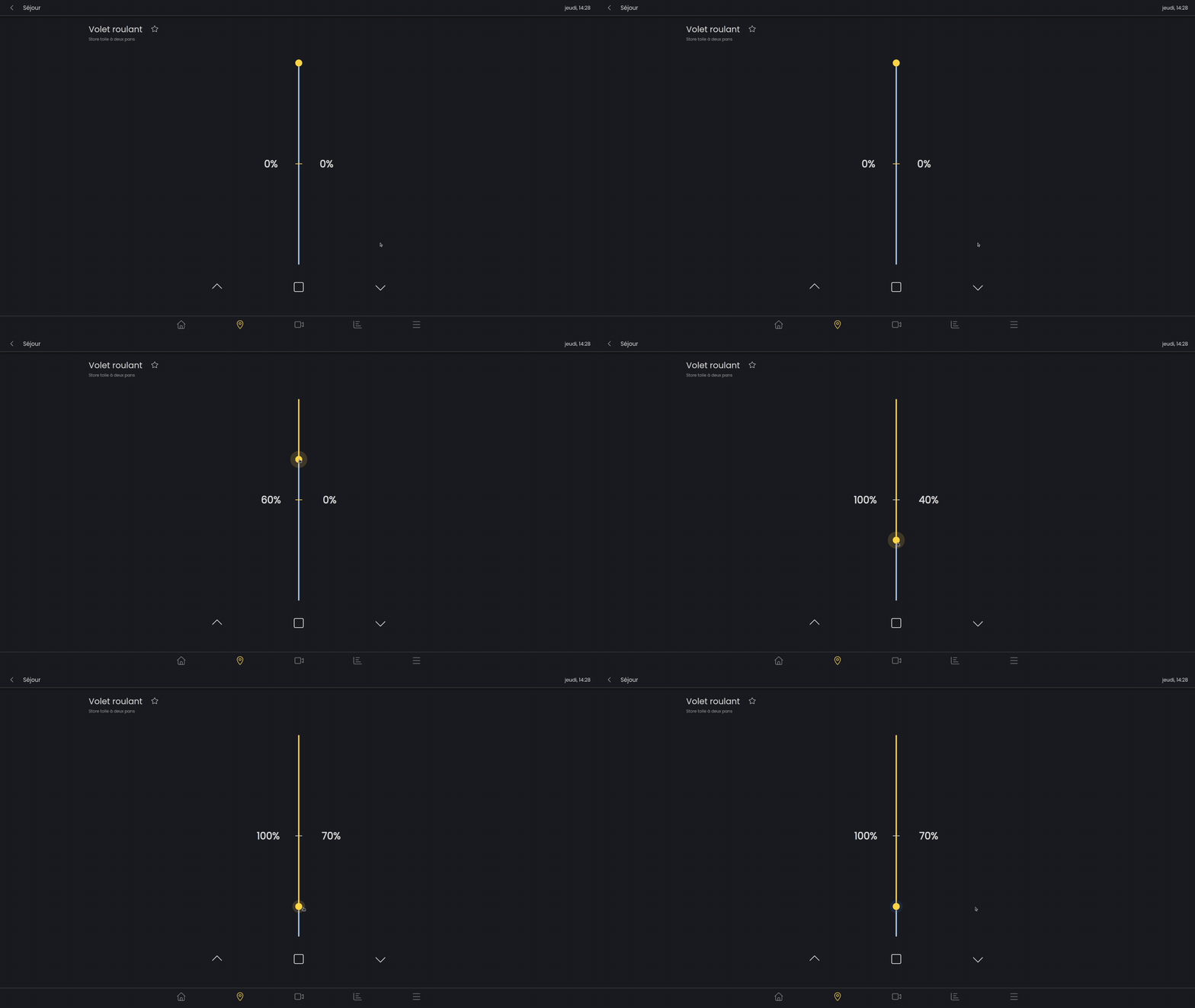
The two-part fabric blind can be adjusted using a single slider. The “horizontal” part of the blind is represented by the first percentage and the first part of the slider. The vertical part of the blind is represented by the second part of the slider and the second percentage,
Heating
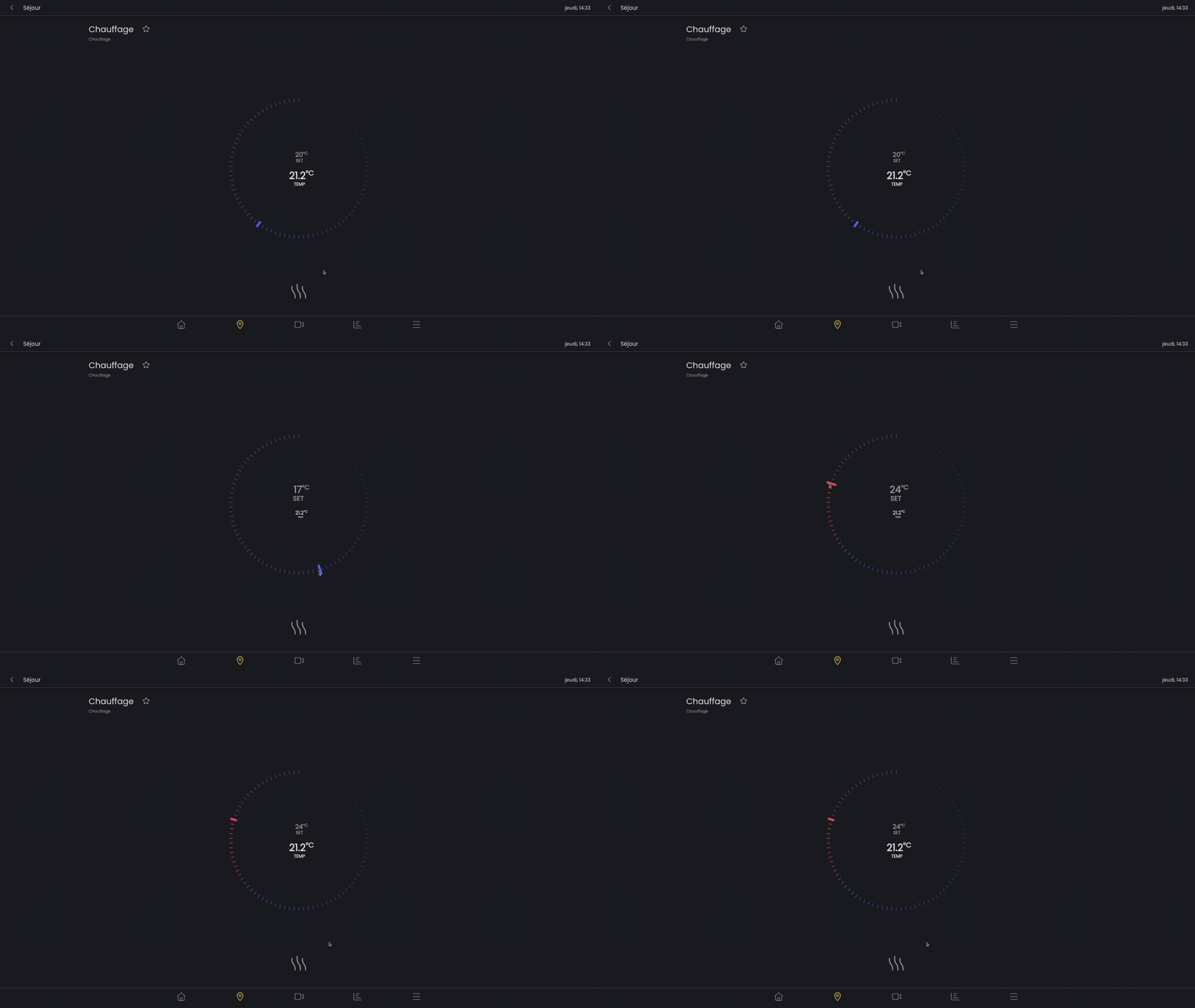
The heating component allows you to set the desired temperature for the zone.
The lower temperature (lighter and larger) shows the desired tempreature set by the slider. The upper temperature shows the current temperature in the room.
The slider remains blue as long as the selected temperature is below the current temperature. If the desired temperature is higher than the current temperature, the slider will turn red.
At the bottom, the heating icon turns red when heating and blue when not heating.
Switches
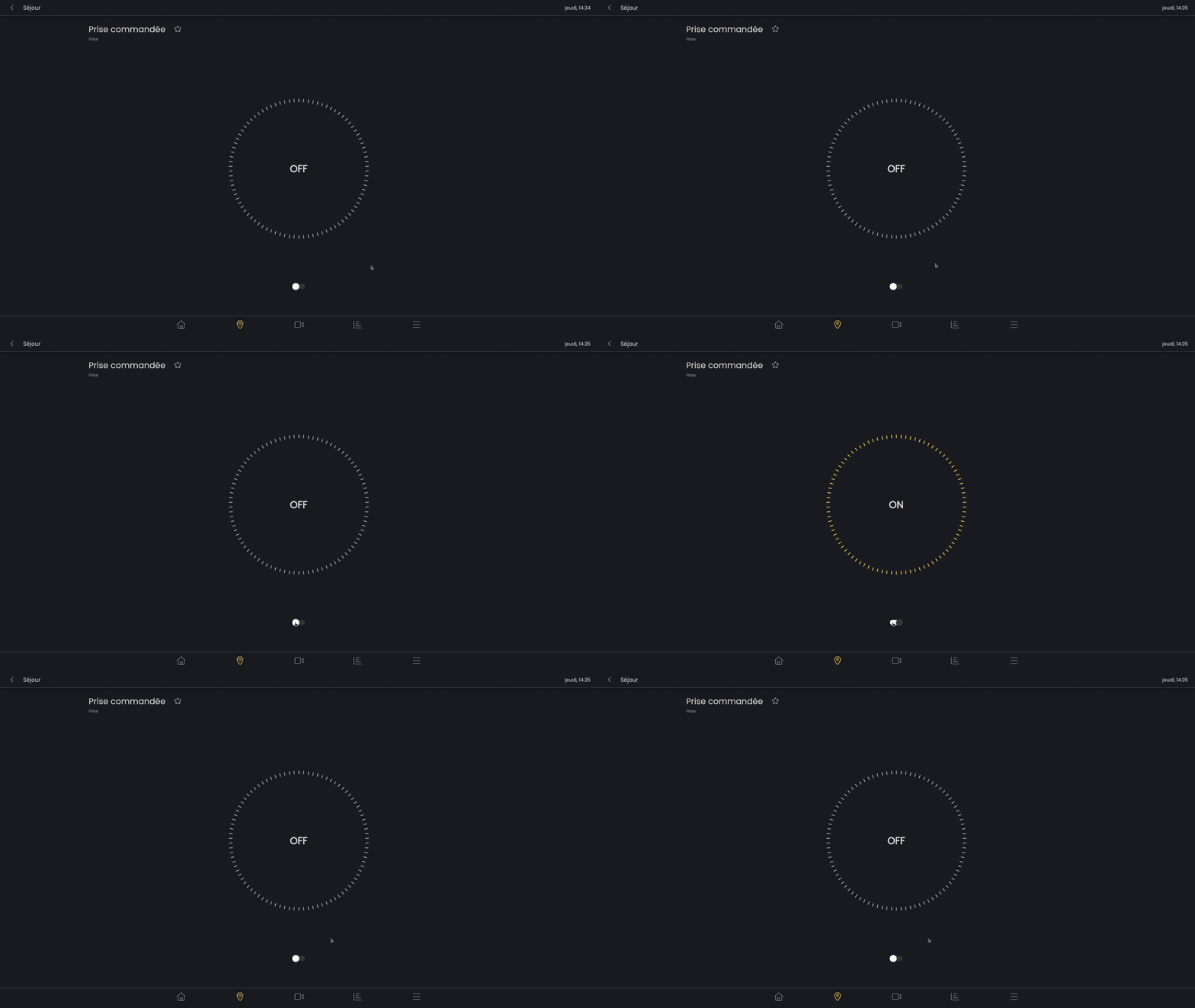
Switches can be, for example, controlled sockets. They can be activated and deactivated by the switch.
Sectionnal door
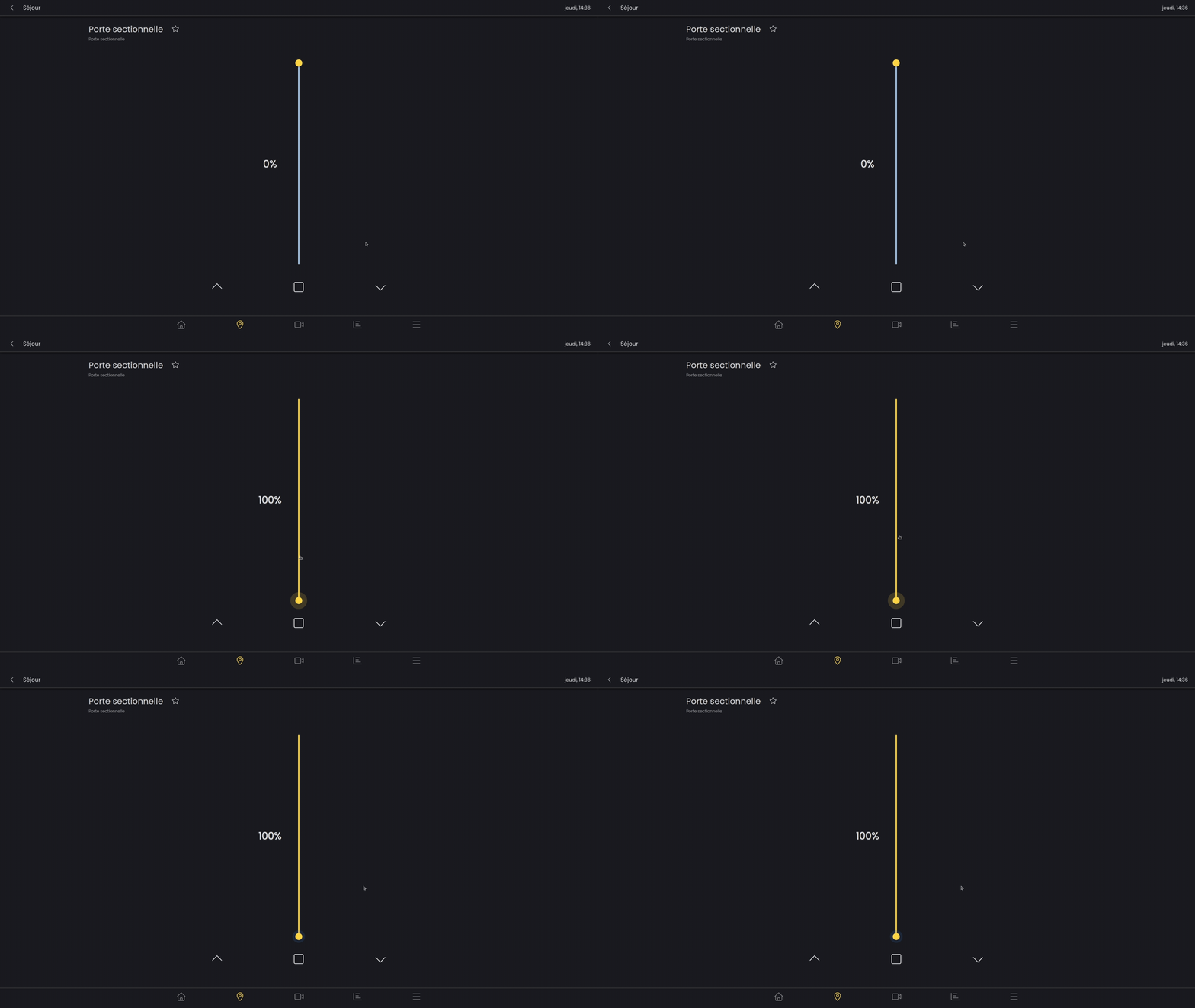
A garage door can be opened or closed with a slider or chevrons and the stop button.
Pergola
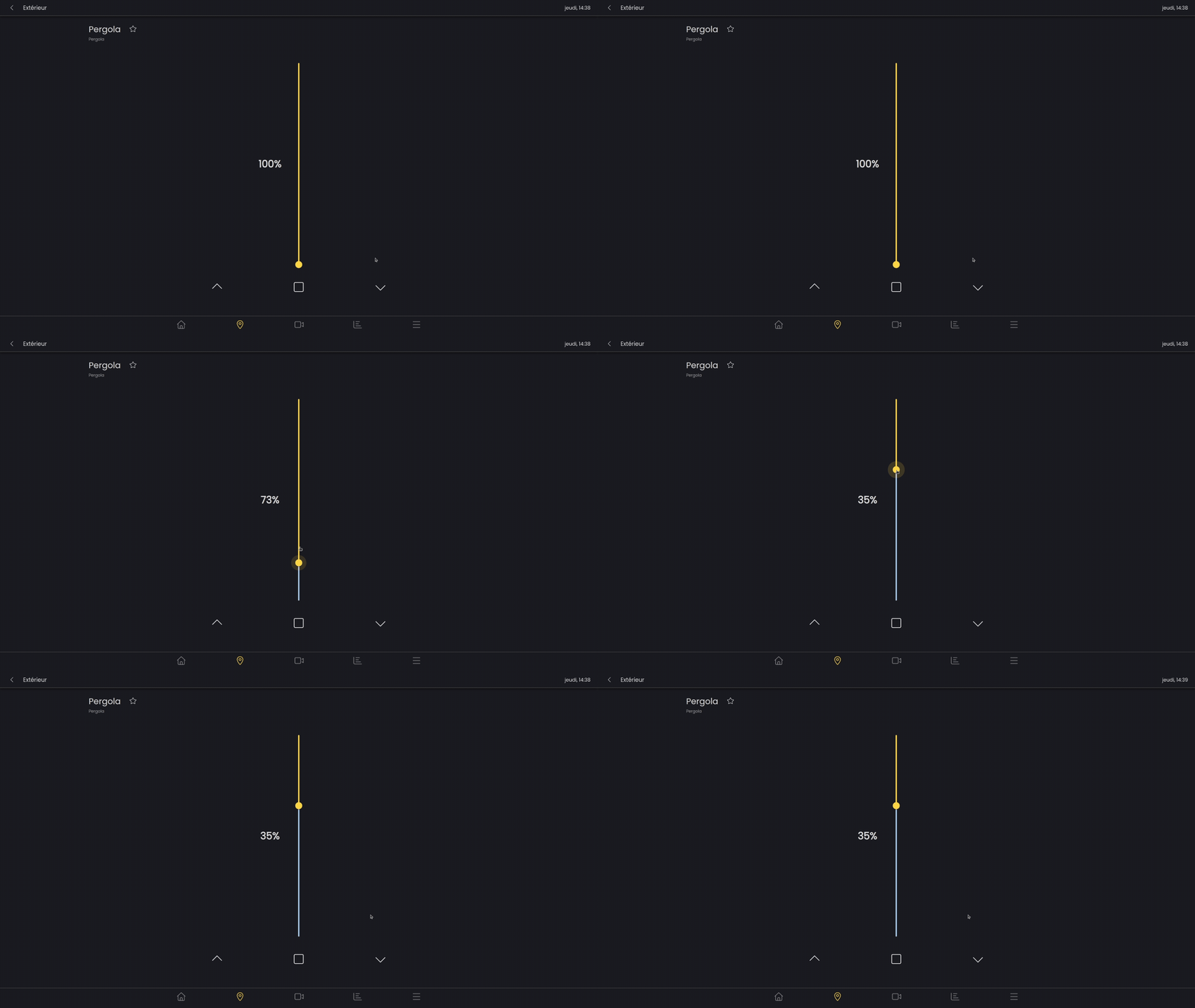
The orientation of the pergola is easily adjusted using a slider. (0% open to 90° and 100% closed)
Pool cover
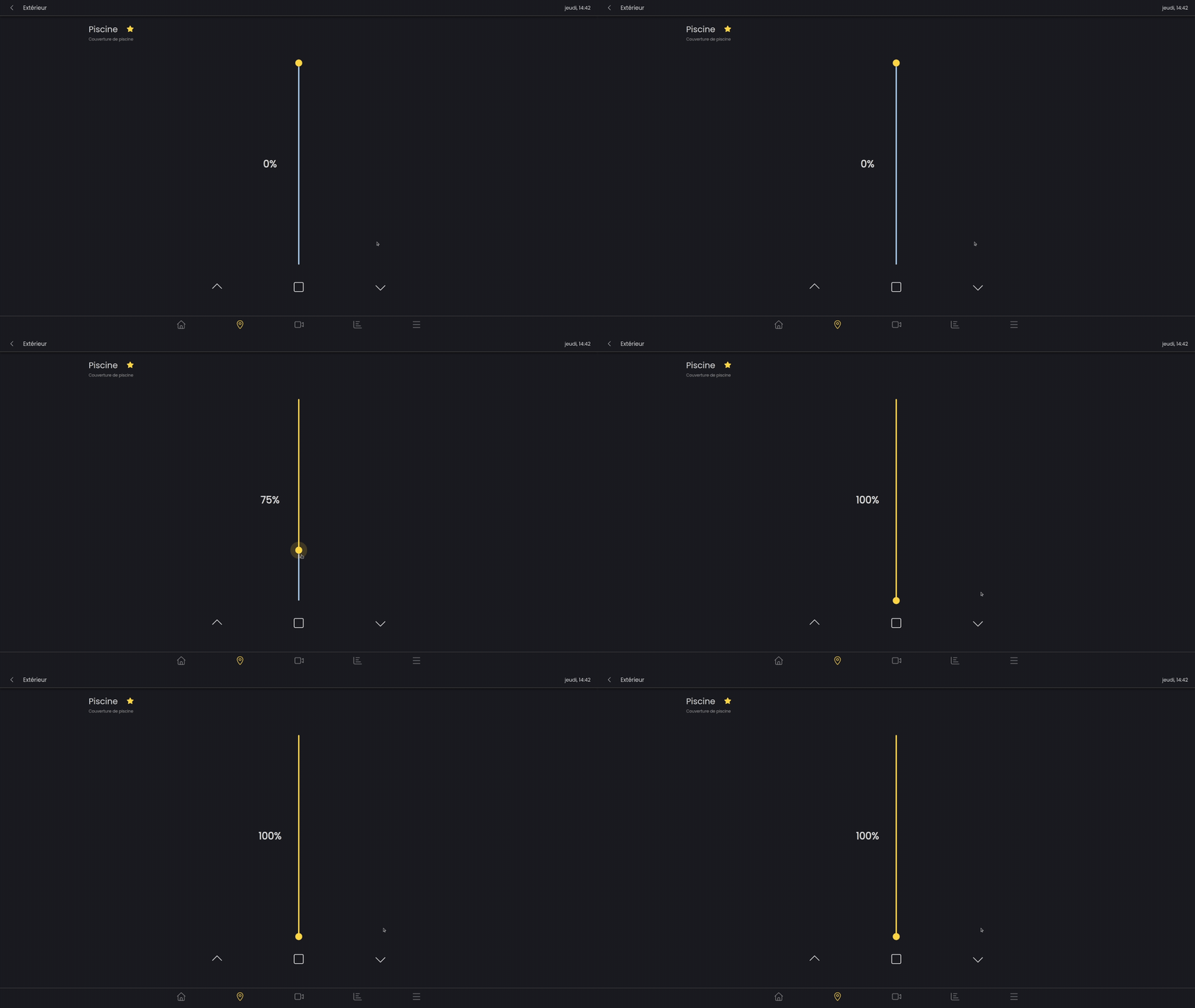
A pool cover can be controlled according to its position using the slider.
The chevrons at the bottom of the screen allow you to raise/lower the pool cover as you would with a physical button.
If you press and hold the chevron buttons, you can vary its potition.
The square button stops the pool cover from rising or lowering.