This page presents the different types of components supported by LAHOCO HOME.
Light
Simple light
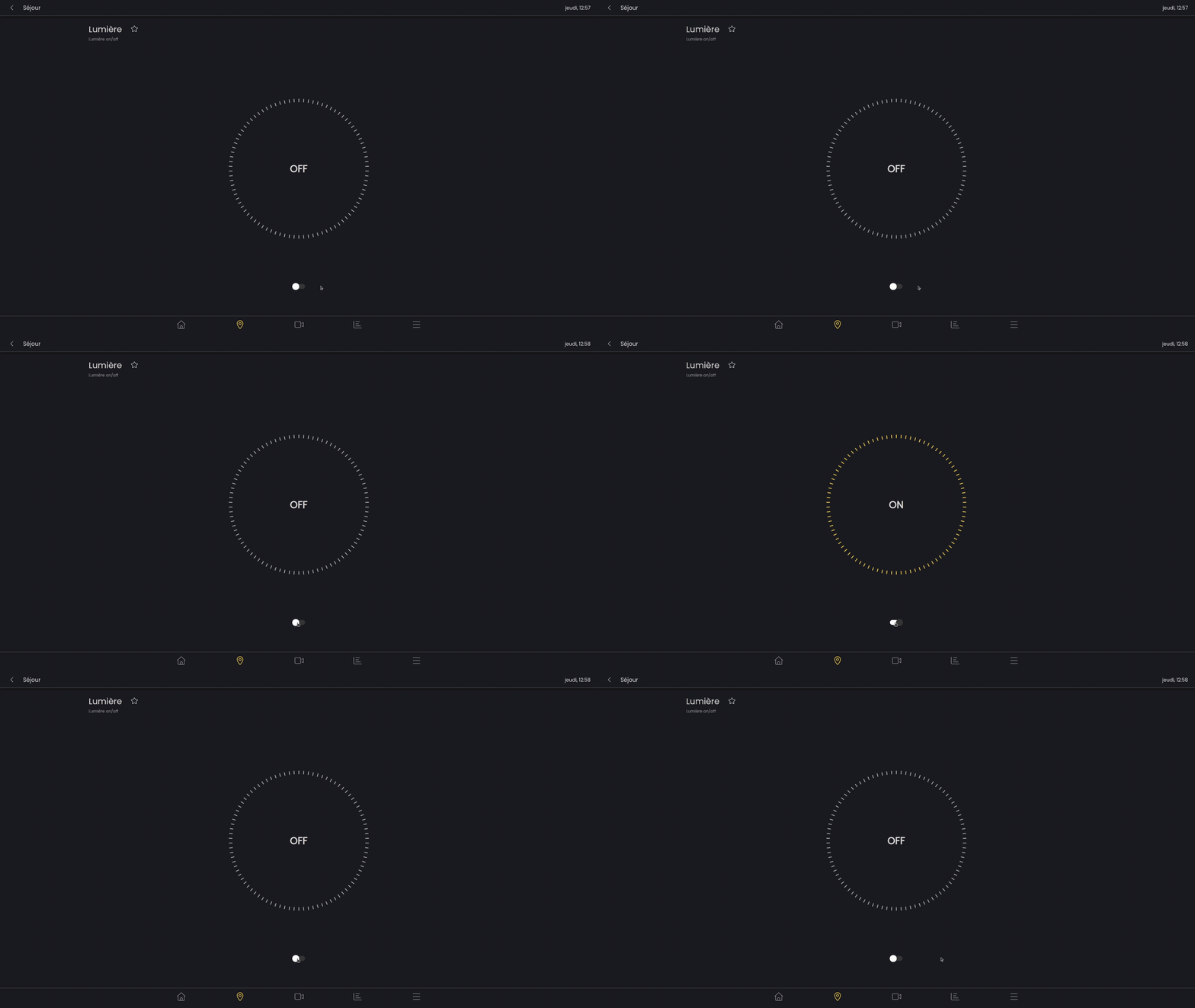
A simple light can be turned on or off.
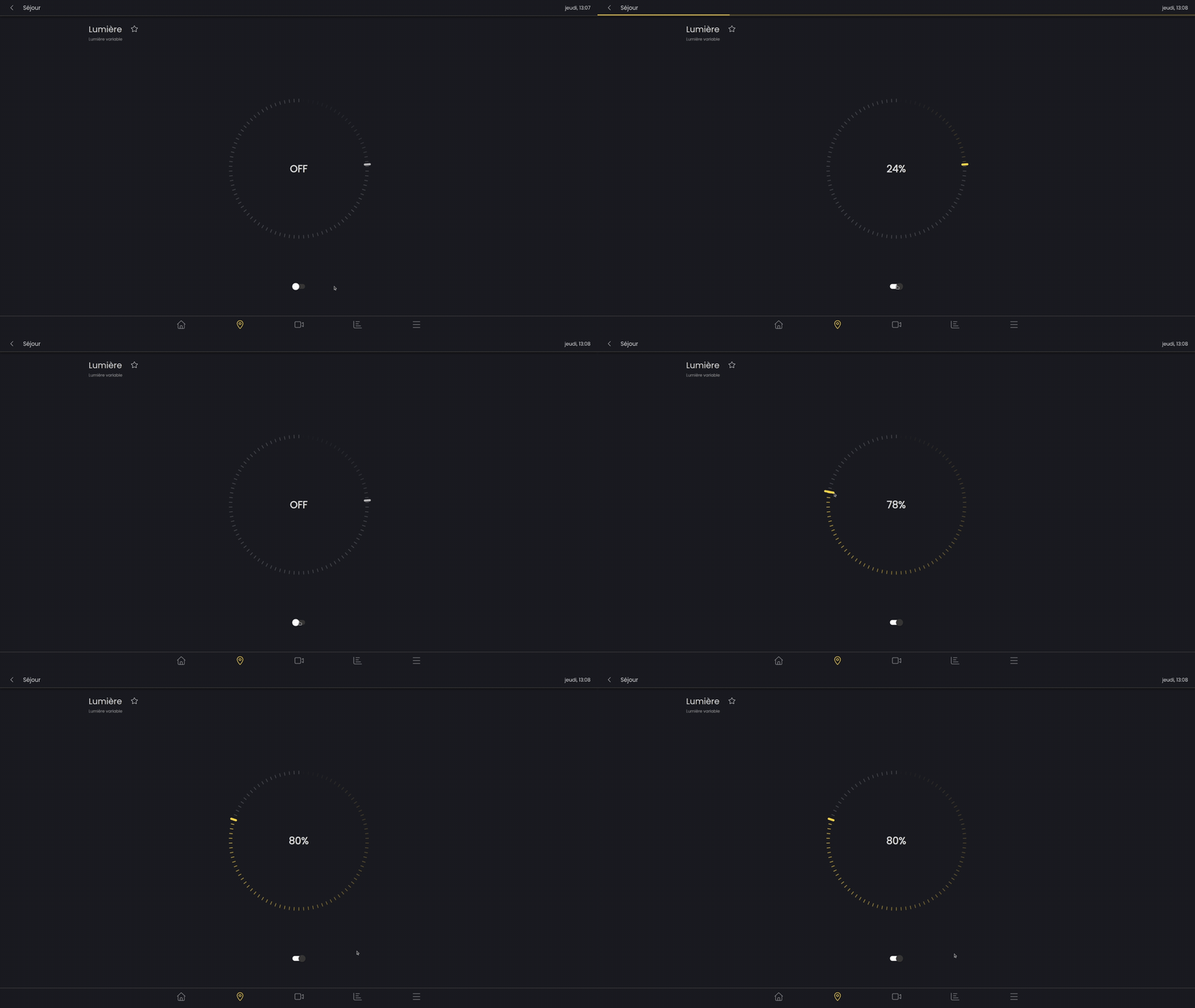
Dimmable light
A dimmable light can be adjusted in intensity and, just like a simple light, can be turned on or off.
RGB light
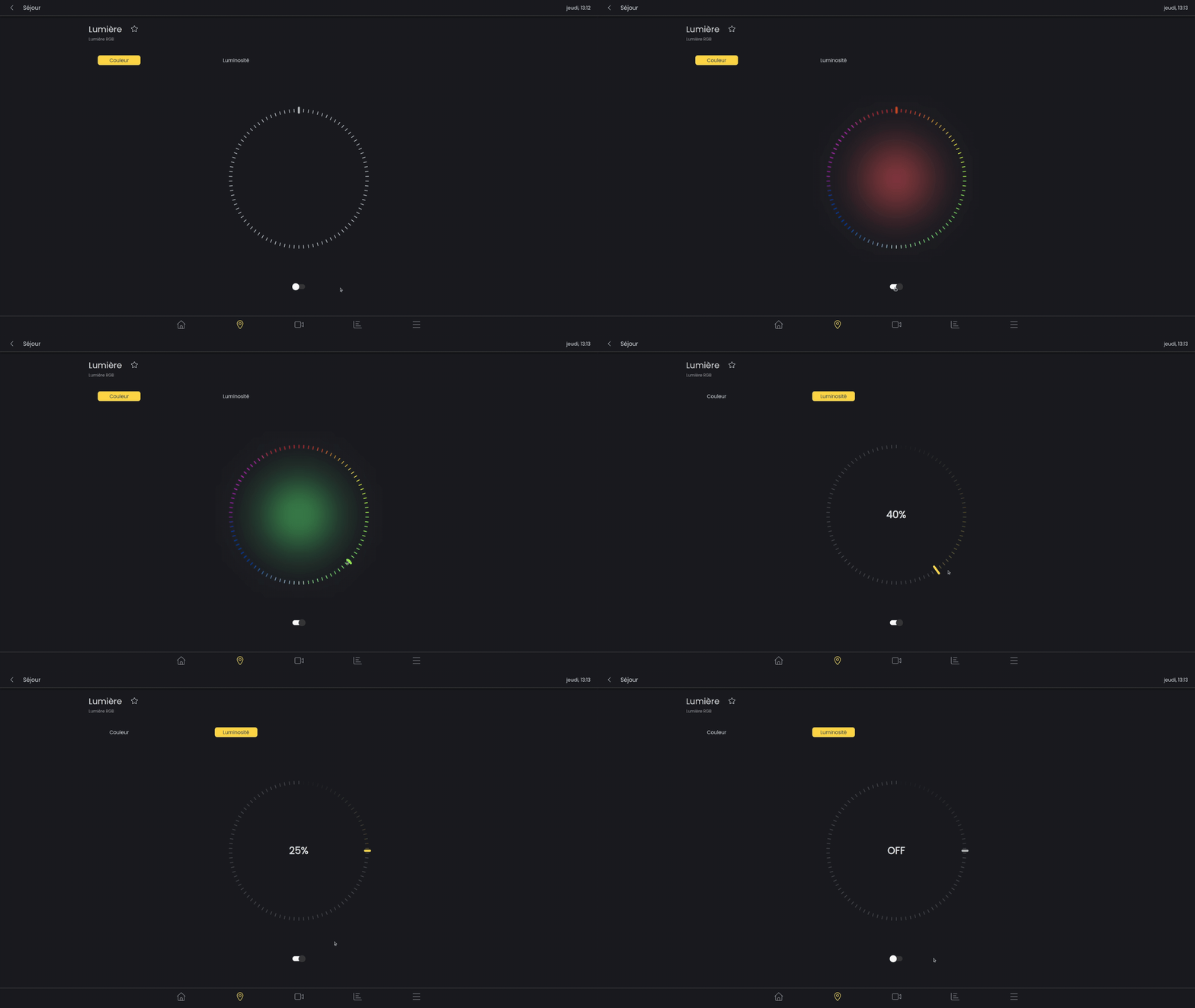
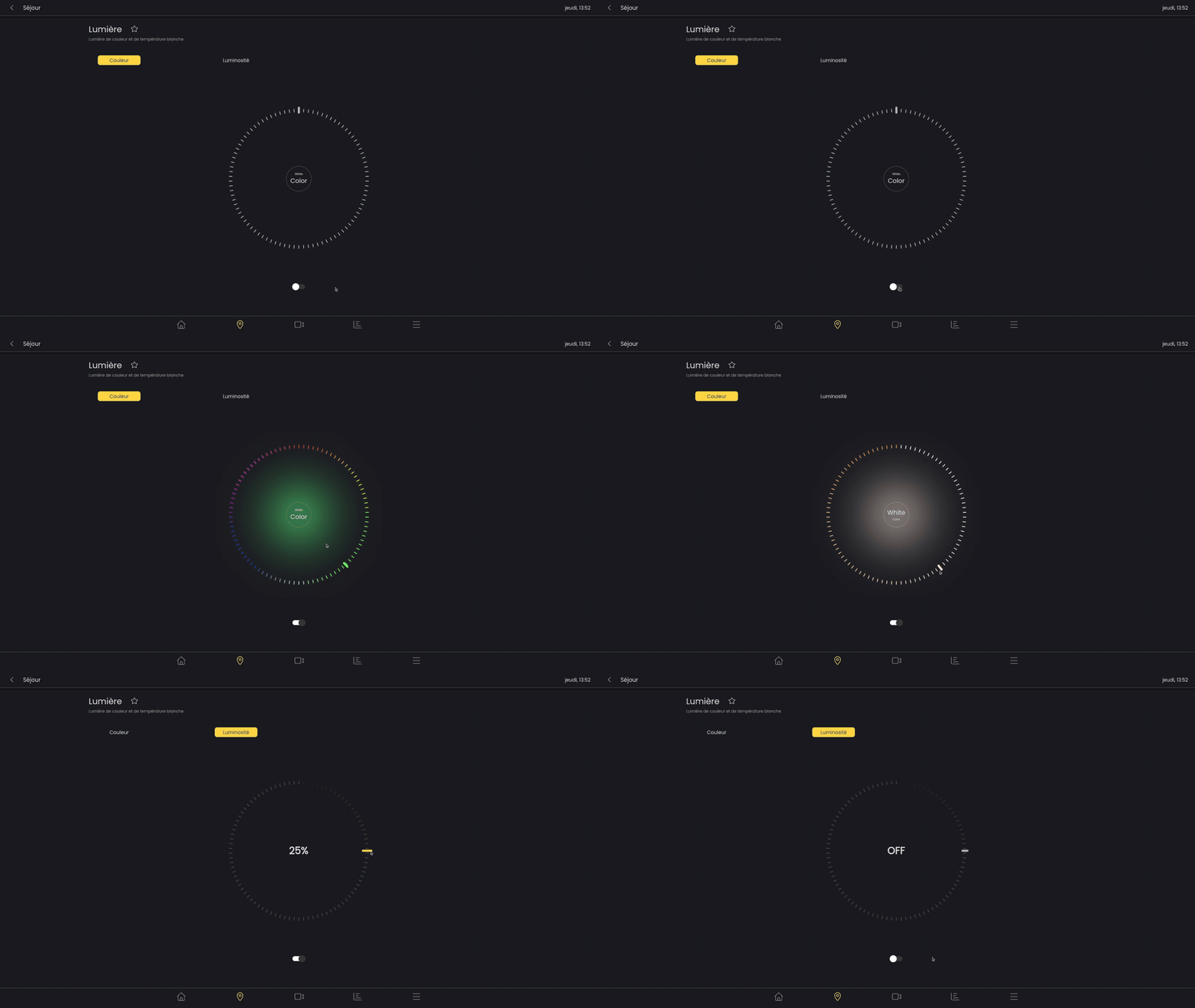
An RGB light allows the color to be varied in addition to the brightness and on/off state.
To control this light, two tabs are used. The first lets you choose the desired color using the wheel. In the second tab you can choose the intensity.
RGB and white light
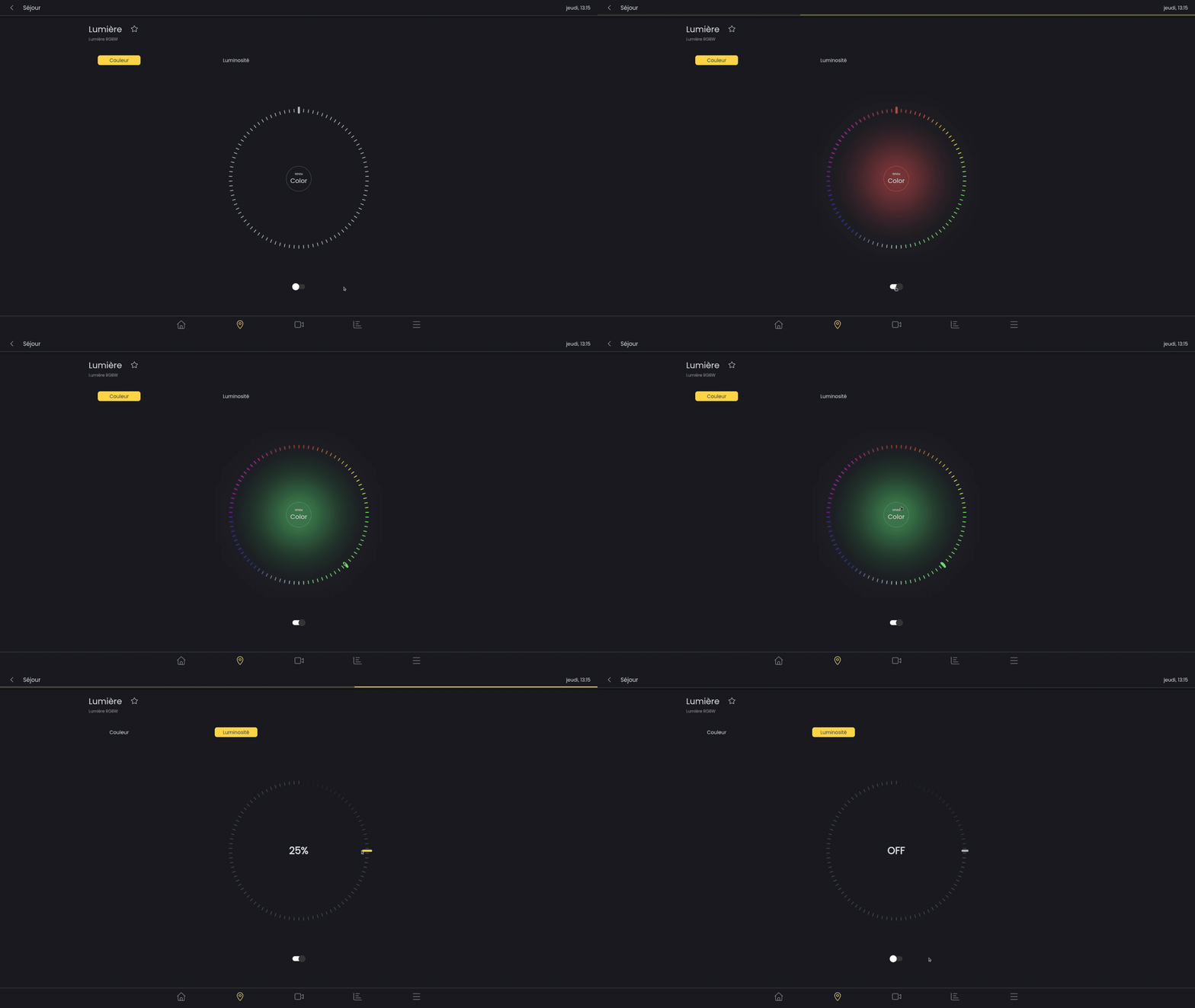
In addition to RGB light, the RGBW light allows the lamp's white light to be activated.
To activate or deactivate white light mode, simply click the round button at the center of the color wheel.
Light with white color temperature
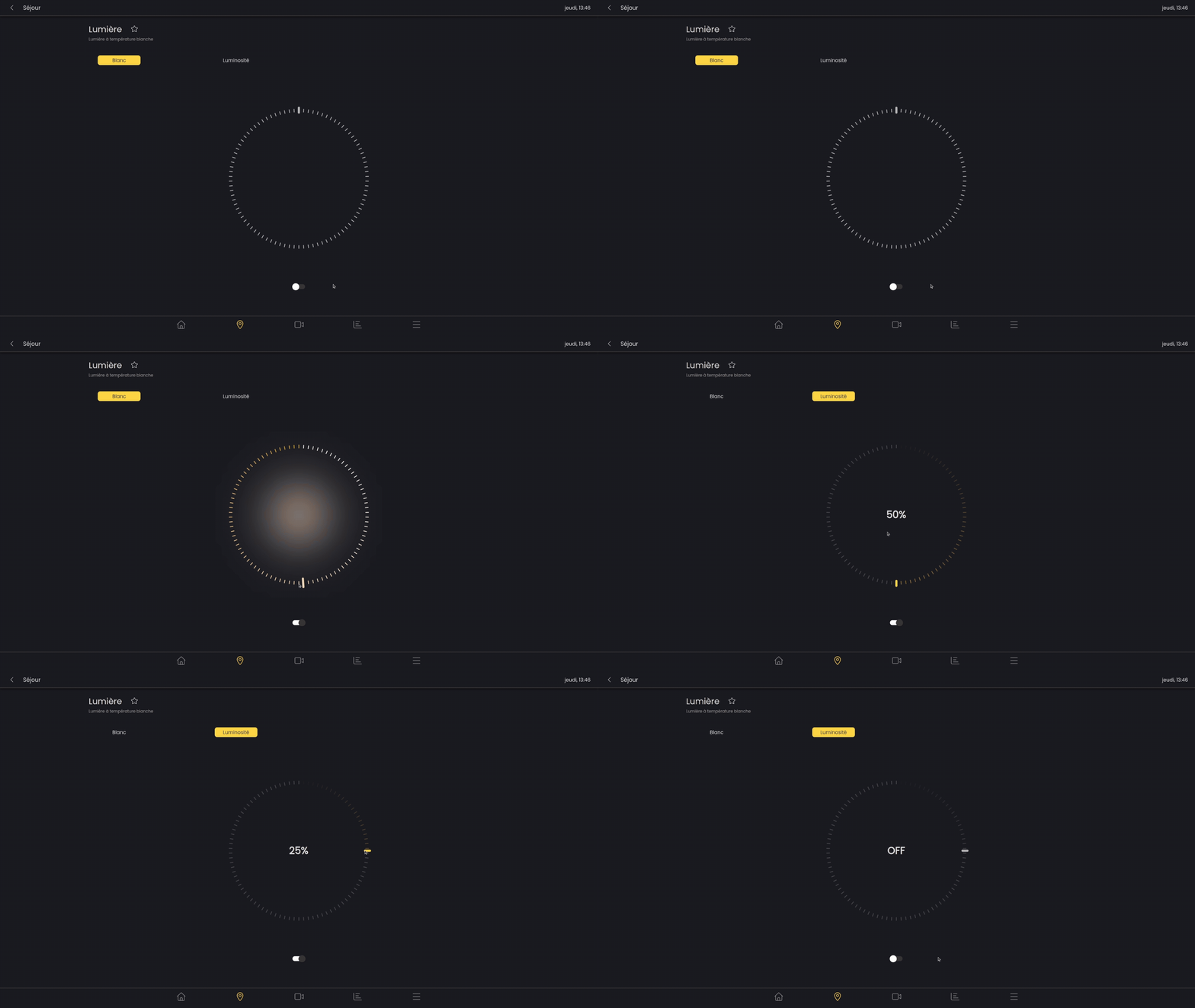
This light is adjustable in intensity and temperature (warm white or cool white).
RGB light with white color temperature
This light has all the features (on / off, variable intensity, color, white color temperature)
Shading
Venetian blind
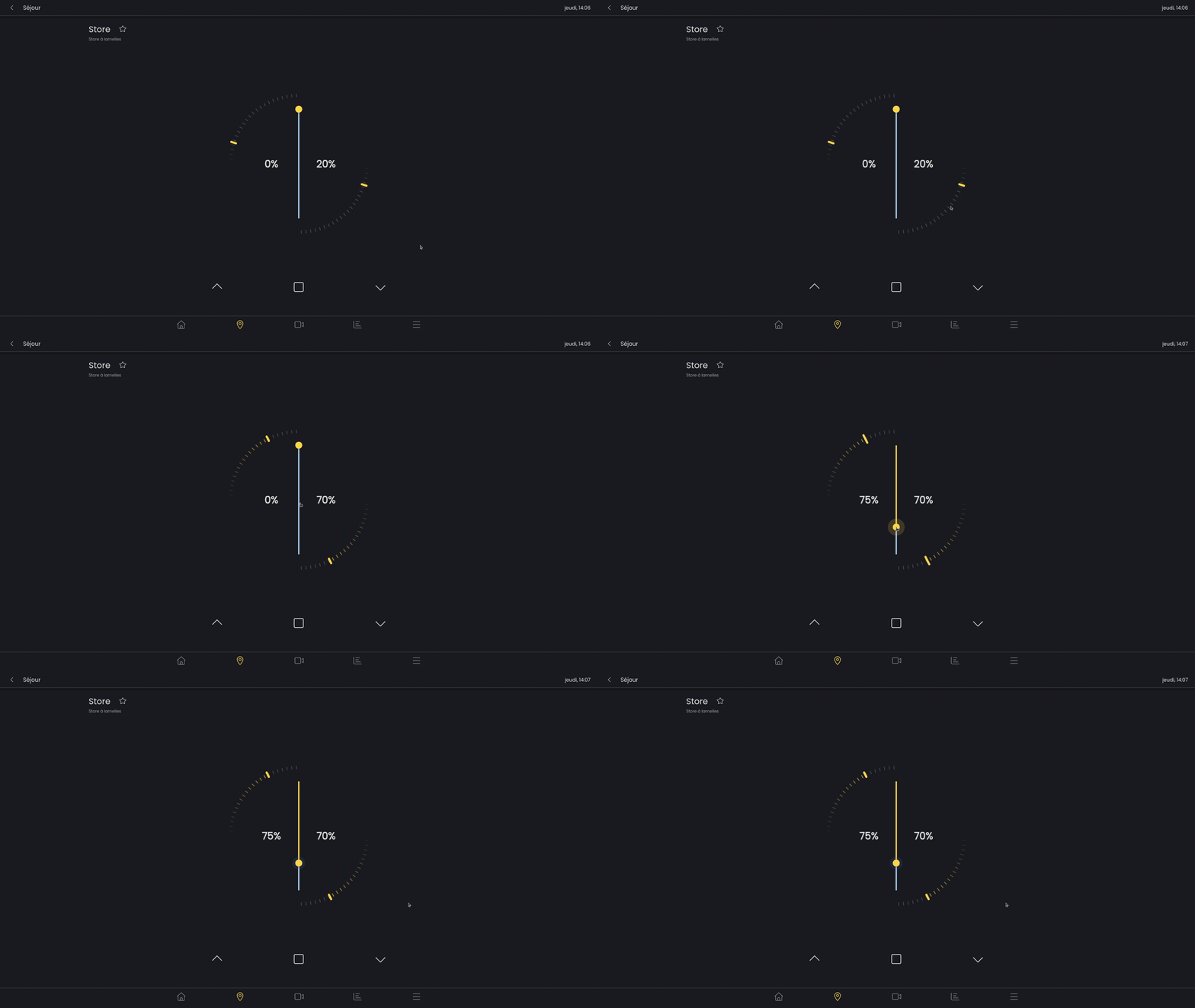
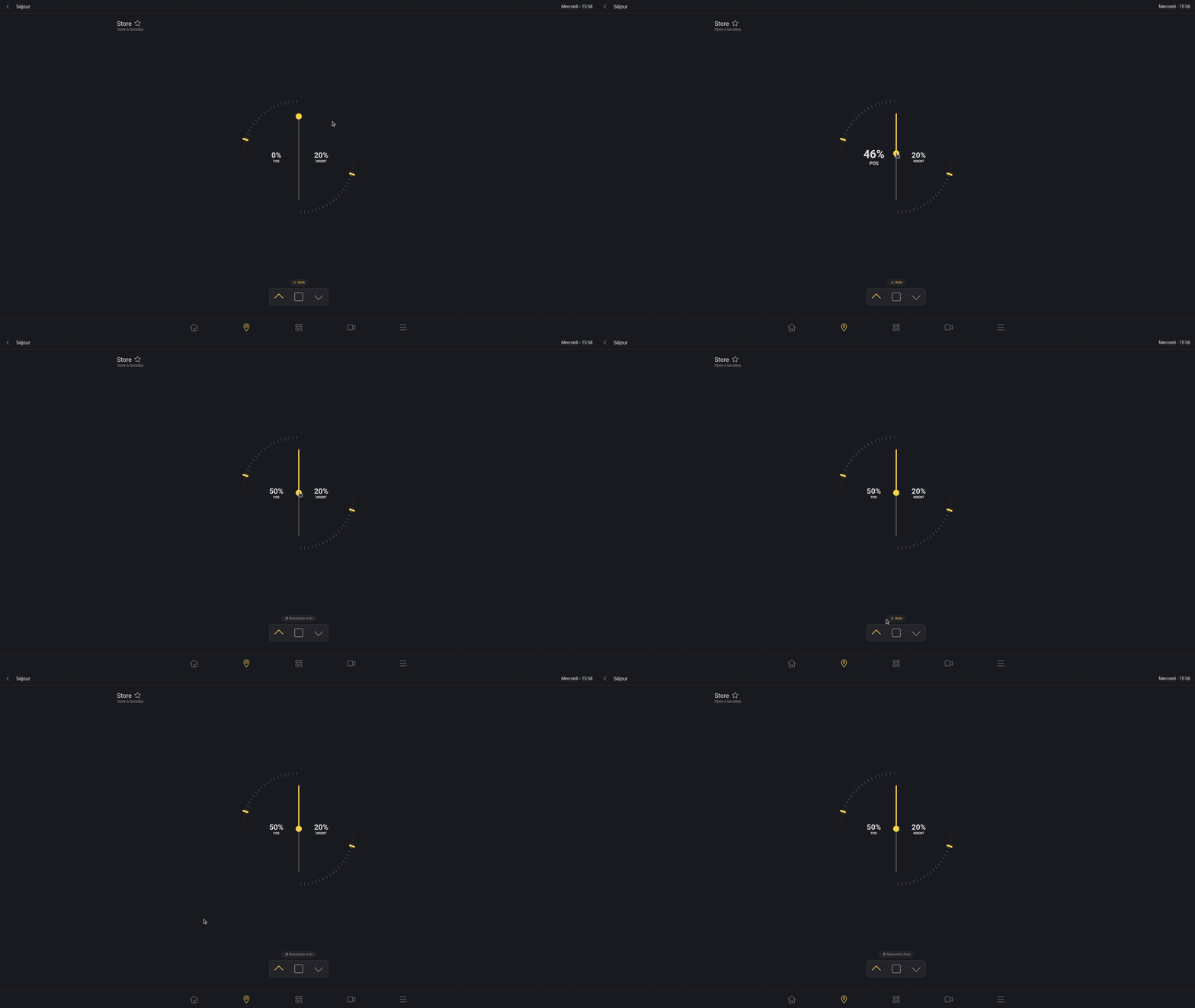
An adjustable slat blind can be controlled using two parameters, the position (height) and the slat orientation.
The chevrons at the bottom of the screen allow the blind to be raised/lowered, just like a physical button would.
In addition to the circular slider, you can adjust the tilt of the slats by pressing and holding the chevron-shaped buttons.
The square button stops the blind from raising or lowering.
Roller shutter and fabric awning
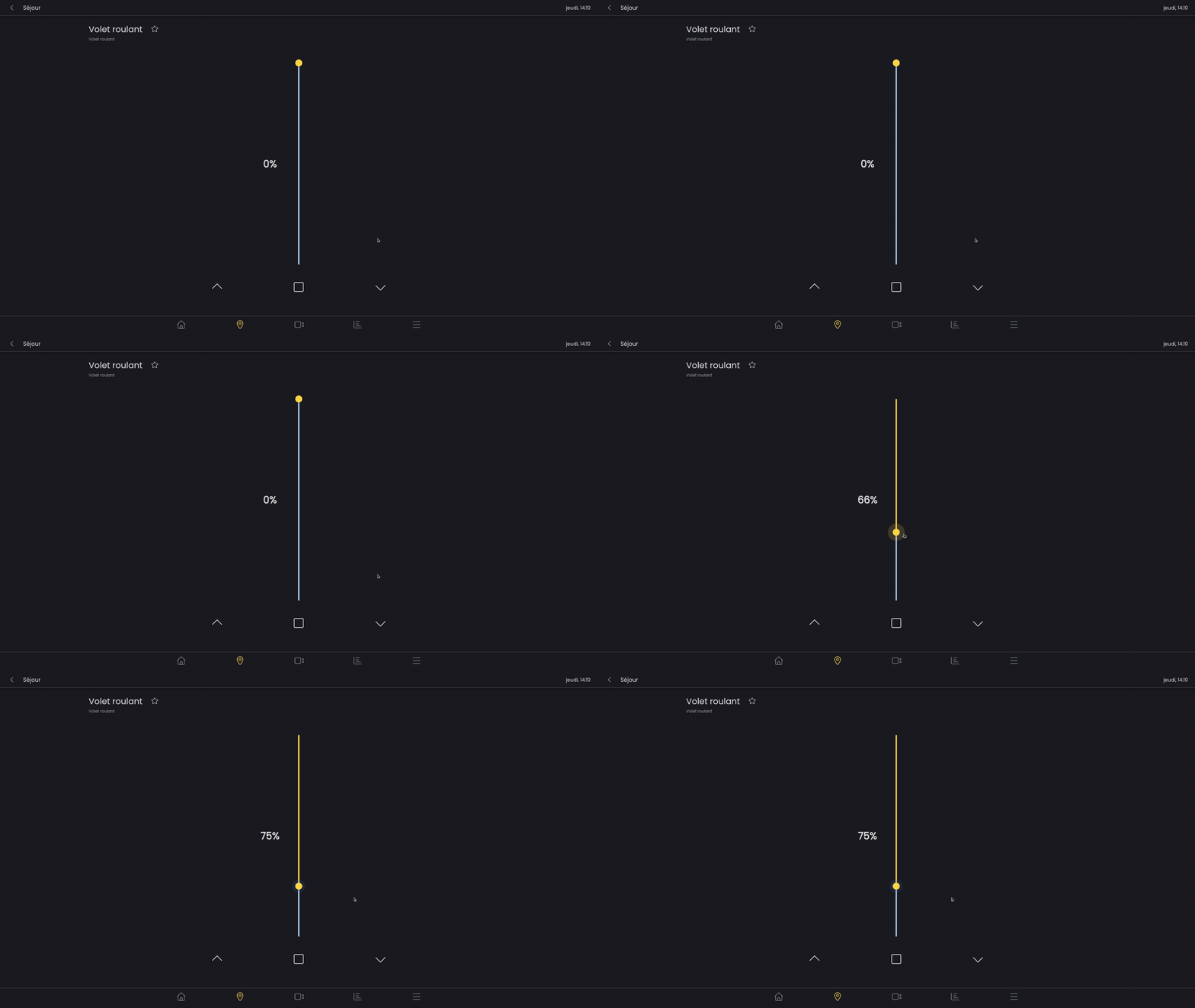
A roller shutter or fabric awning can be controlled according to its position (height) using the slider.
The chevrons at the bottom of the screen allow the blind to be raised/lowered, just like a physical button would.
If you press and hold the chevron-shaped buttons, you can adjust its position.
The square button stops the blind from raising or lowering.
Two-part fabric awning
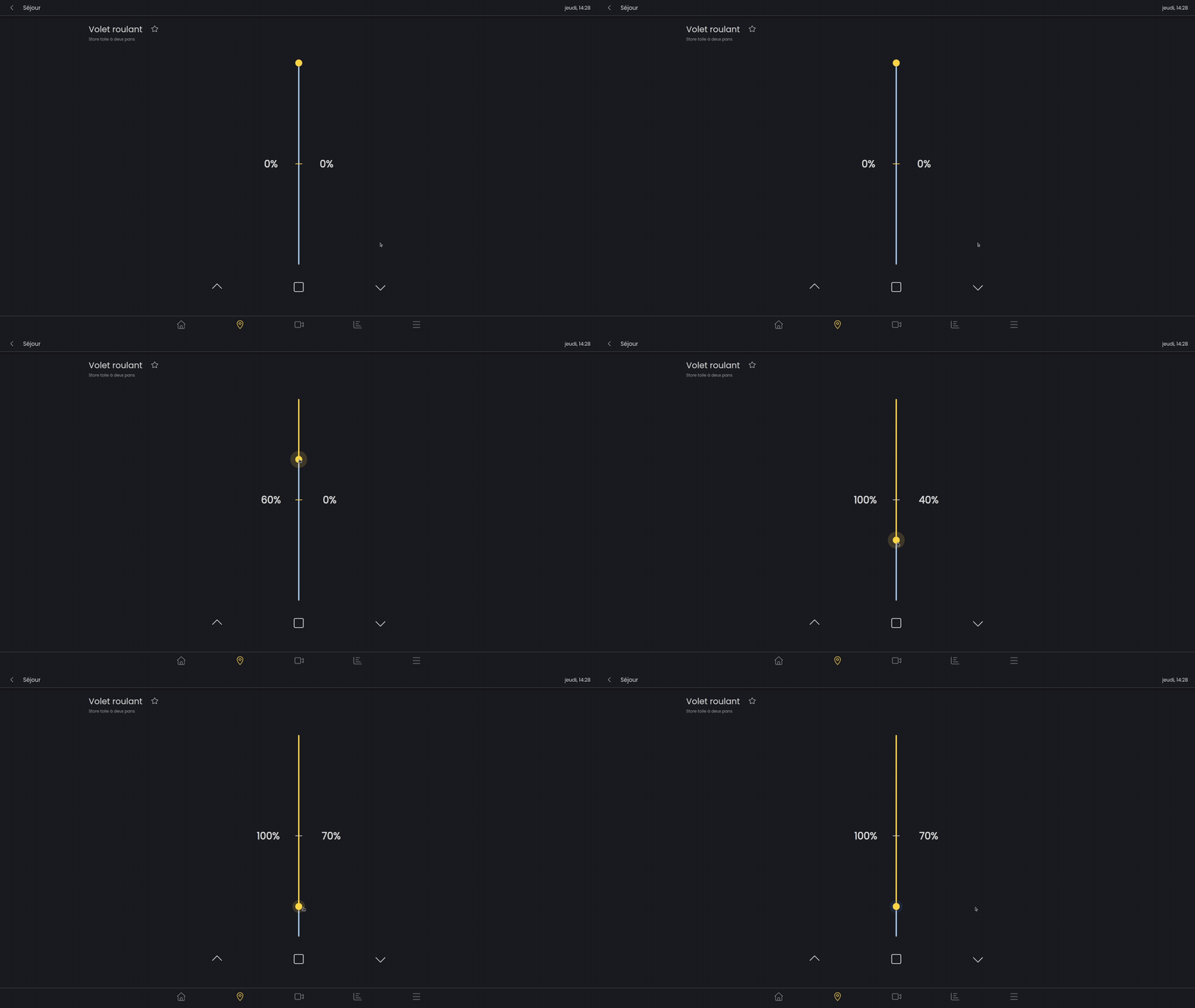
The two-part fabric awning is adjusted using a single slider. The “horizontal” part of the awning is represented by the first percentage and the first section of the slider. The vertical part of the awning is represented by the second section of the slider and the second percentage.
To open the vertical part, the previous part must first be fully opened. (On this type of awning, to ensure strength and stability, the vertical part must only be opened once the horizontal part is completely open).
Solar tracking
You can quickly resume tracking mode for a shading device by clicking the badge located above the quick actions. It is not possible to switch it directly to manual mode.
However, any other quick action performed on this shading device will automatically switch it to manual mode.
Heating
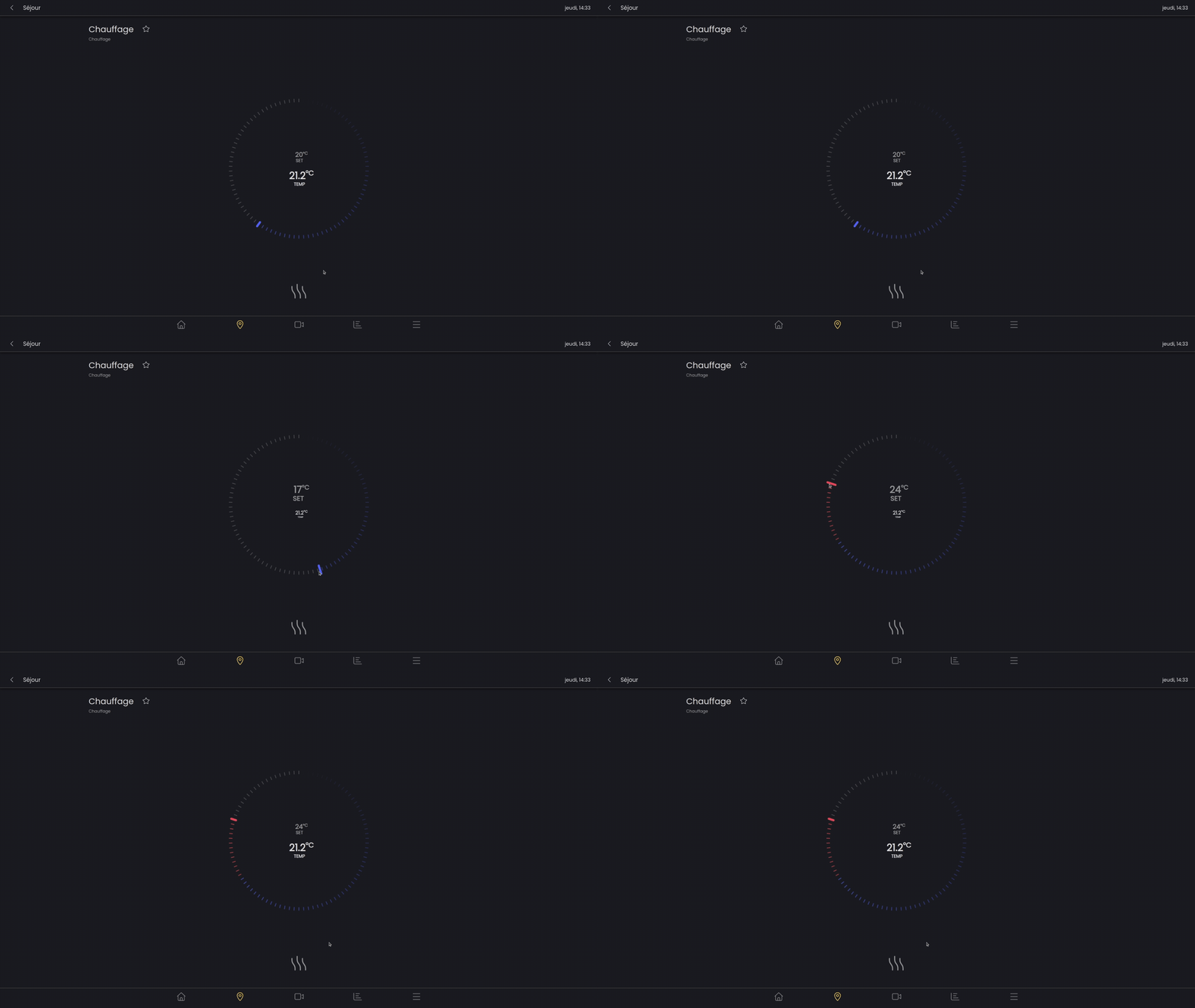
The heating component is used to set the desired temperature for the zone.
The temperature at the bottom (lighter and larger) shows the desired temperature set by the slider. The temperature at the top shows the current temperature of the room.
The slider stays blue as long as the selected temperature is below the current temperature. If the desired temperature is higher than the current temperature, it will turn red.
At the very bottom, the heating icon turns red when it is heating, or blue otherwise.
Switches
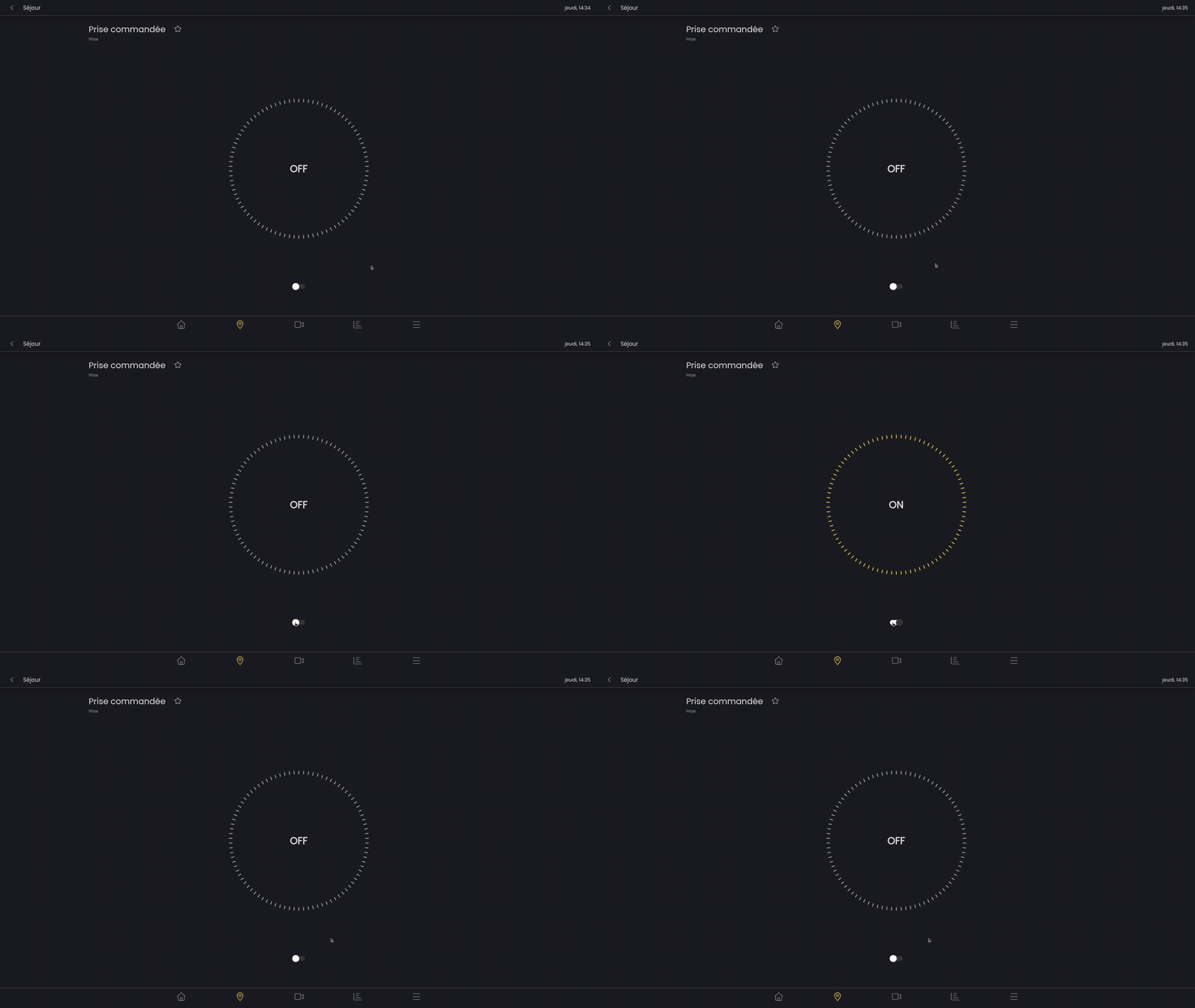
Switches can, for example, be controlled outlets. They can be turned on and off using the switch.
Sectional door
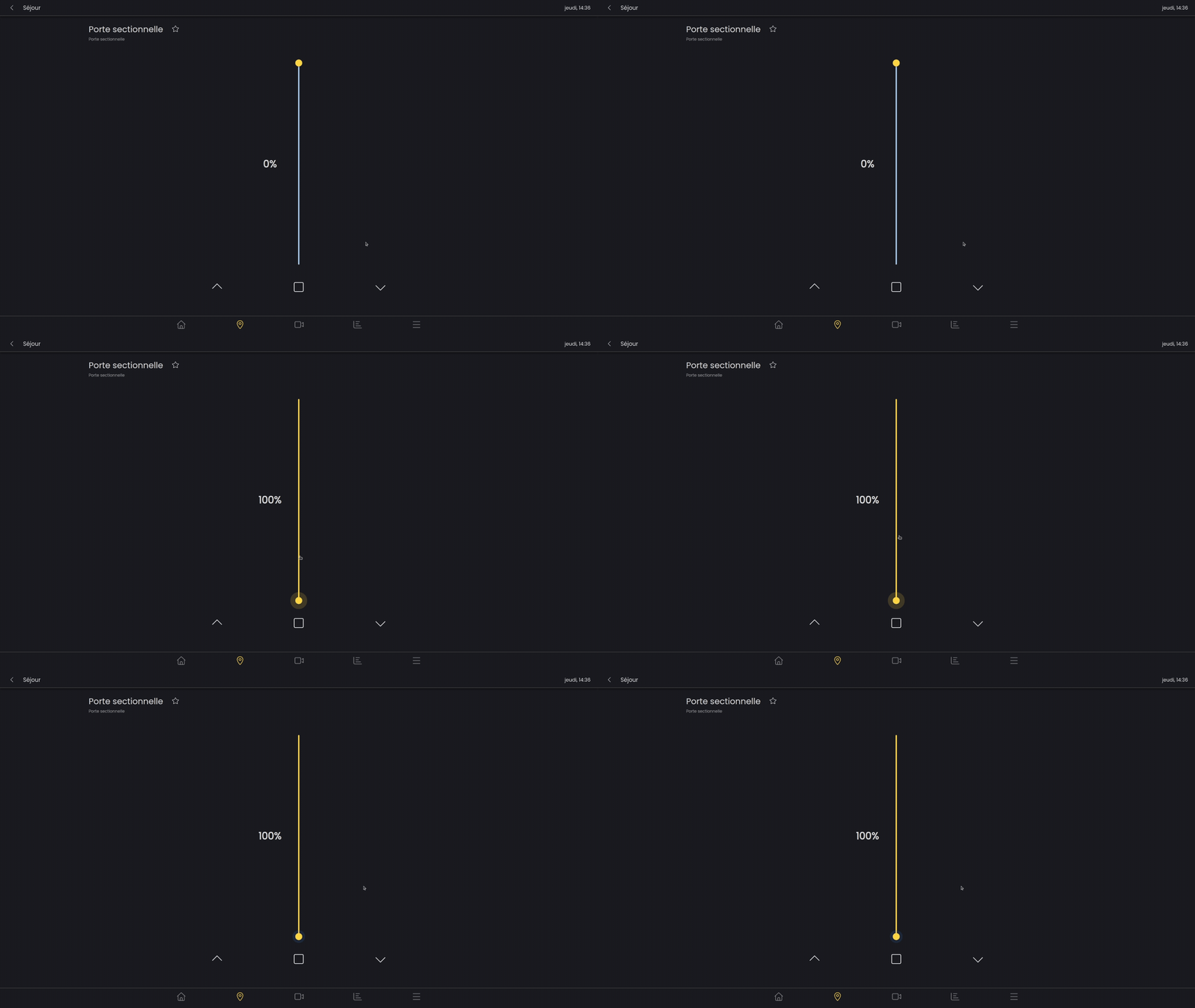
A garage door can be opened or closed using a slider, or the chevrons and the stop button.
Pergola
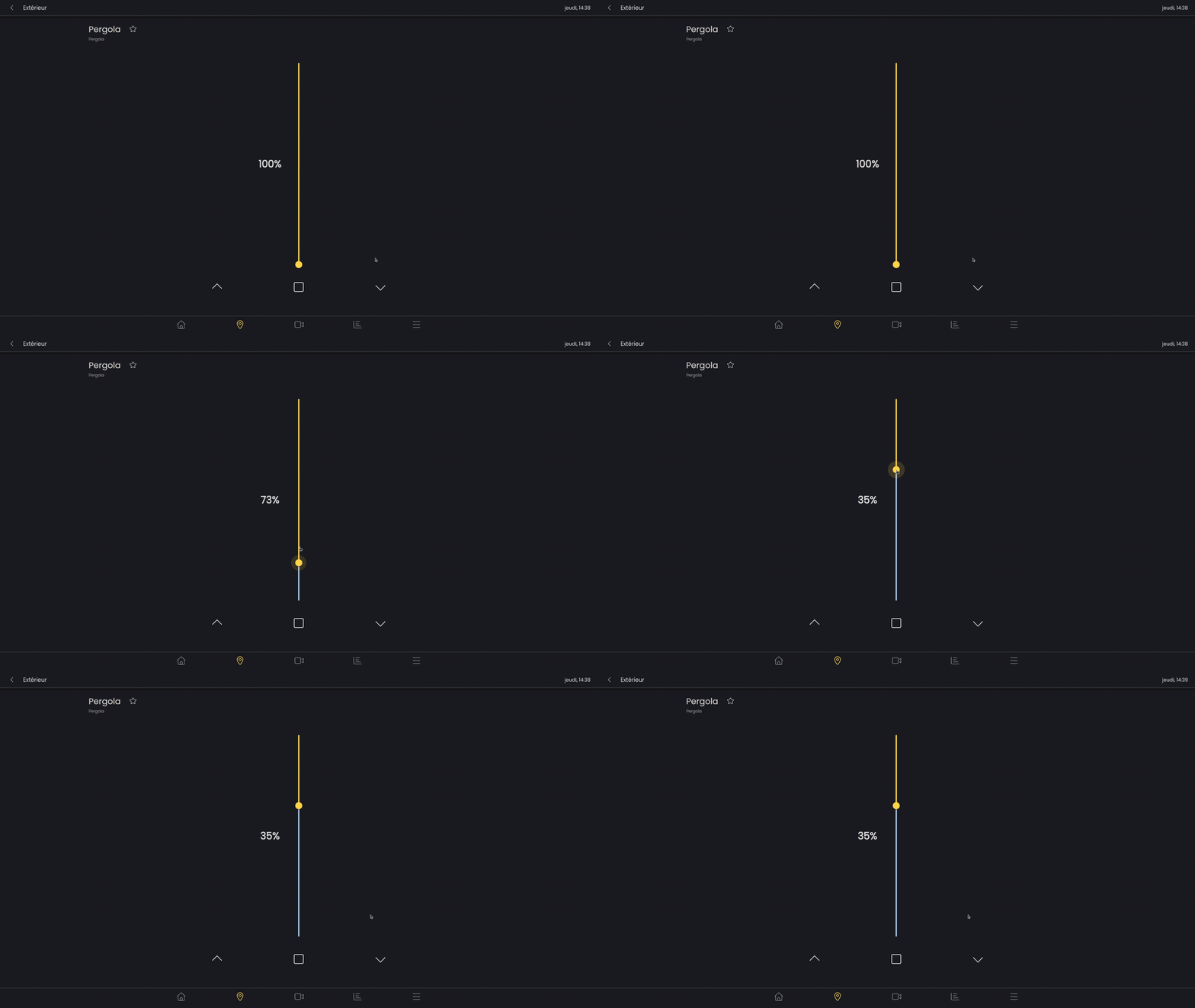
The orientation of the pergola's louvers is adjusted simply using a slider. (0% open at 90° and 100% closed)
Pool cover
A pool cover can be controlled according to its position using the slider.
The chevrons at the bottom of the screen allow the pool cover to be raised/lowered, just like a physical button would.
If you press and hold the chevron-shaped buttons, you can adjust its position.
The square button stops the pool cover from raising or lowering.