In the user settings, you can configure the local users who can access LAHOCO and view the cloud accounts with access.
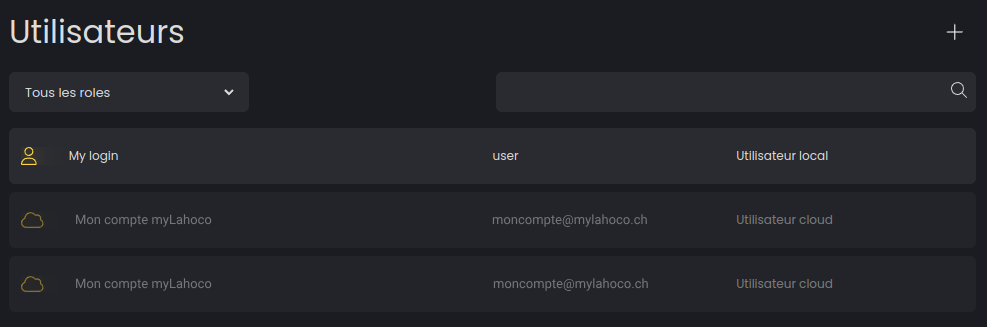
You can add a new local user by clicking the '+' icon located at the top right.
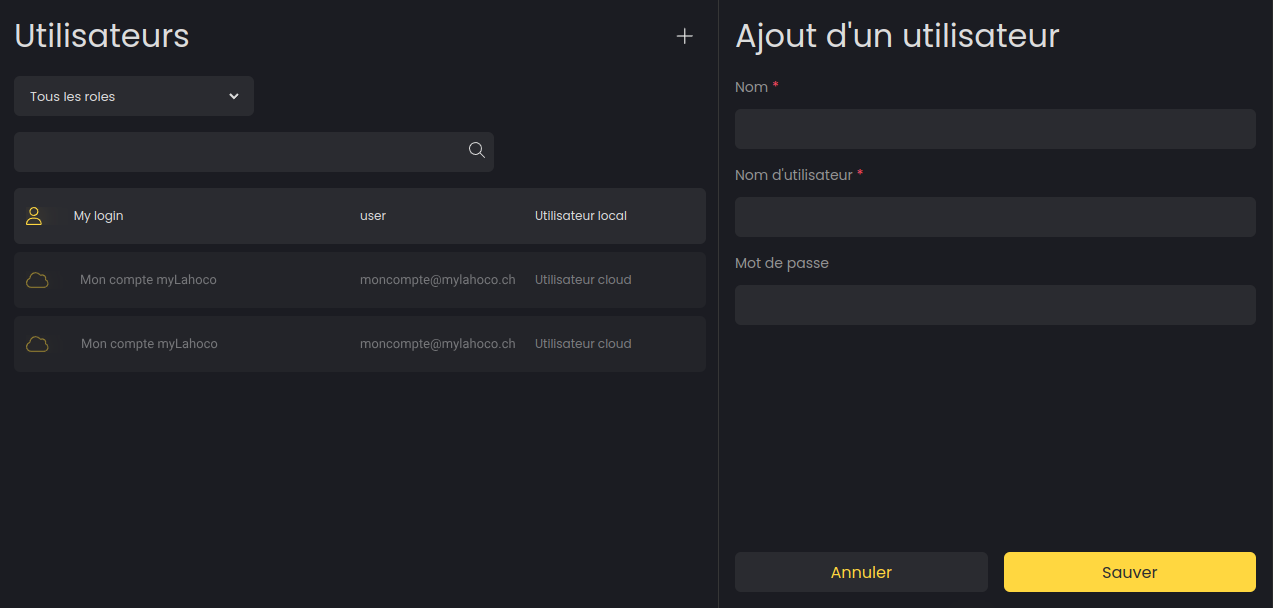
You can modify your local users by selecting the one you wish to edit.