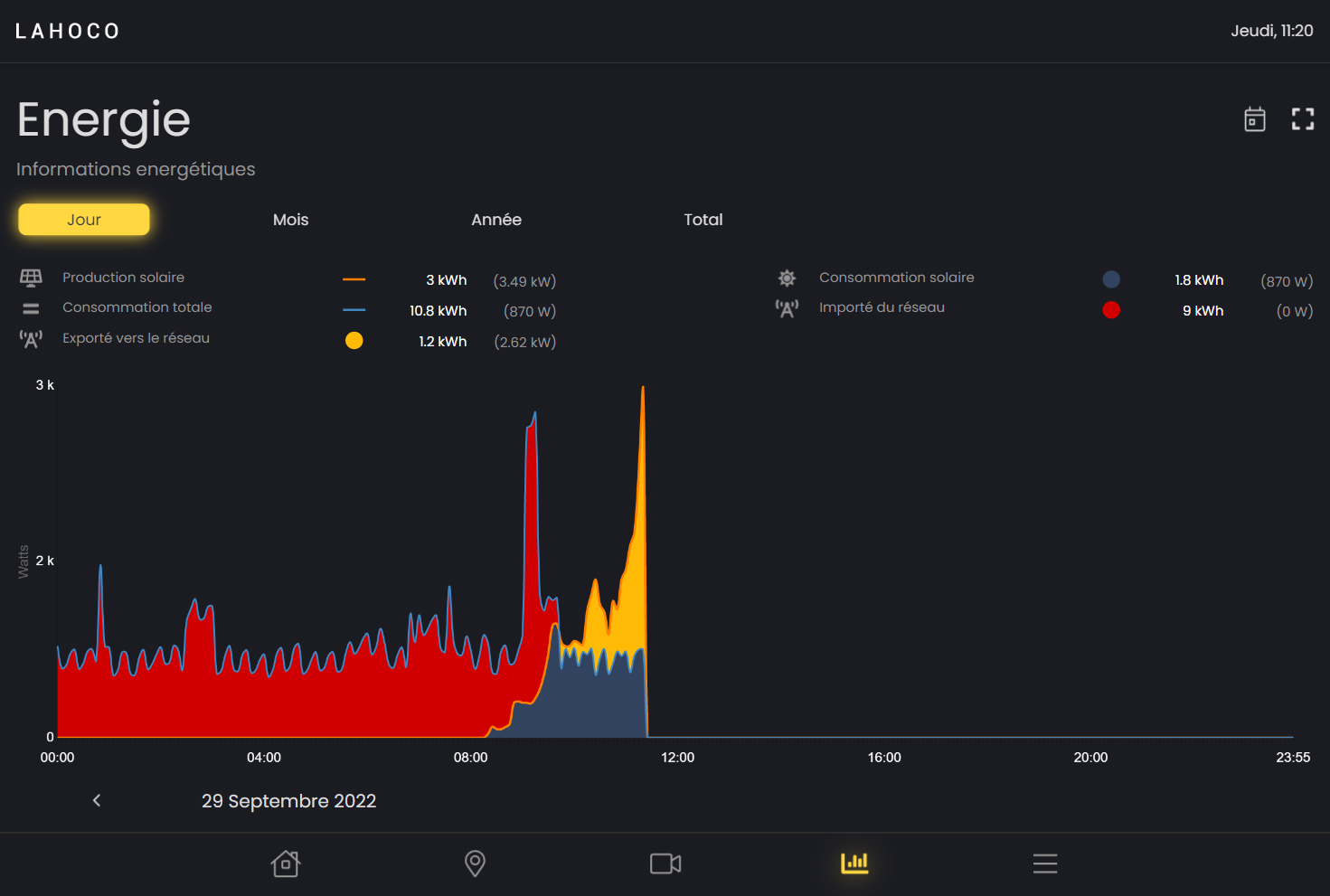
This page is only accessible to Lahoco installations with the Energy pack. This LAHOCO pack allows you to monitor your electricity consumption and production.
Graphics
You can choose between 4 different graphics:
-
Daily
-
Monthly
-
Yearly
-
Total
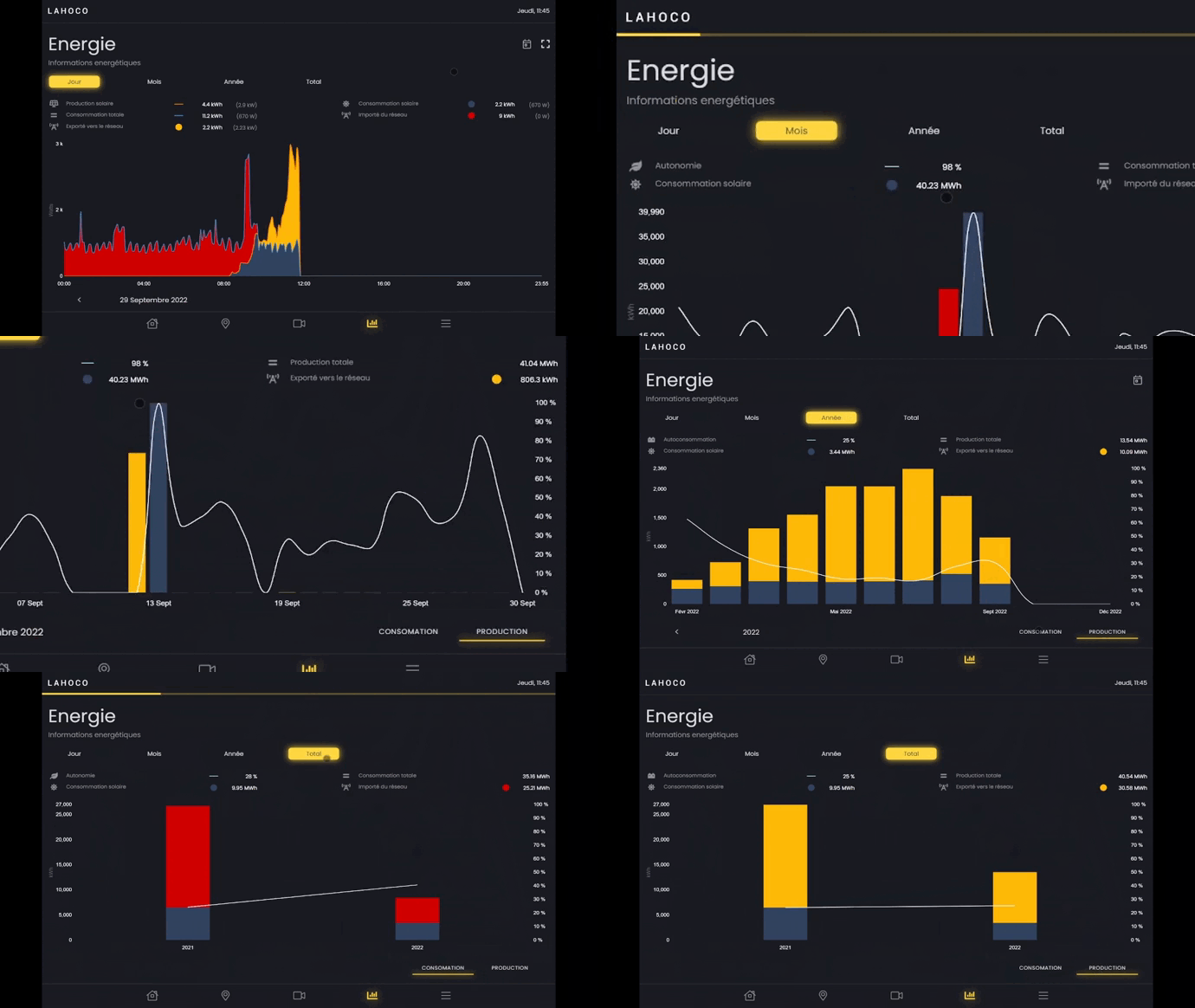
In the "Monthly", "Yearly" and "Total" graphs, you can change the type of graph to be displayed at the bottom right. These two types are "Consumption" and "Production".
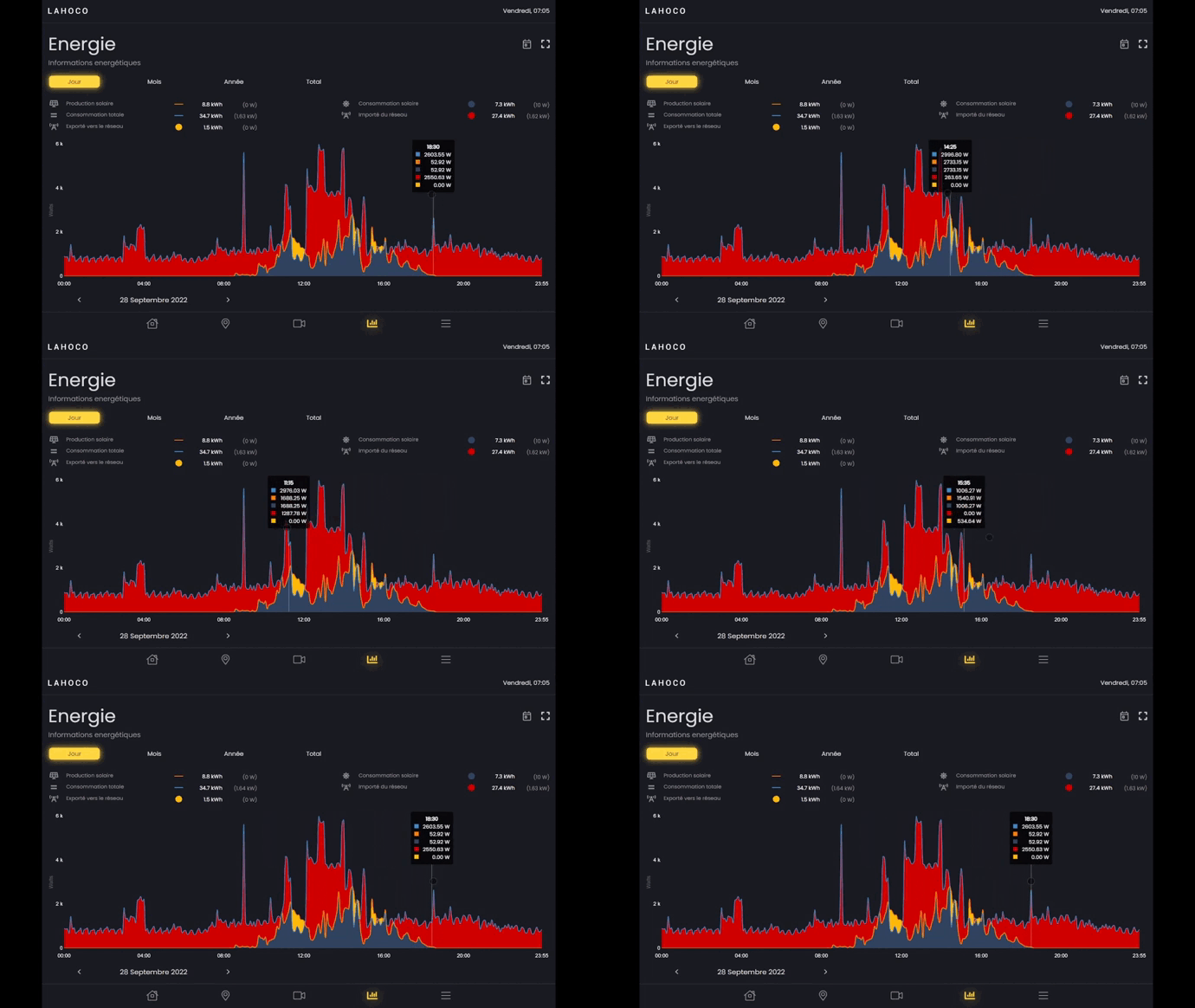
See a specific piece of data over time
You can view a specific piece of data over time simply by hovering over the graph with your finger or mouse.
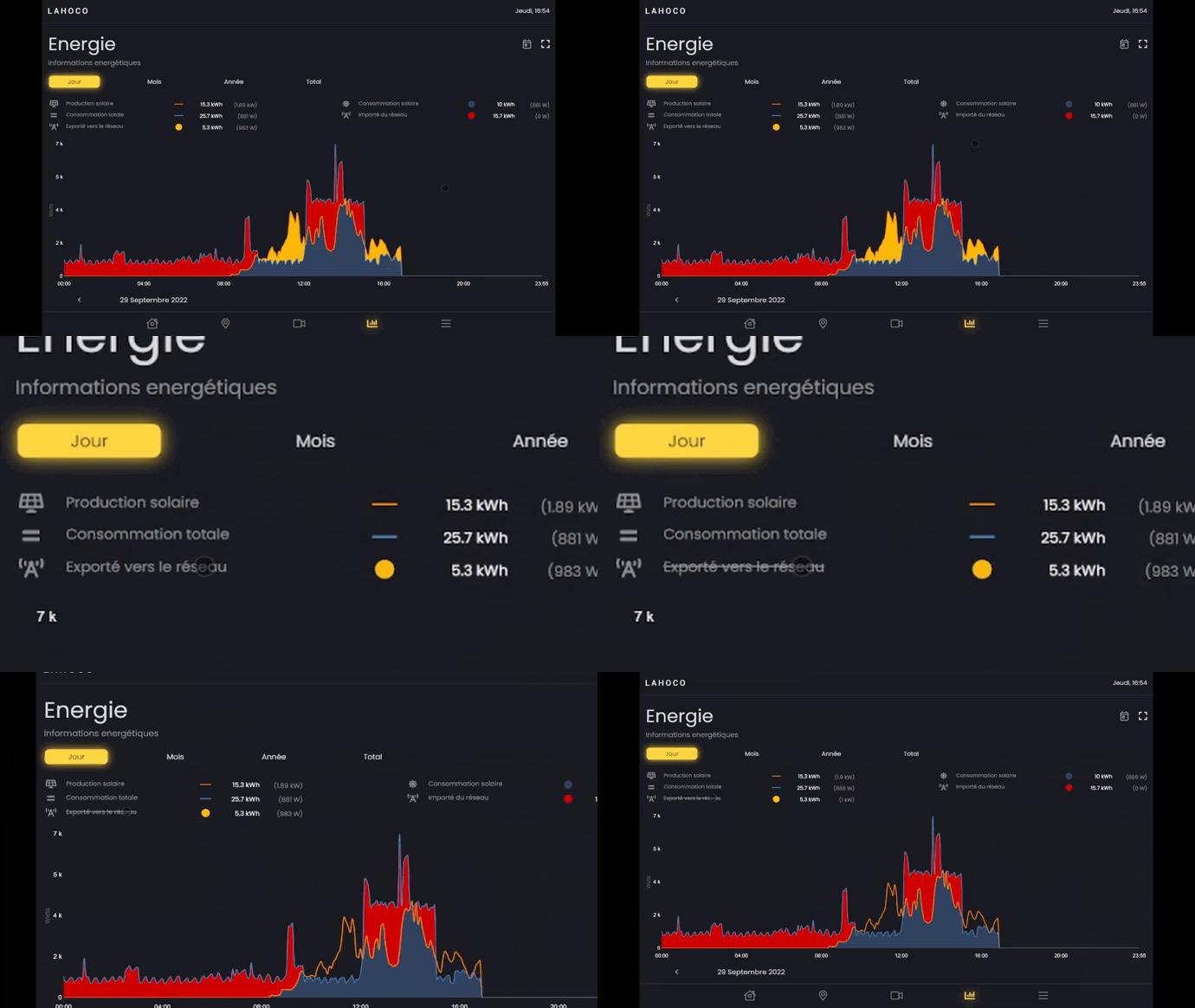
Legend / modification of graphics
For each graph, it is possible to show or hide elements of a graph by clicking on its legend.
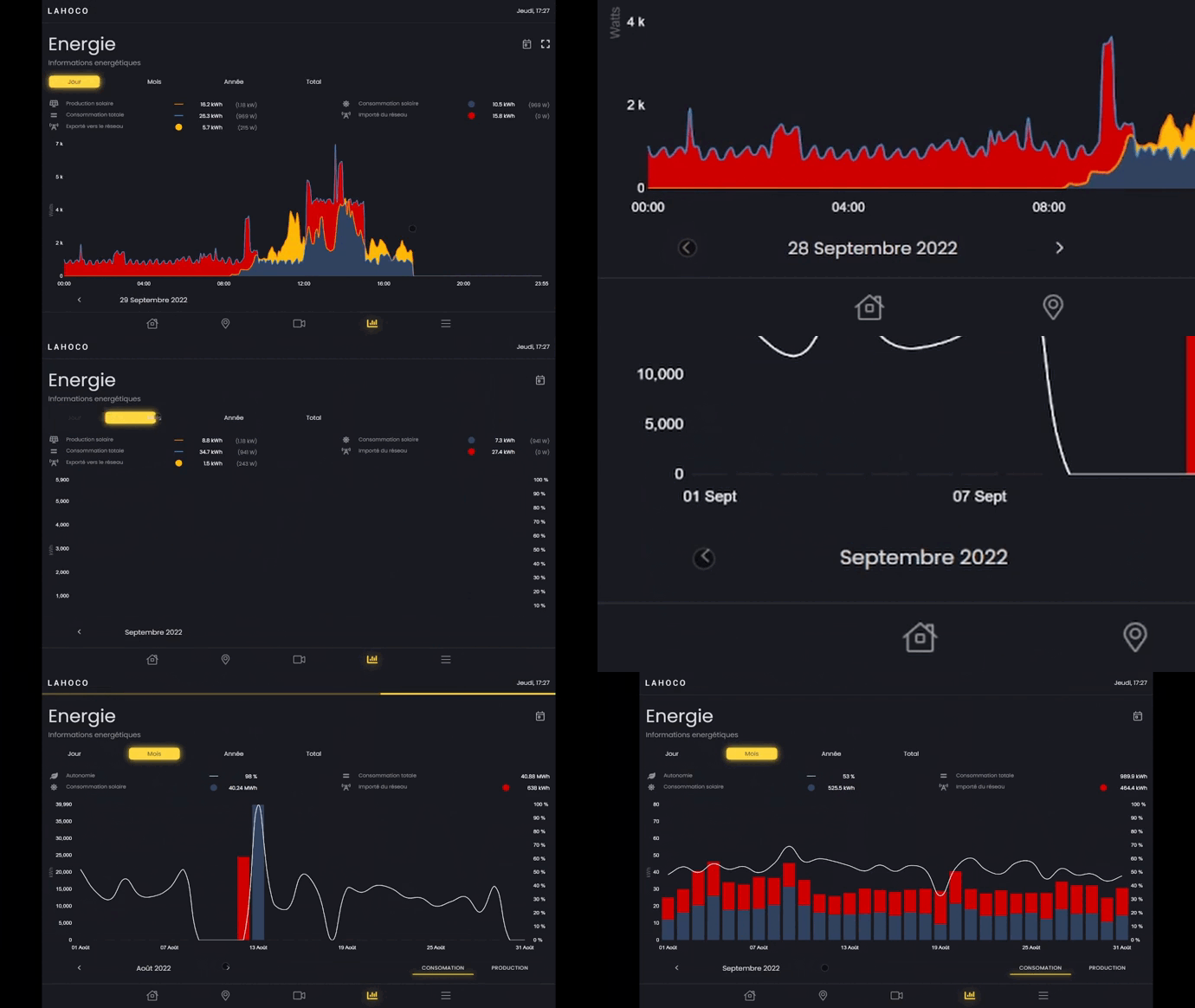
Back in time
You can change the day, month or year to view previous data.
Options
On the 'Daily', 'Monthly' and 'Yearly' charts, you can quickly return to today's date using the calendar-shaped button at the top right.
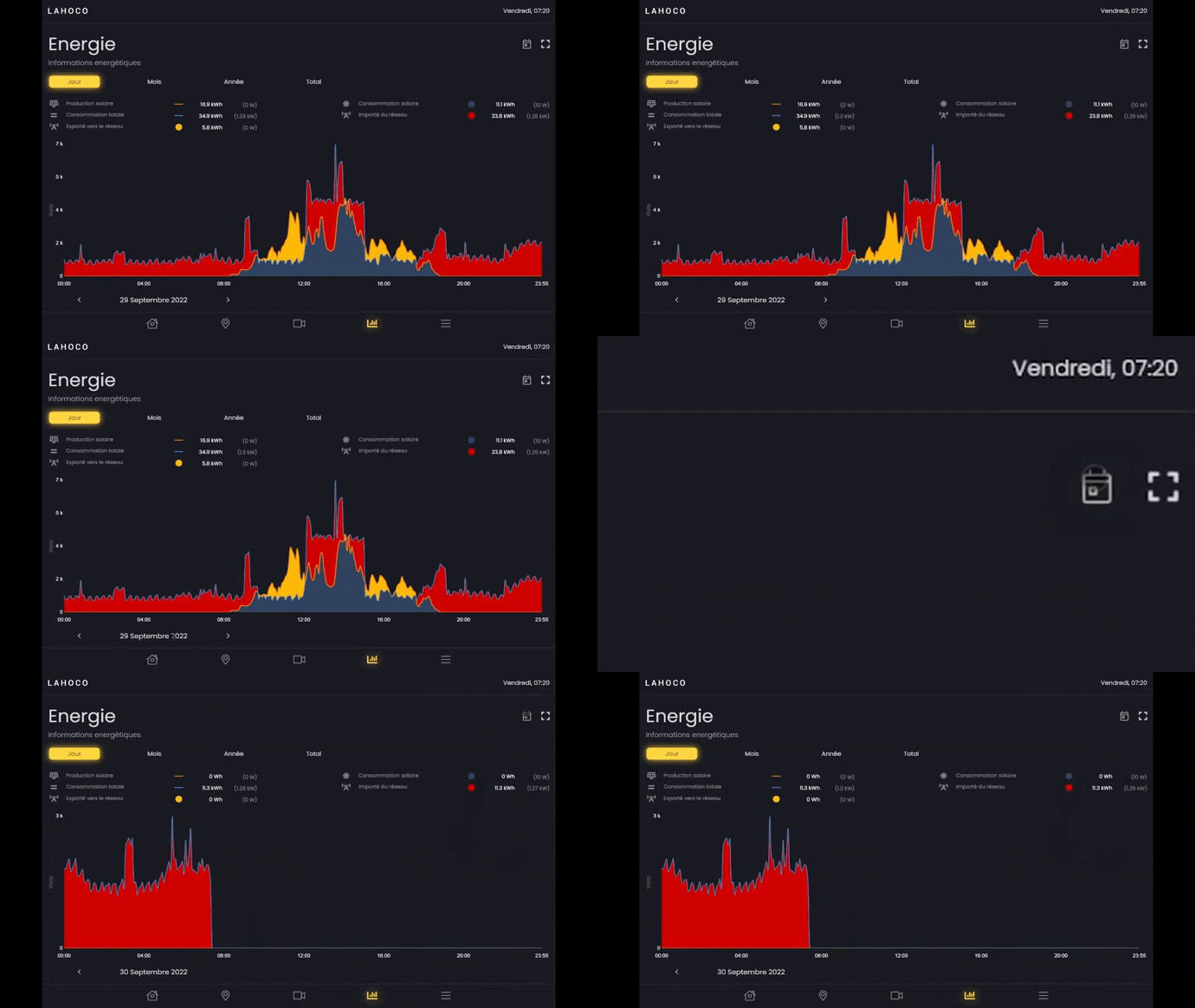
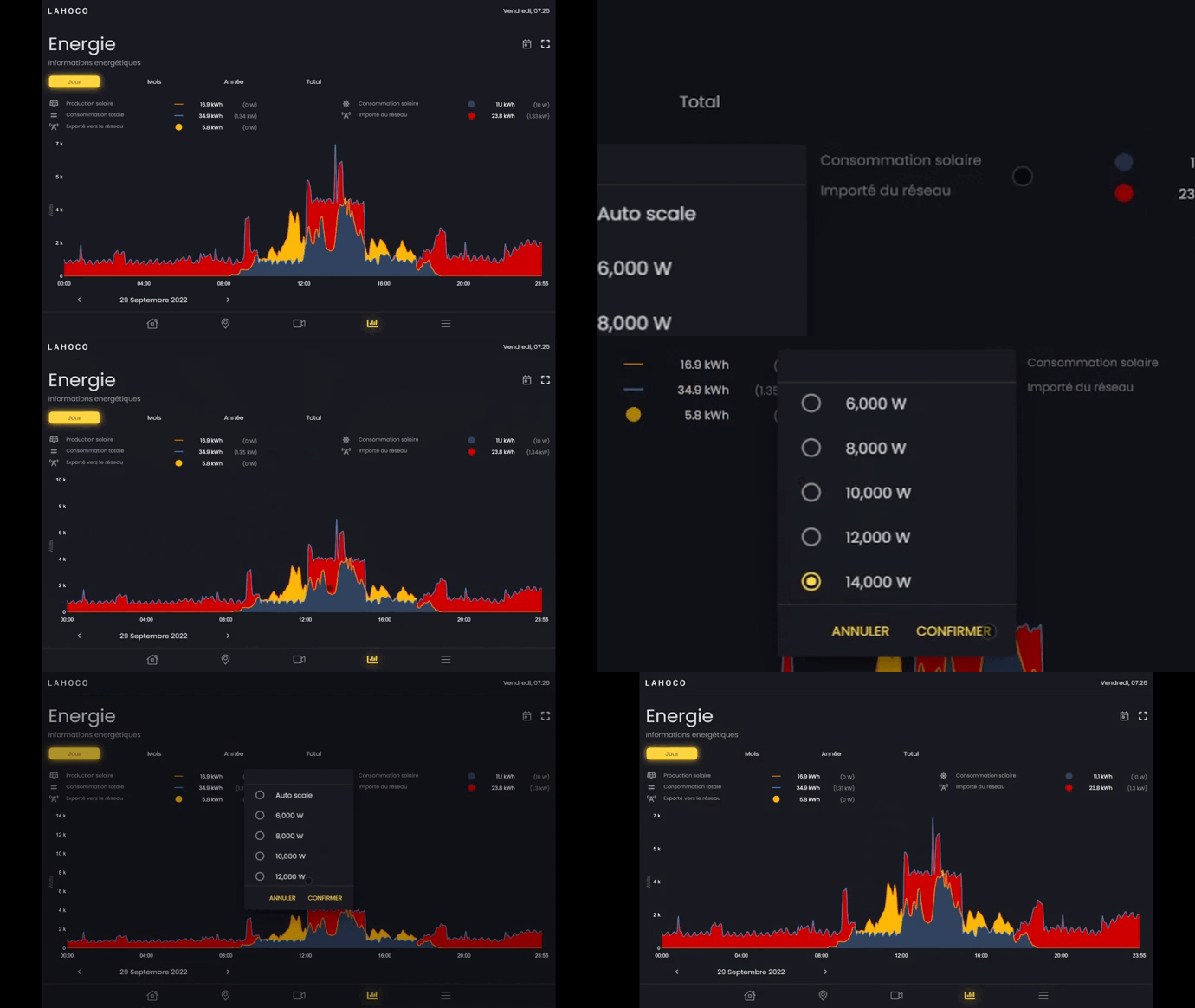
You can also change the scale of the graph by clicking on the square icon at the top right and then choosing the maximum height value you want for the graph.